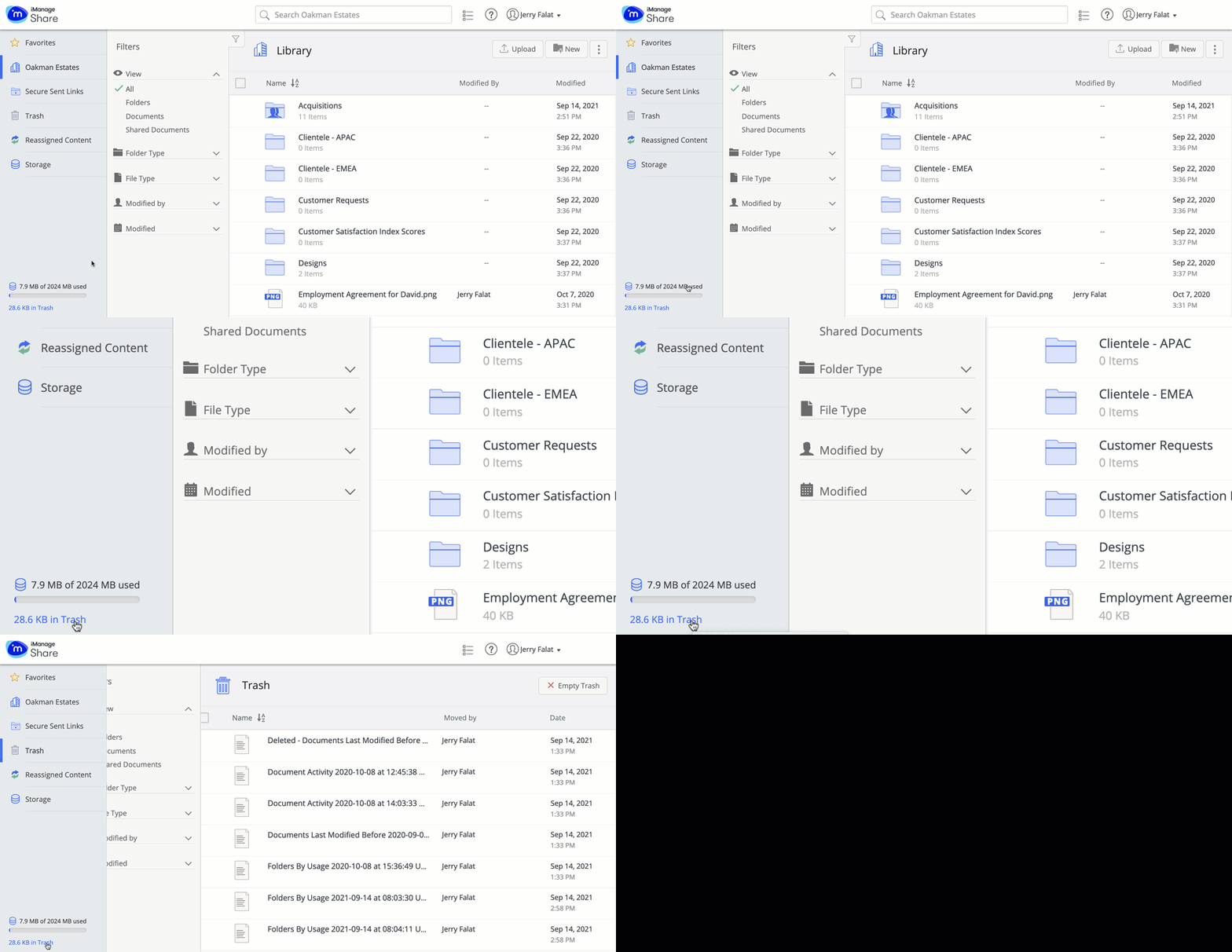
iManage Share allows you to manage the storage space allotted to you by your company administrator. Your real time storage consumption is available at the lower left corner of the screen. Select the link below the storage meter to open Trash.
Figure: Real time storage consumed
Selecting Storage on the left panel displays the space consumed by each item within your iManage Share account. You can use the Modified date and File size filter to quickly decide which file to trash.
Figure: Storage in iManage Share