iManage Share enables you to share a link to a Shared folder with other user(s).
The recipient(s) can use this link only if they have:
An active iManage Share account.
An account that is a member of the folder share with a minimum of Guest access.
To obtain the Share Link:
Hover over a folder and select
 >
>  Share Link. (Optional) Right-click the folder and select Share Link , or open the folder and select > .
The Share Link screen is displayed, as shown in the following figure:Figure: Share link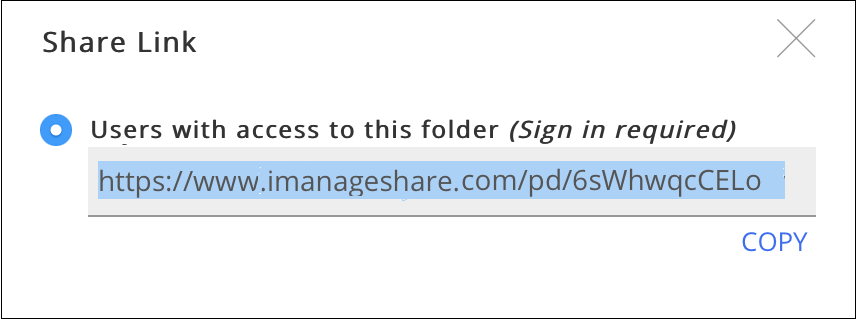
Select Copy to copy the link to the clipboard.
This link can be shared with the desired user(s).
When the recipient selects the link, a login screen is displayed. After the correct credentials are provided, the recipient is directed to the folder and its contents.
If share access for a folder is revoked for a recipient, or if the recipient tries to share the link with someone who does not have an access to the folder, a Not Found message is displayed, as shown in the following figure:
