The User Overview section has the total number of iManage Share users segregated by user status. A sample User Overview report is as shown in the following figure:
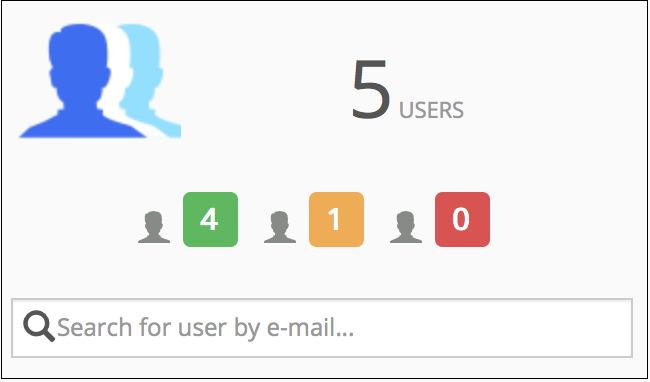
In the above sample:
 : number of activated users.
  : number of created users who are not Activated.
 : number of suspended users.
Select User Overview to add more users to iManage Share. For more information, see Managing Users.