You can run or download the following reports from iManage Share:
Public Documents
Shared Folders
Document Activity
Content Admin Sessions
Folder Usage
Documents Last Modified
Groups
Client-Matter Usage
User Usage
Selecting reports with the Download option, downloads the report immediately using your browsers default file download behavior. Selecting reports with the Run Report option, queues the report in the background, and an email containing the report download link and the Share Admin Reports folder link is sent to you upon report completion.
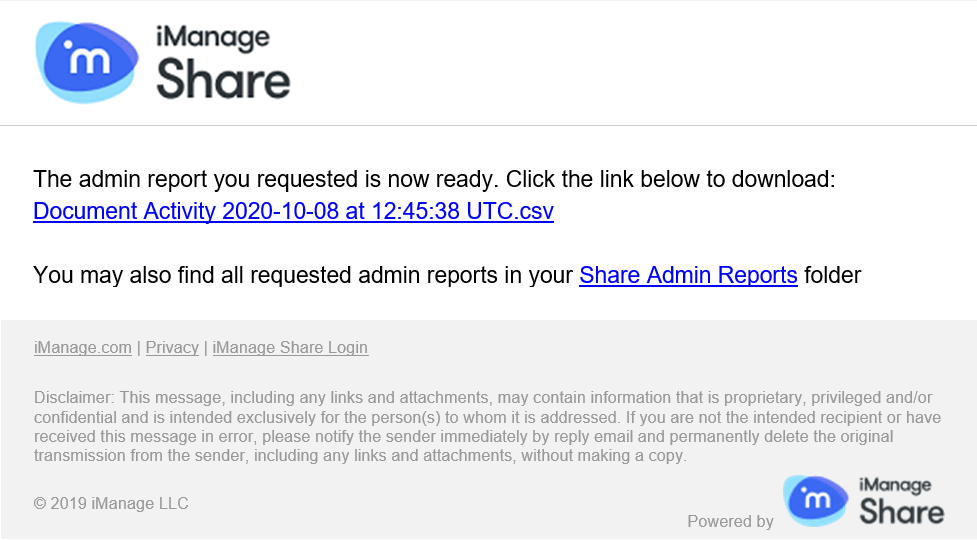
The Share Admin Reports folder is automatically created when administrators run a report in iManage Share. This folder is viewable by administrators in the company view and contains all reports that are generated by administrators using the Run Report option.
Select the
 icon next to your name at the top.
Select Settings > Dashboard > Reports.
The Reports screen is displayed.Figure: Reports in iManage Share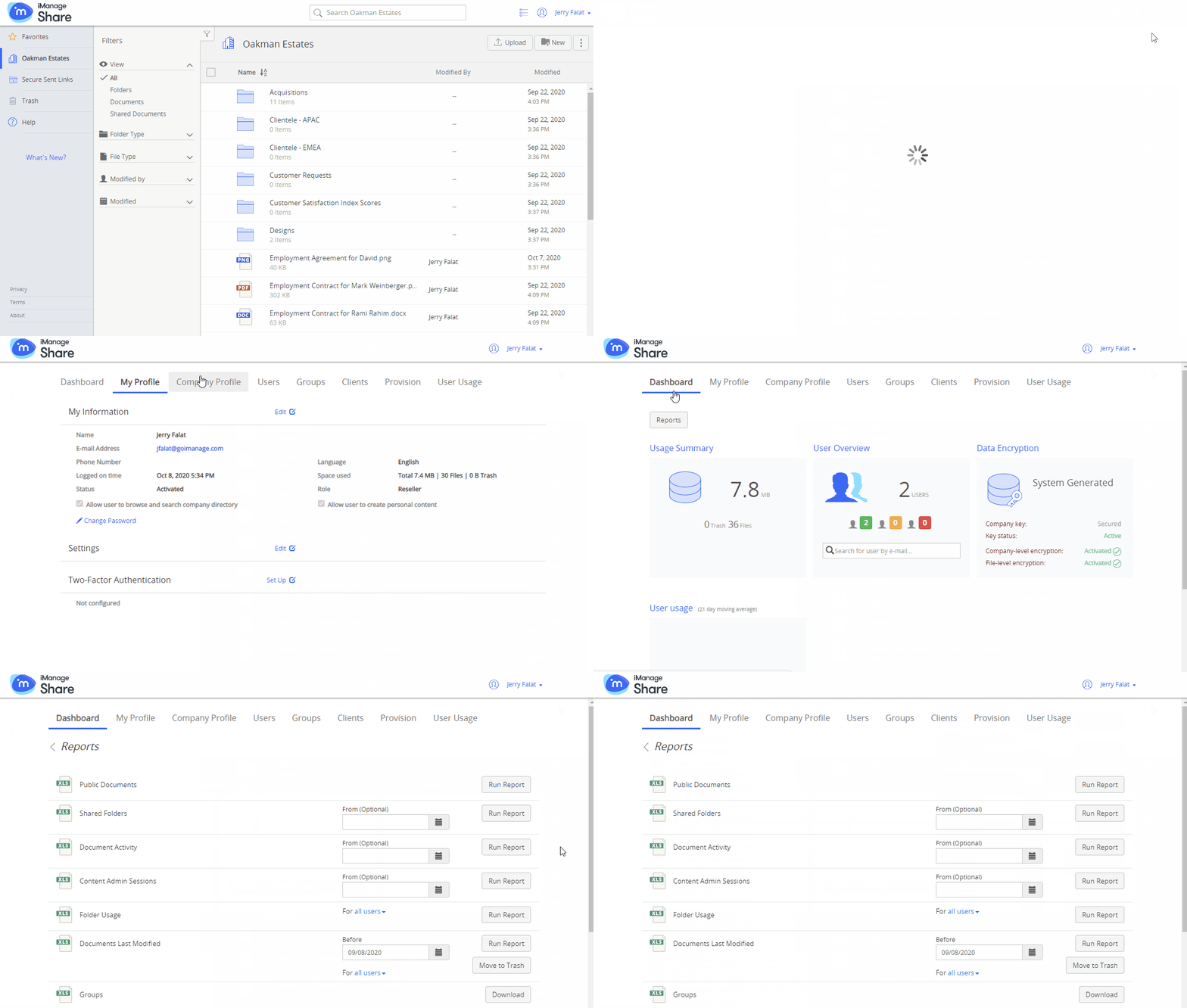
NOTE:
The time zone for all times in the reports is Universal Time Coordinated (UTC).
For more information, see: