To create a table,
Select Tables
 in the left pane to open the Table pane.
In the table pane, under Recent tables, select
 New table.
(Optional) Alternatively, select View all tables to open the Tables page and select
 to create a new table.
 In the new table page that displays, select Add documents.
Browse and add the documents you want to add to the table. The table is created as shown in the following figure:
Figure: Documents in tabular view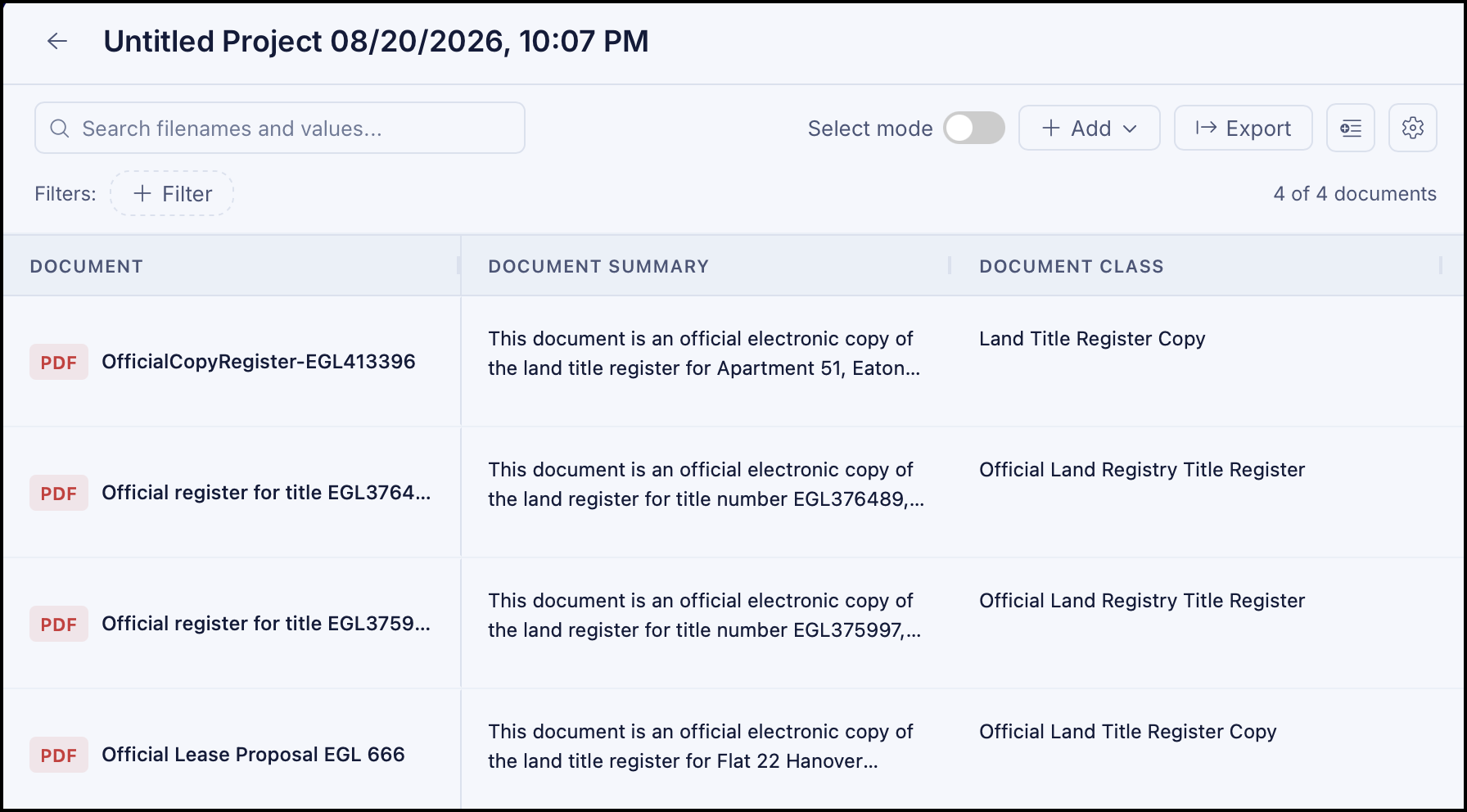
The following columns are added by default.
Document summary
Document class
Document title