When you perform a search, they are available in the Search panel by default. You can view existing search by,
Select Search in the left panel.
All the searches are displayed under Recent. All the saved searches are displayed under Saved.Figure: Viewing existing searches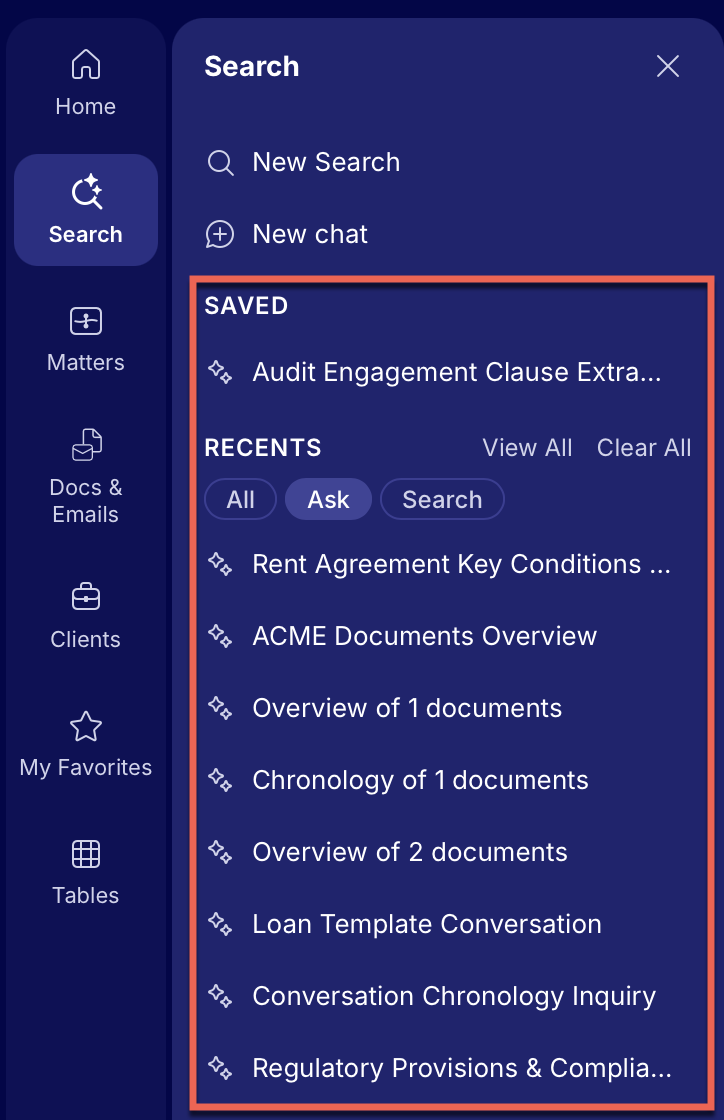
You can select Search in the Search panel to narrow your results to just keyword searches (both simple and advanced searches).
Figure: Selecting Search in Search panel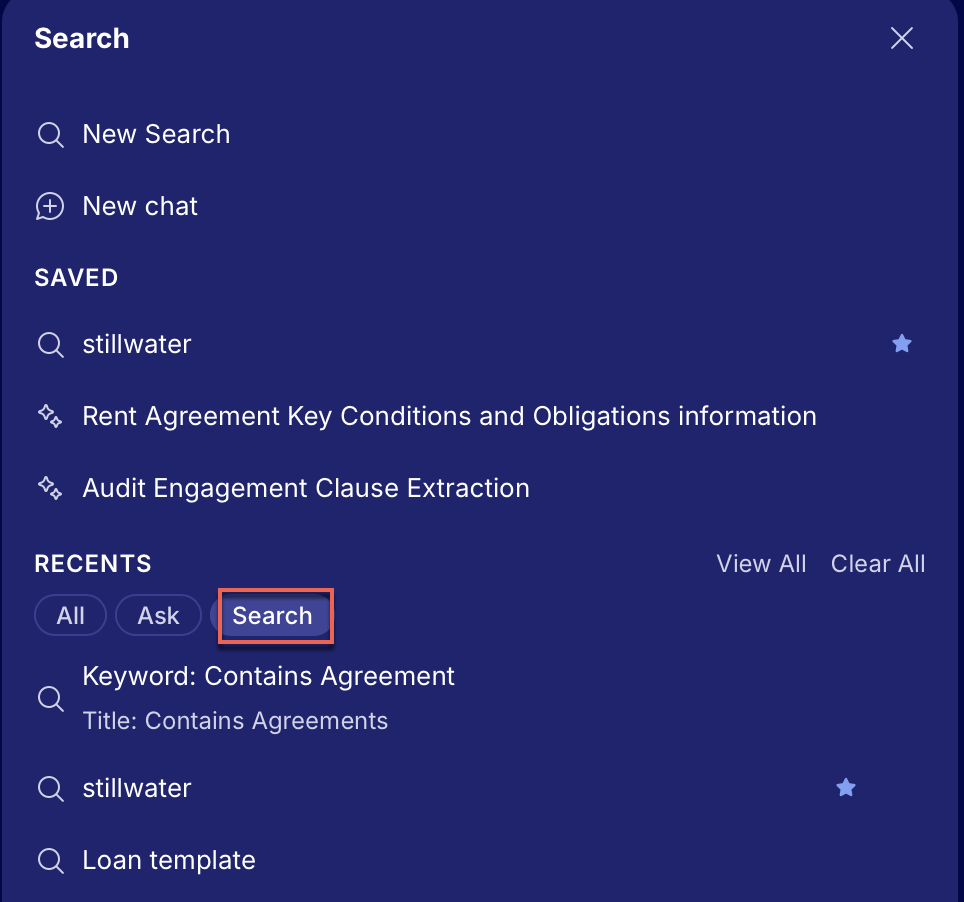
Alternatively, select View All to open all the searches on the History page. On the History page, select Search to narrow your results to just keyword searches.
Figure: Access searches in History page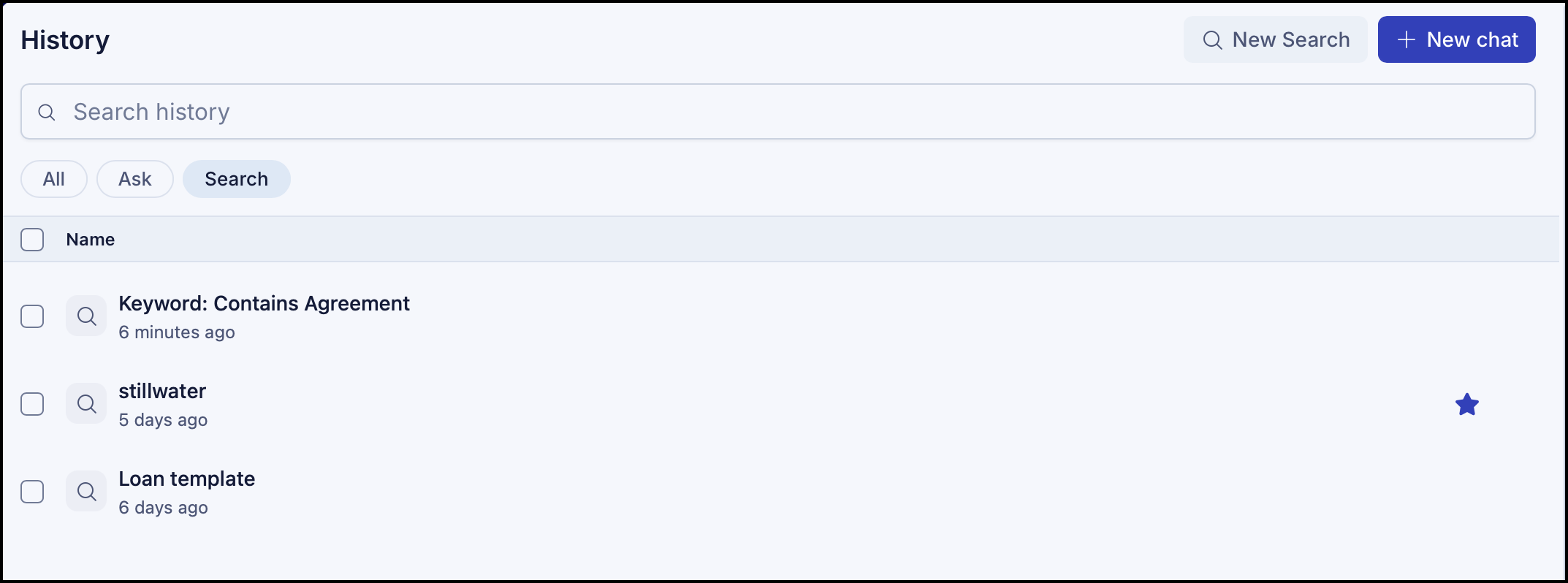
Select the search you want to view and it opens in the Search page.