iManage Threat Manager routes notification messages through your mail server. You must specify a mail server (for example, your production mail server) and sign-in credentials to route notification messages.
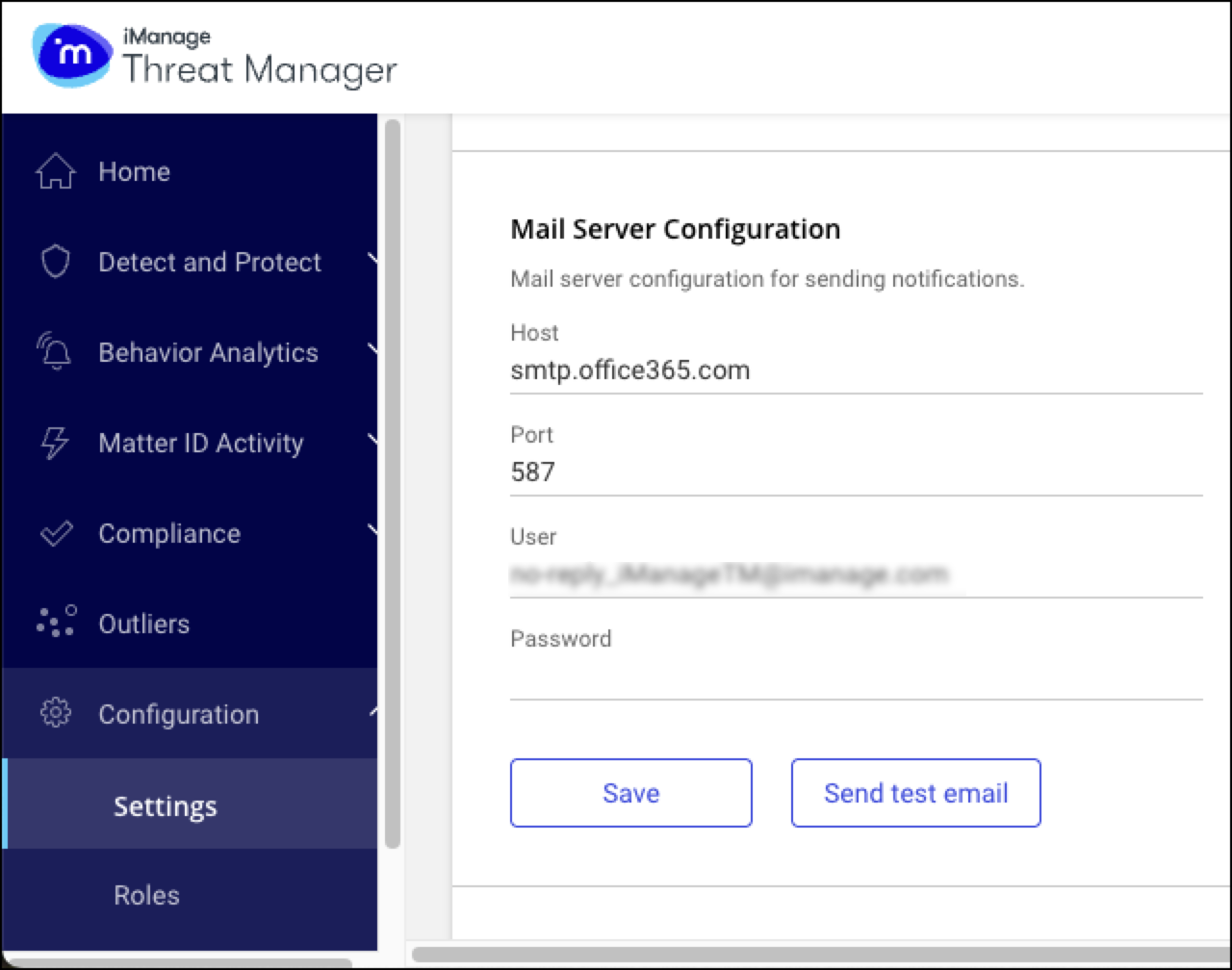
Mail server fields
Host: The fully-qualified DNS name of the mail server.
Port: The port is displayed by default. You can change the port number.
User: The mail server user name. The value for the User depends on your mail server configuration. The account must have the necessary permissions to send emails, either internally or externally, as required.
Password: The password for this user name.
Task: Configure the mail server
Use this procedure to specify a mail server for Threat Manager notification messages.
In Configuration > Settings > System > Mail Server Configuration, enter values for Host, Port, User, and Password.
Select Save to make and save the connection.