After sharing the link to a document/email link with others users within your organization, when they select the link, they are directed towards the preview of the document/email version whose link you had shared. If you have added/uploaded a new version of the document/email after sharing the link, the recipients are automatically directed to the latest version of the document/email even if they're accessing using the previous version's link.
Select the link to the document/email you have received.
The document/email opens in the preview mode.
If you're viewing the latest version of the document/email, you are presented with the option to view the original version. Select View the originally linked version from the floating banner.
Figure: Viewing the originally linked version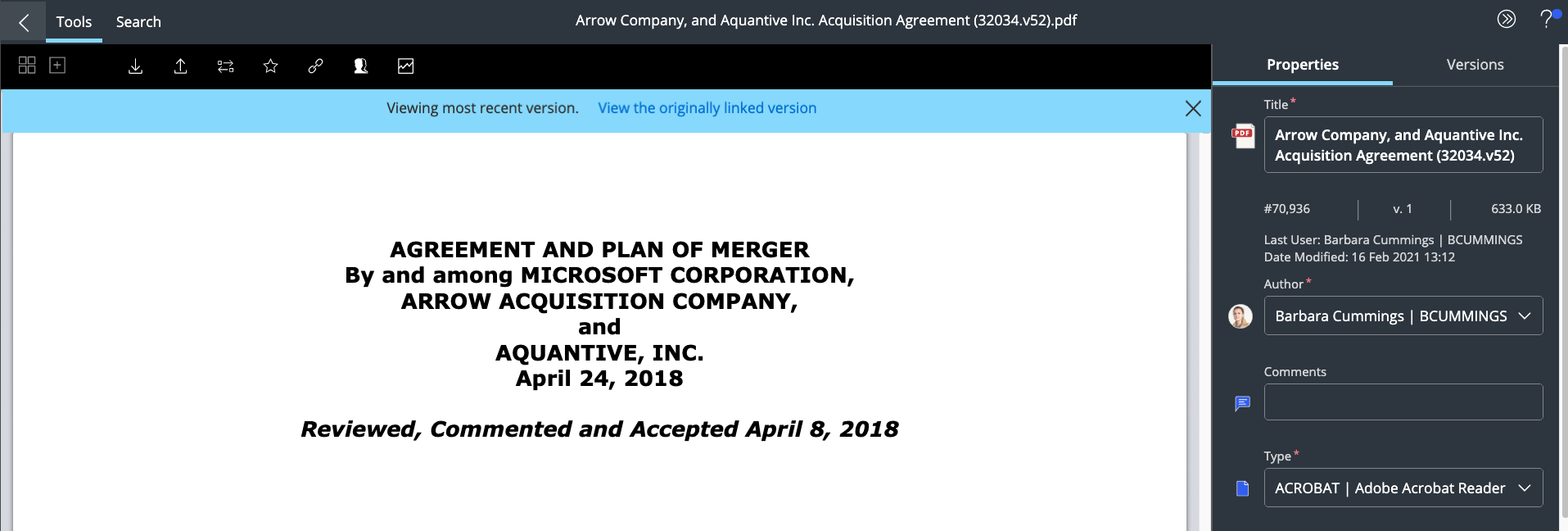
OR
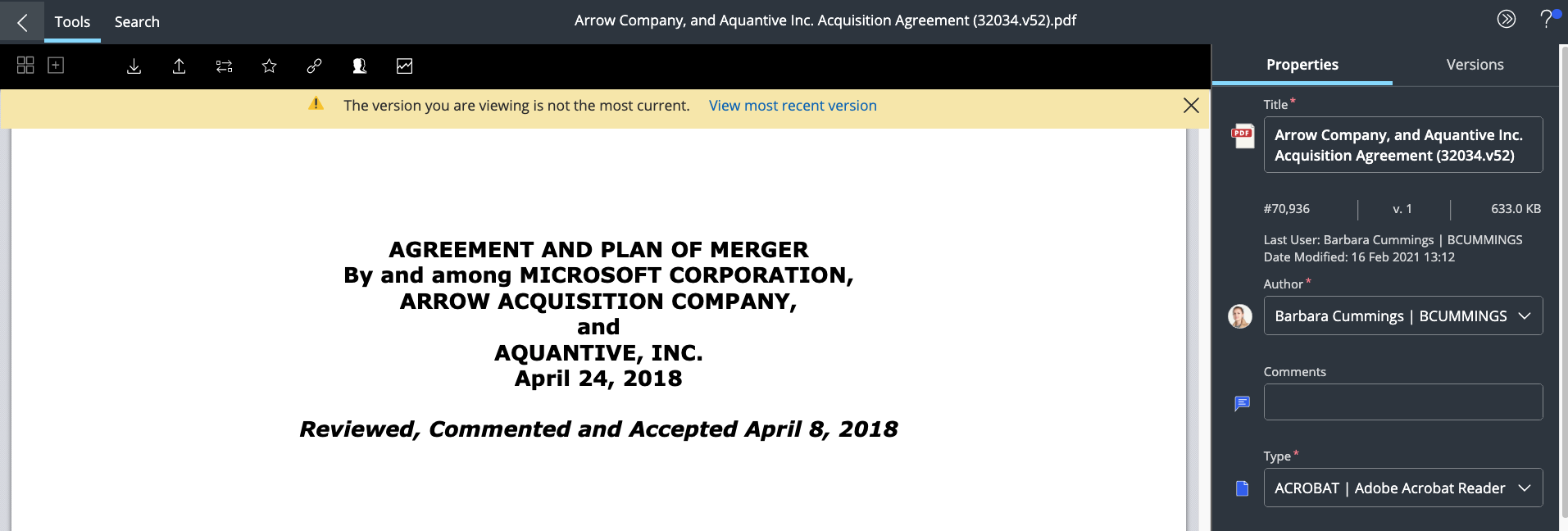
If you're viewing the original version of the document/email and the author has added/uploaded a new version, you are presented with the option to view the most recent version. Select View the most recent version from the floating banner.
Figure: Viewing most recent version