You can add references for document(s) to multiple folders using drag-and-drop.
Select the document(s) you wish to add to a folder.
Hover over the tree nodes to expand the containers within.
When you locate the destination folder where you wish to add a reference or shortcut to the document(s) press the Shift key (Command (⌘) key in Safari Browser on Mac) and then drop.
The behavior and the key used for this feature may vary based on the browsers and operating system used. For more information, refer to Keyboard functions for operations related to the tree.
Figure: Adding document reference using drag-and-drop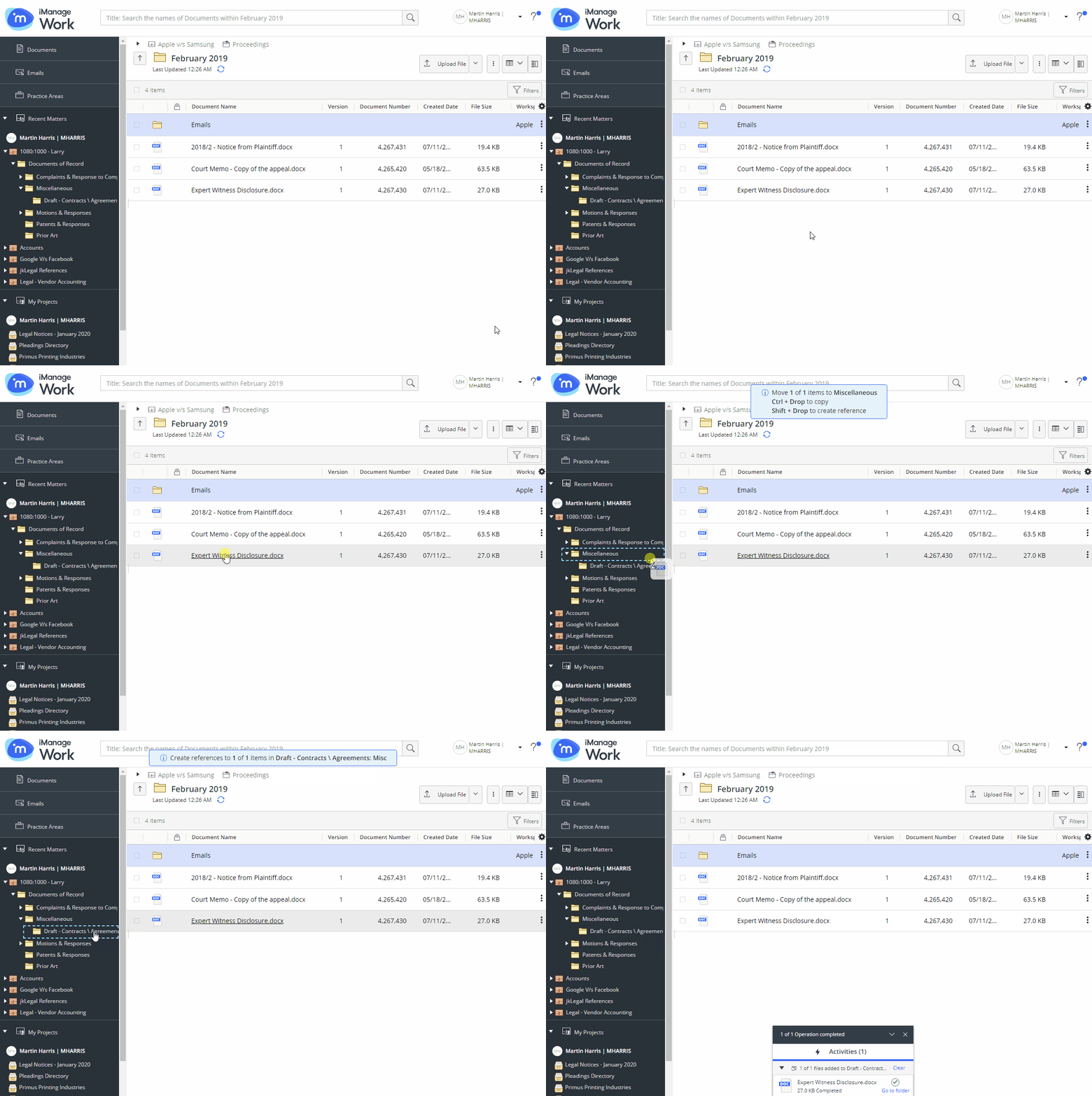
A progress dialog appears.
Figure: Progress dialog when adding reference to folders in the same database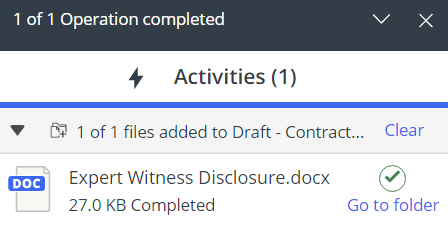
Figure: Progress dialog when adding shortcuts to folders in different database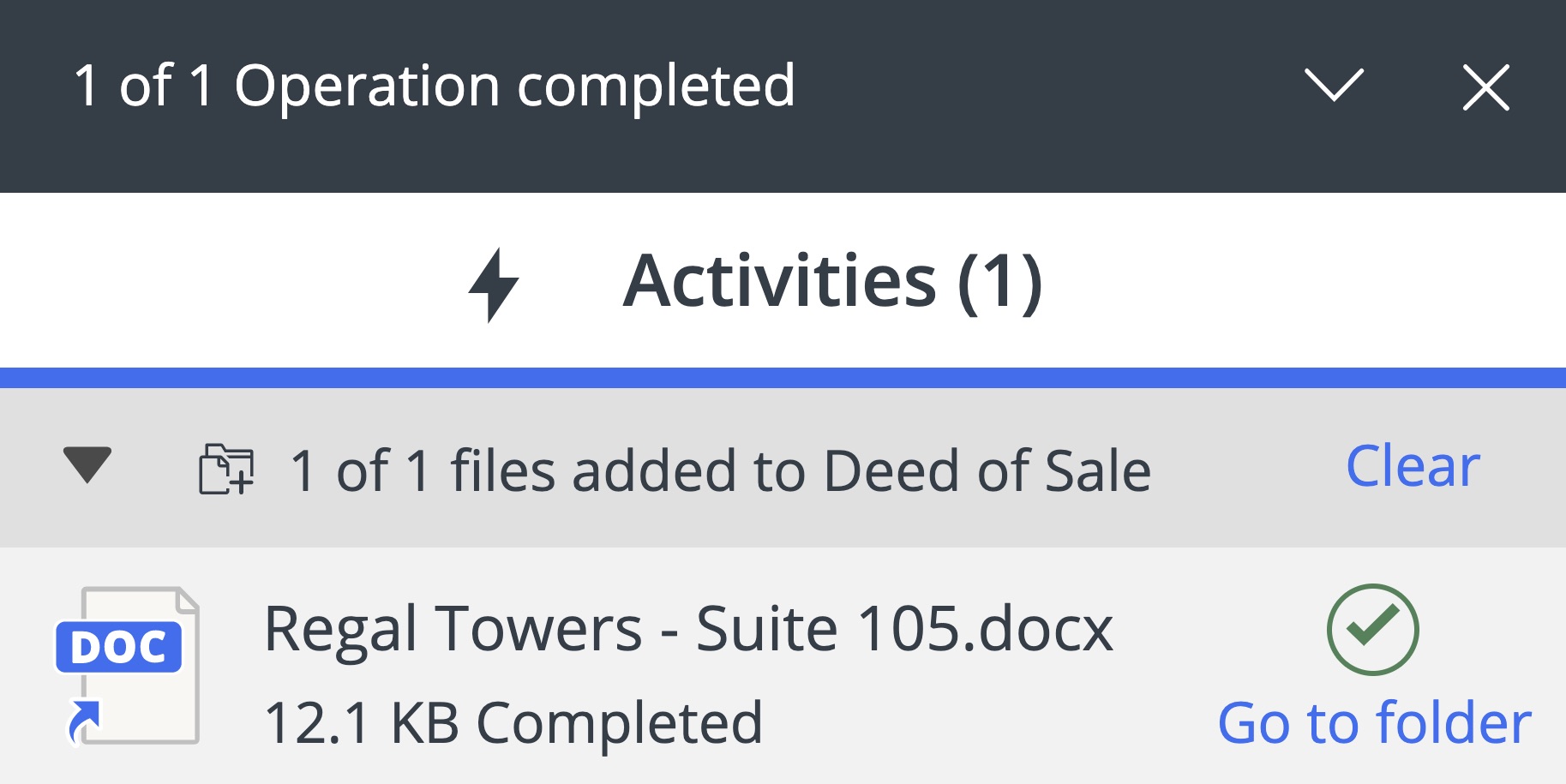
Selecting Go to folder directs you to the destination folder.
NOTE:
Document reference(s) are created when users drag-and-drop documents to a folder within the same database.
Document shortcut(s) are created when users drag-and-drop documents to a folder located in a different database