You can delete single or multiple folder shortcut(s) from the right-click context or kebab menu with an option to delete the target folder.
Select the folder shortcut you wish to delete.
Right-click and then select Delete Shortcut.
or
From the kebab menu, select Delete Shortcut.
Figure: Delete shortcut in the right-click context/kebab menu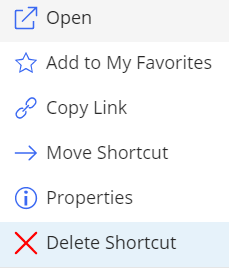
If you select multiple folder shortcuts, the option is available on the toolbar.
Figure: Delete shortcut option on the toolbar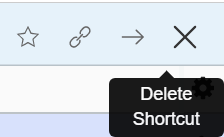
NOTE: When multiple folder shortcuts are selected, the option to delete the target folder isn't available.
If the target folder exists and is empty, and you have the required permissions to delete it, then the Delete Shortcut dialog appears where you can either:
Delete the folder shortcut.
OrDelete the folder shortcut and its target.
Figure: Deleting folder shortcut and target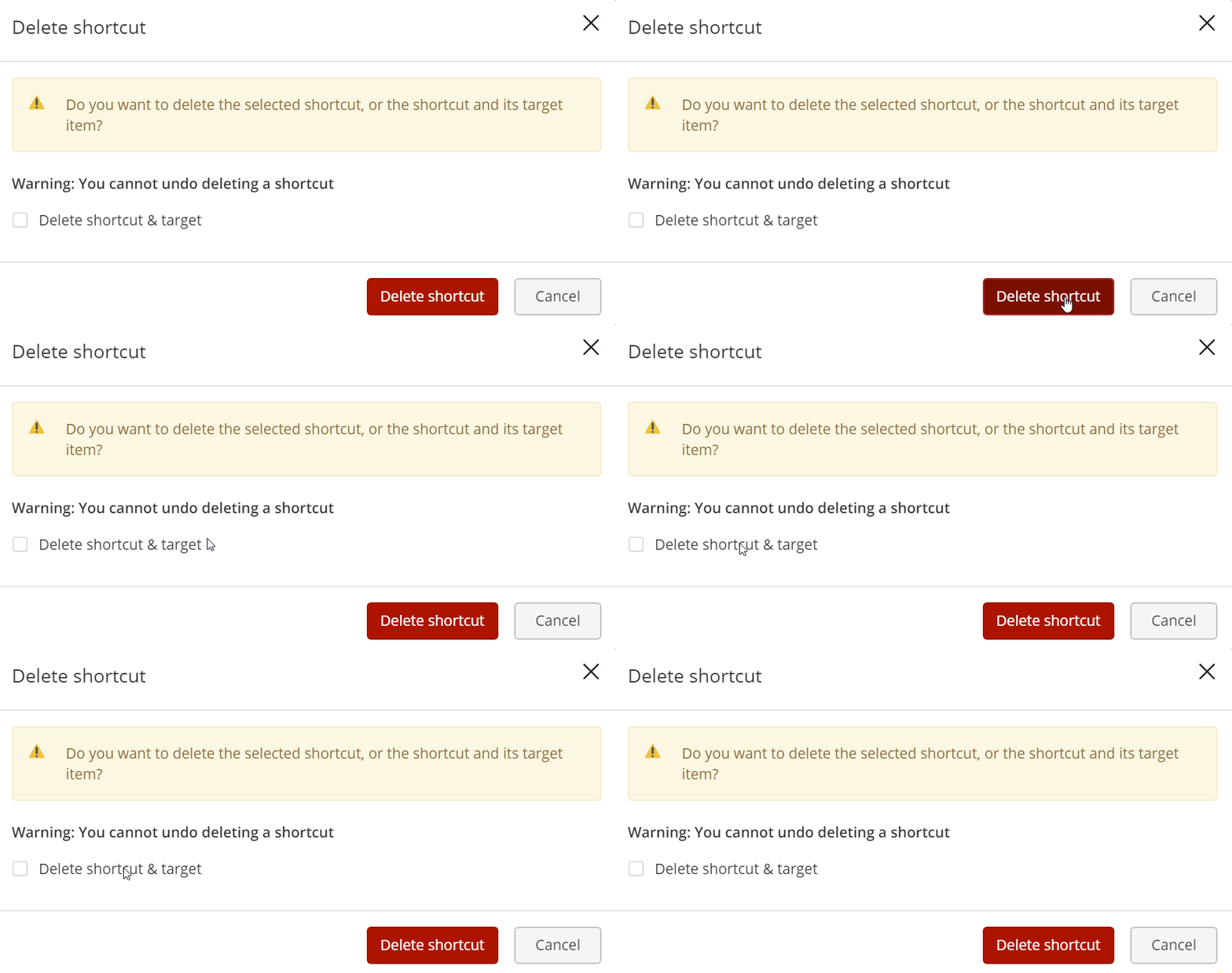
A progress dialog appears confirming the deletion of the shortcut.
NOTE:
Permission required to delete folder shortcut: Full access to the container.
Permission required to delete target folder: Full access and the folder should be empty.
The option to Undo folder and folder shortcut deletion isn't supported.