You can move one or more folder shortcut(s) using a simple drag-and-drop between the center panel and the tree.
Select the folder shortcut(s) you wish to move.
Figure: Moving folder shortcut(s)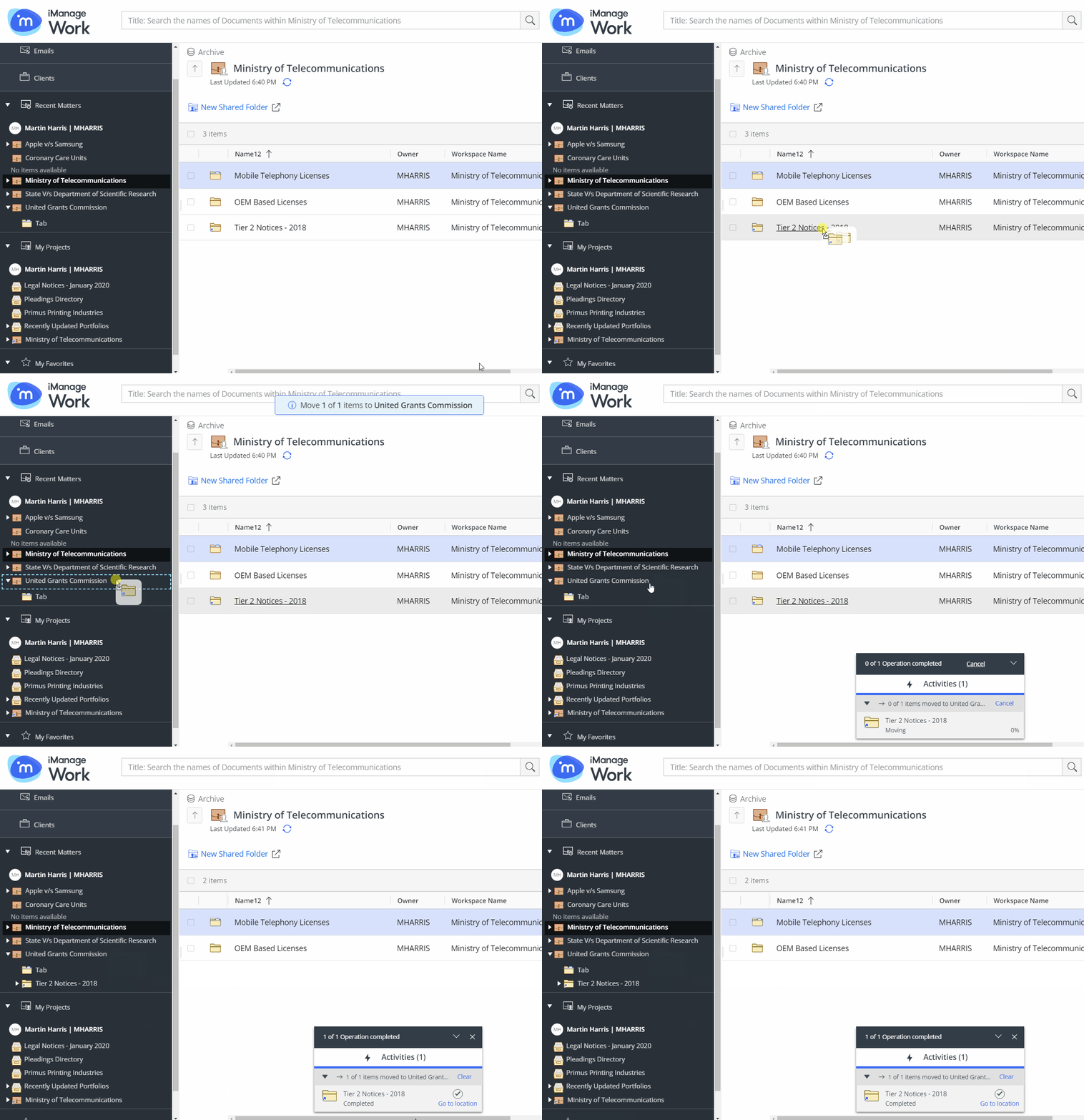
When you approach the destination workspace or tab in the tree, drop the folder shortcut(s).
A progress dialog appears.
Figure: Progress dialog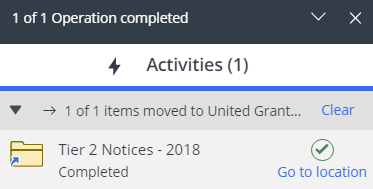
Select Go to location in the progress dialog to browse to the new location of the folder shortcut(s).