You can now move document folders or search folders from the center panel to the tree using drag-and-drop.
NOTE: Moving folders across databases isn't supported.
Select the folder you wish to move to and start dragging.
Figure: Moving folders using drag-and-drop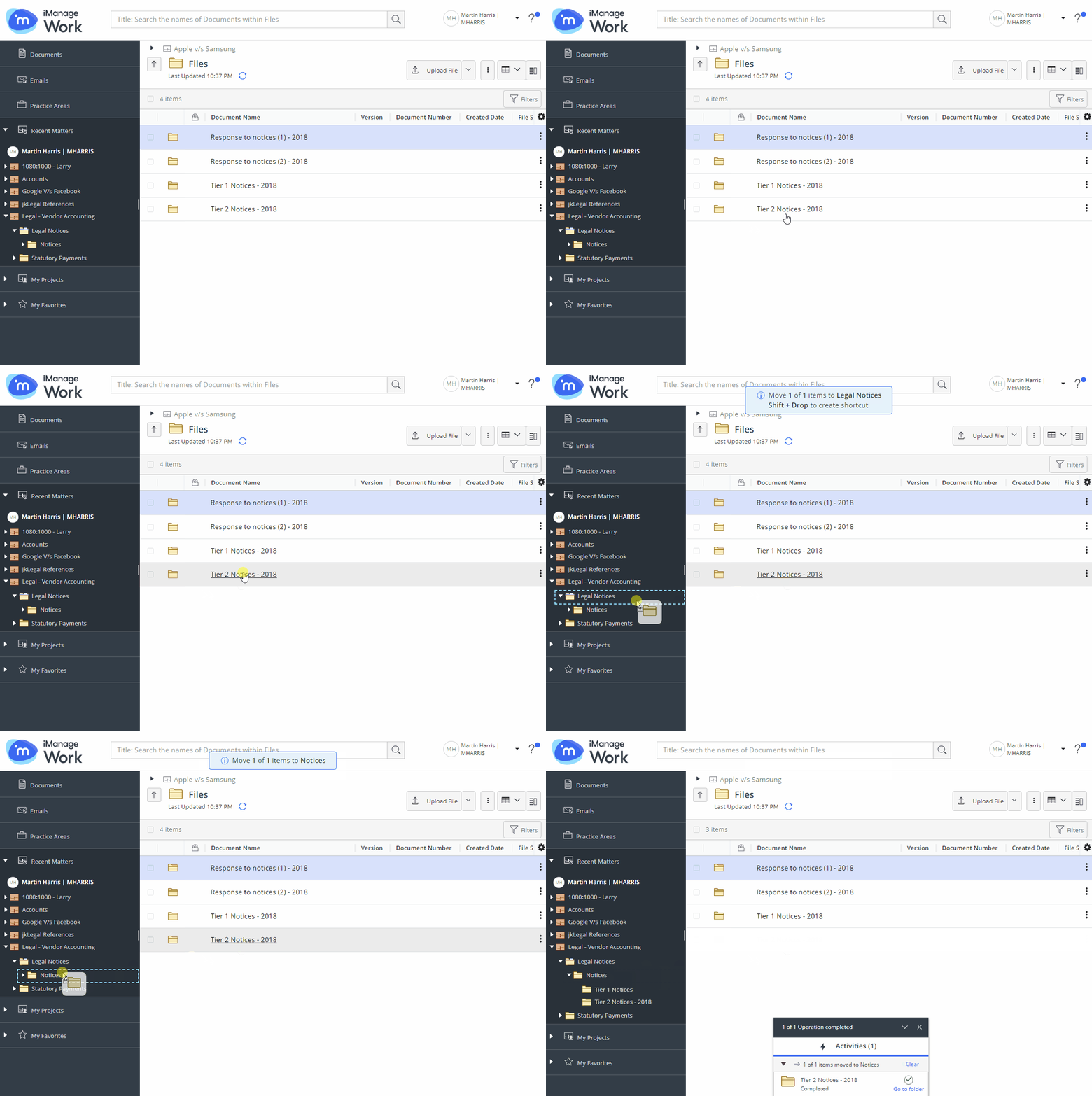
If the destination is valid, it is highlighted by a blue outline when you hover over it and a notification message appears above the center panel:
Figure: Notification message
A progress dialog appears.
Figure: Progress dialog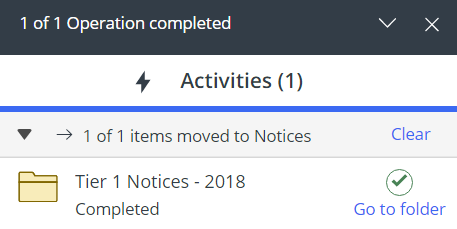
Select Go to folder in the progress dialog to browse to the new location of the document or search folder.