You can rename individual versions of a document from the Versions tab. This option must be enabled by your administrator.
To rename document versions from the details panel:
Select a document and then select Show Details.
The details panel appears to the right of the documents list.In the details panel, select the Versions tab.
Figure: Renaming document versions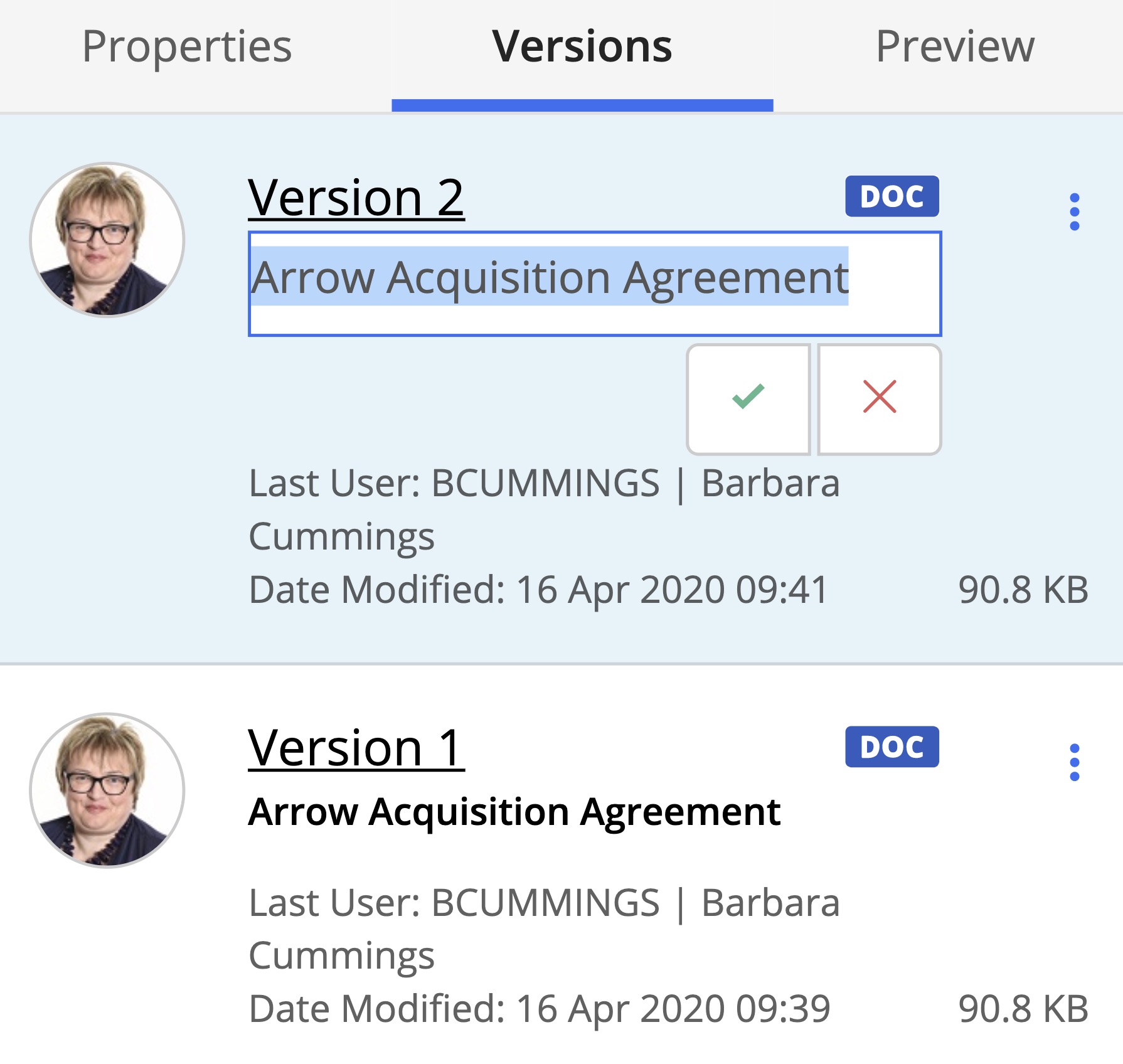
Select the document version you wish to rename. From the kebab menu, select Rename.
After renaming the document, select :Tick-ok: to save the changes.
To rename document versions from preview:
Select a document and from the kebab menu, select Preview.
The document opens in Preview mode.In the details panel, select the Versions tab.
Figure: Renaming document versions from preview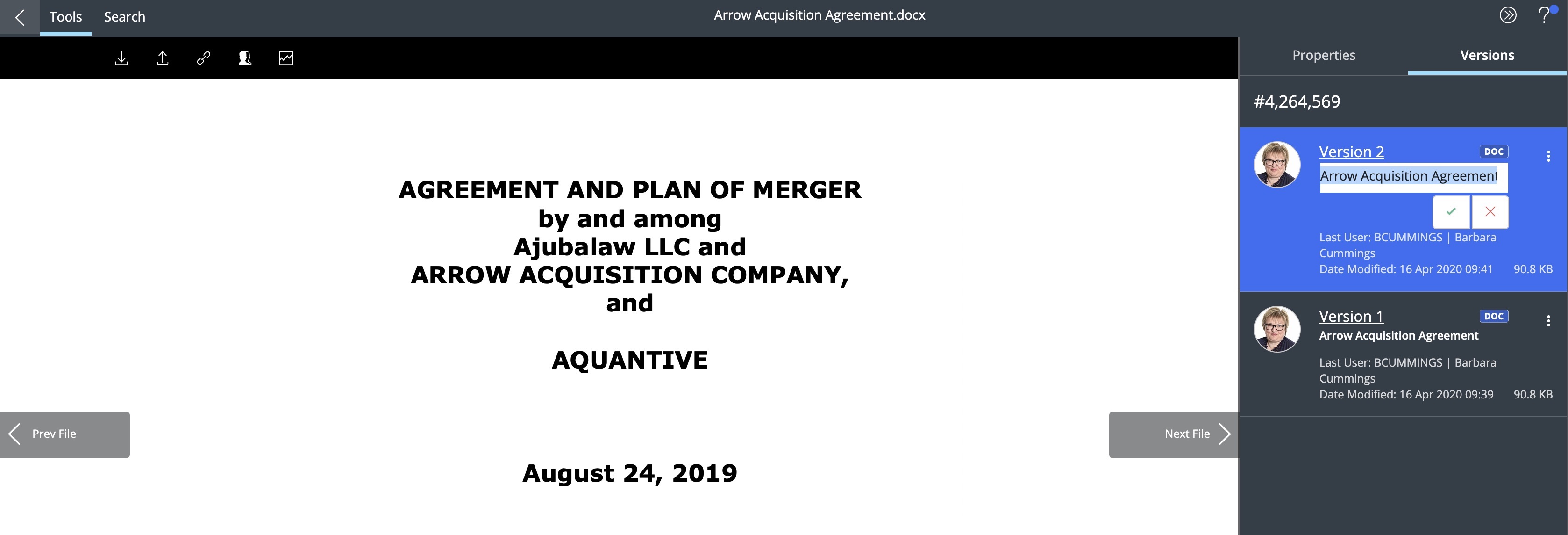
Select the document version you wish to rename. From the kebab menu, select Rename.
After renaming the document, select :Tick-ok: to save the changes.