From iManage Drive for Mac 10.9.0 onwards, you can perform a health check in iManage Drive for Mac by selecting Diagonstic: system check and then selecting Begin System Check.
Figure: Begin system check
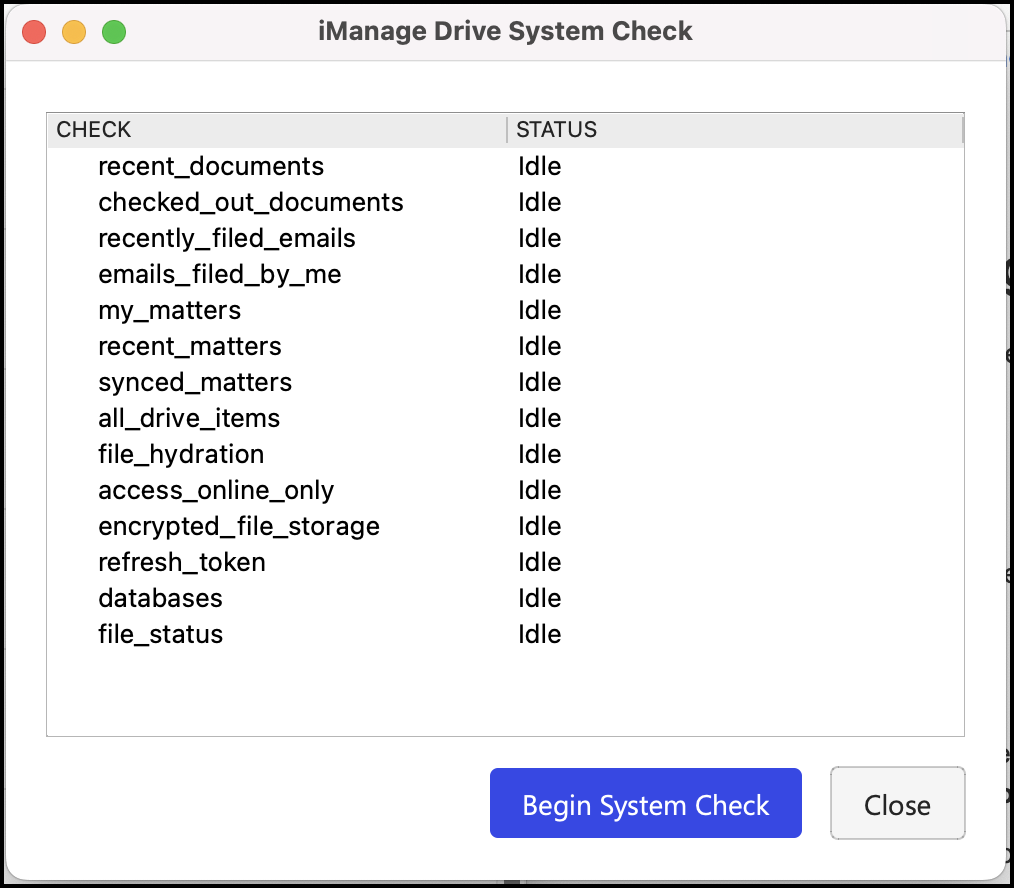
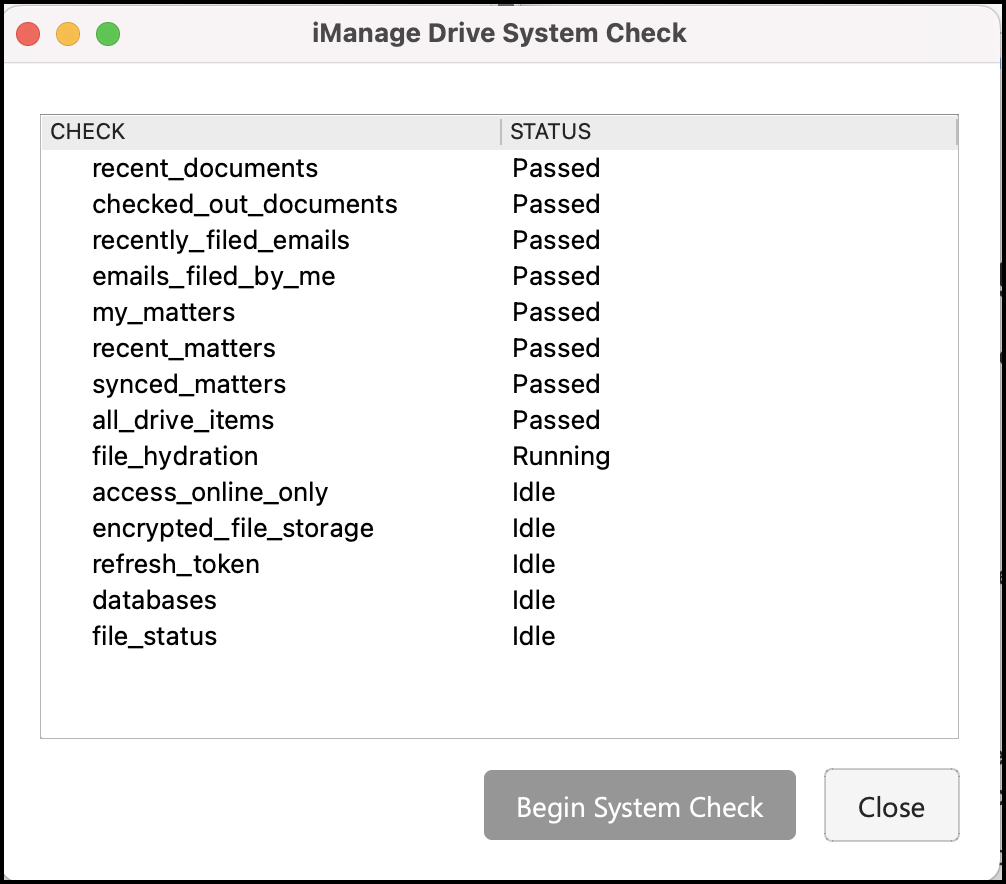
The health check process begins and the status for each of the checks is indicated as shown in the following figure.
Figure: System check in progress
After the check is complete, a report is generated and saved at /Library/Application Support/iManage/GoDrive/system_check. Review the Diagnostic System Check <date>.json file to view complete details of the system check.
Example: Diagnostic System Check [2023-04-03 12-56-40].json
NOTES:
It may take some time for the system check to finish.
The Diagnostic System Check <date>.json file that's generated isn't encrypted.