Adding iManage Installer to allow list in user’s antivirus software
When installing iManage Work Desktop for Windows with iManage Installer, antivirus software may block the executable since it downloads and runs other files. To prevent this, add iManage Installer to the antivirus allow list.
The iManage Installer executable includes a checksum and digital certificate. You can optionally verify the iManage Installer checksum and digital certificate before adding the executable to the allow list to make sure that you aren't adding any vulnerabilities to the allow list.
Verifying the checksum
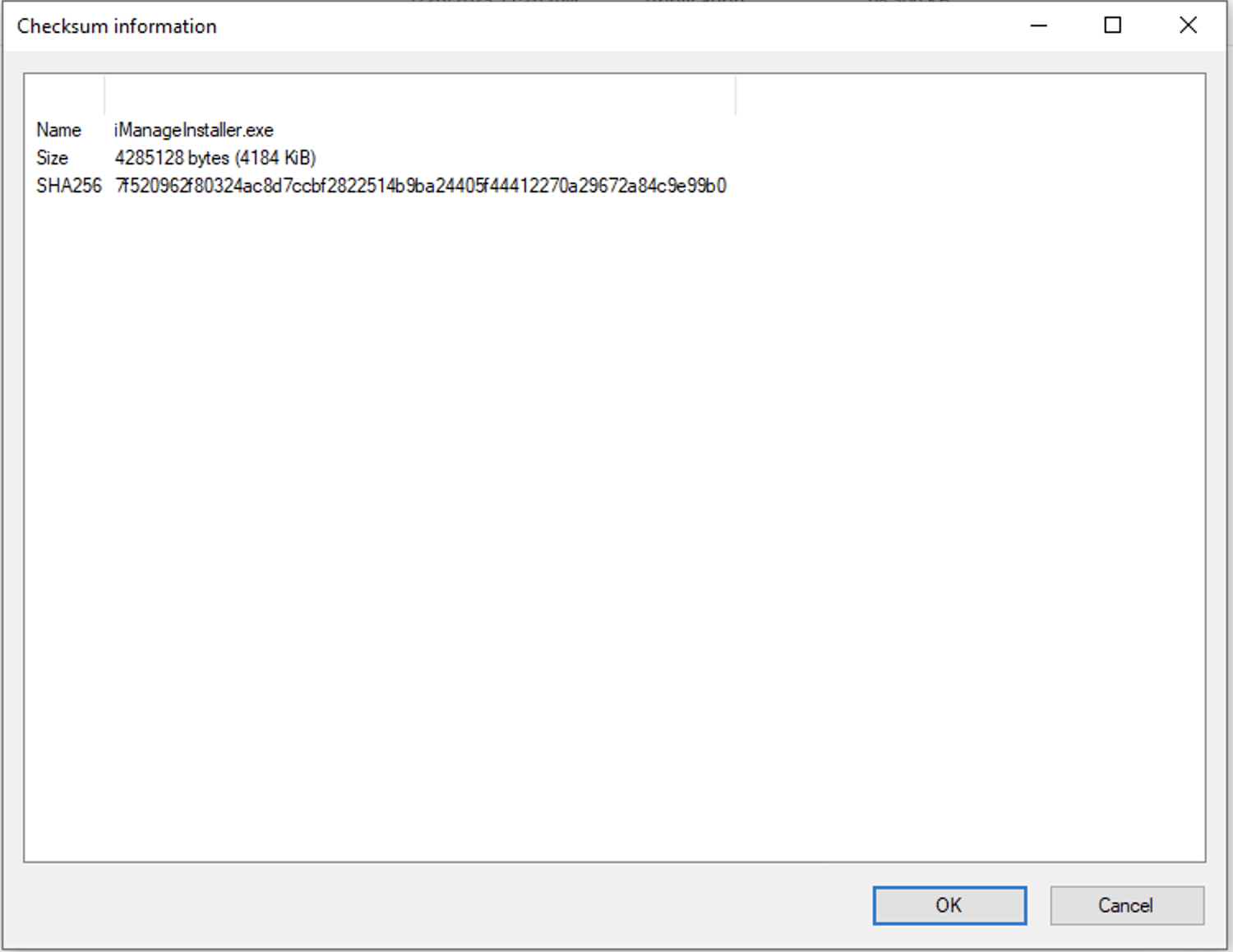
To verify the checksum, open command prompt and run the command certutil -hashfile iManageInstaller.exe SHA256. Alternatively, if you have 7-zip software installed, right-click iManage Installer and select 7-zip > CRC SHA > SHA-256.
The Checksum information window is displayed as shown in the following figure. Refer to the SHA256 row for checksum information.
Verifying the digital certificate
Right-click iManage Installer and select Properties. The iManageProperties window is displayed.
Select Digital Signatures.
From the Signature List, select iManage LLC and then select Details. The Digital Signature Details window is displayed.
Select View Certificate. The Certificate window is displayed as shown in the following figure.
Figure: Digital certificate of iManage Installer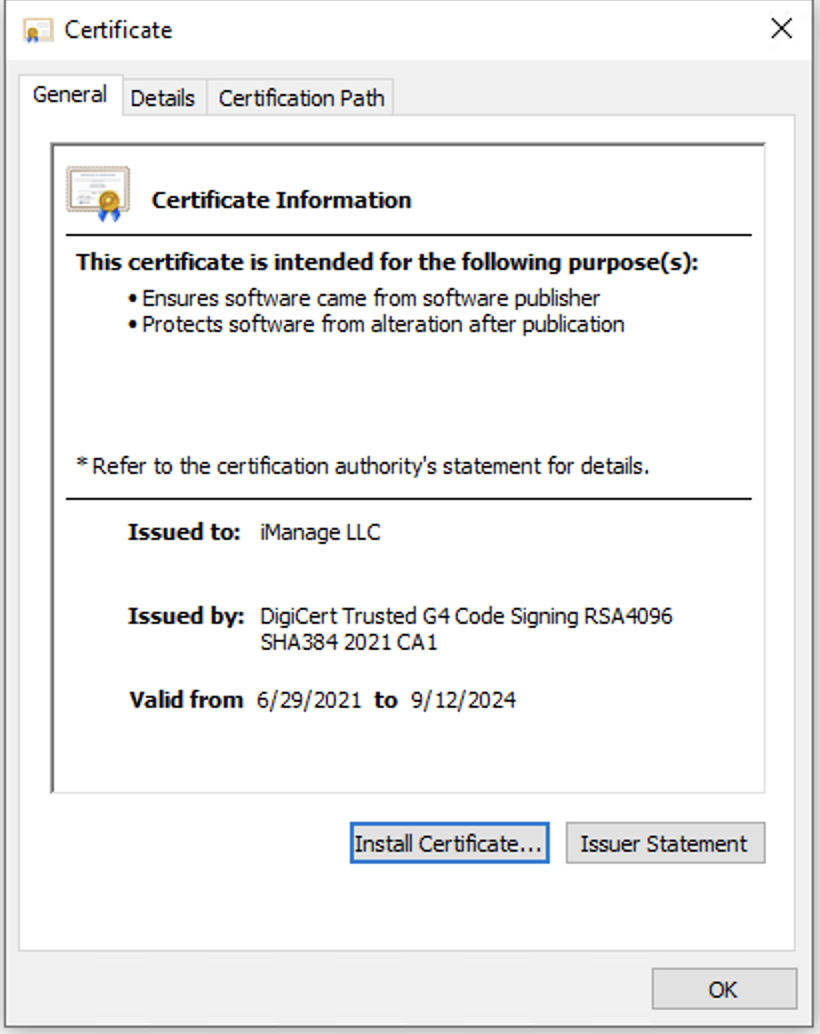
Working with offline full installers
If you can't add iManage Installer to the user’s antivirus allow list, you can download the full installers for iManage Agent Services and iManage Work Desktop for Windows from iManage Help Center to install iManage Work Desktop for Windows.
When working with full offline installers, you don't have to exclude the iManage Agent Services and iManage Work Desktop for Windows executables in a user’s antivirus software.
For more information, refer to Deploying iManage Work Desktop for Windows using enterprise software deployment tools.
Adding installation folders to allow list post-installation
After installing iManage Work Desktop for Windows, add the following directories (and all respective subdirectories) on the devices running iManage Work Desktop for Windows to the allow list of your antivirus software:
\ProgramData\iManage
%localappdata%\iManage
%temp%\iManage
<install directory>\Work10 (from iManage Work Desktop for Windows 10.9.0 onwards)
The Work10 folder is available in the following path:
64-bit: C:\Program Files\iManage\
32-bit: C:\Program Files (x86)\iManage\