When composing or replying to an email, select one or more documents and/or links from iManage Work and attach them to the email.
You can share the following from iManage Work:
Documents (to someone inside or outside the organization)
Document links (inside the organization)
Both documents and links
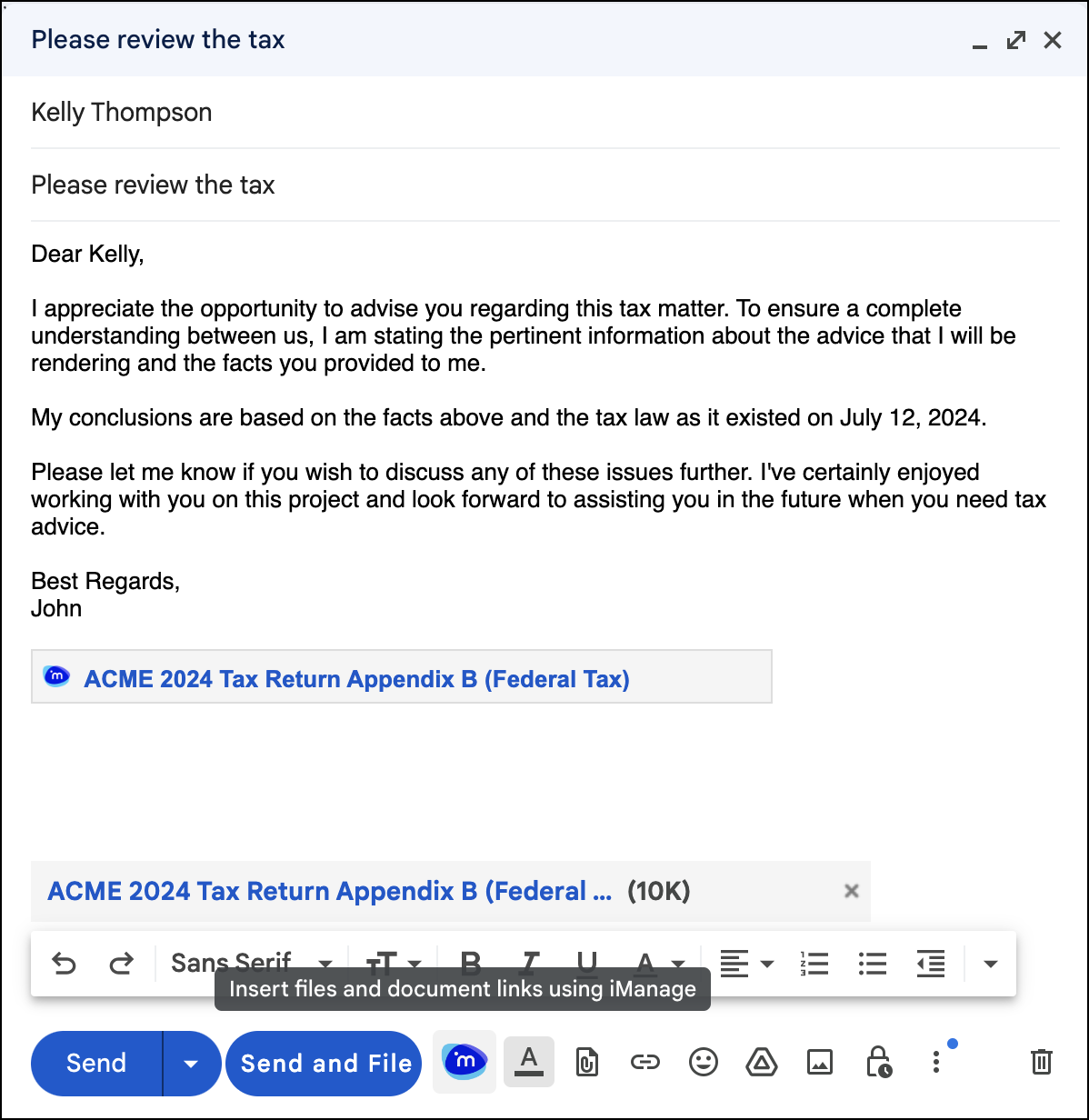
Links get added wherever the pointer is and documents are added at the end of the email.
To attach a document and/or link:
Open an email in compose or reply mode.
On the toolbar at the bottom of the email, select
 .
. In the iManage Work dialog, select one or more documents you want to share and then select Insert document or select one of the following from the drop-down list:
Insert link
Insert document and link
The selected item gets attached to the email.
NOTE: If you double-click a document, it’s inserted as a document by default.