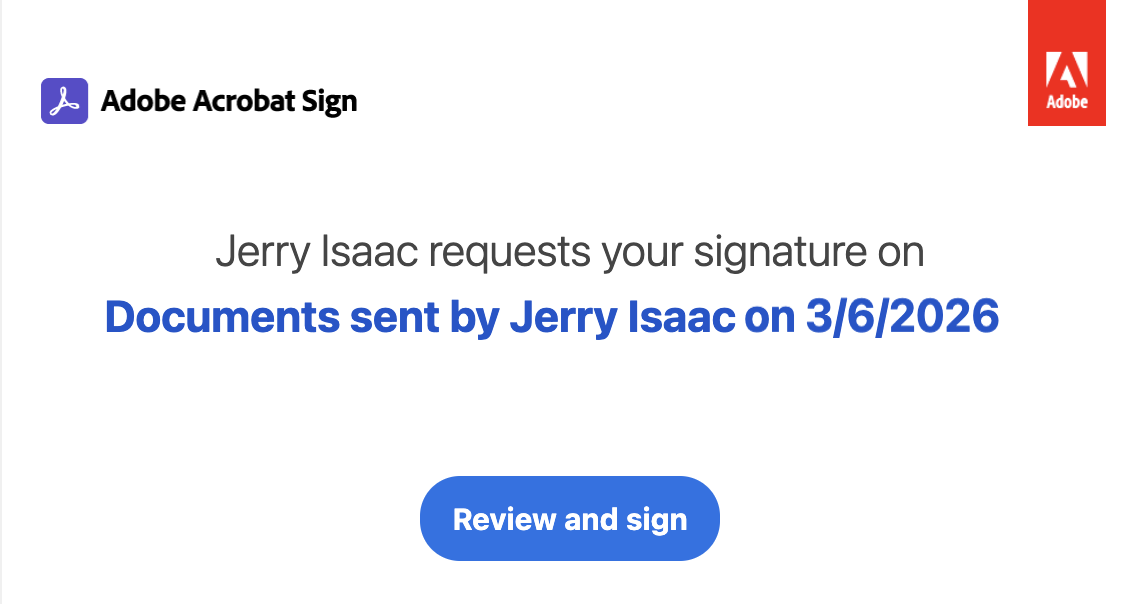
Sign in to Docusign/Adobe Sign with valid credentials and create an envelope/agreement.
You must have your own valid accounts for these digital signature providers; they aren’t provided by iManage.
NOTE: An envelope (Docusign) or agreement (Adobe Sign) is a container that you can send to a recipient to sign. It can contain one or more documents. The envelope/agreement also includes details about the documents to be signed, the signers, and other recipients, and the locations where signers will sign the documents.
For more information about creating and sending an envelope, go to https://support.docusign.com/s/document.
For more information about creating and sending an agreement, go to
https://helpx.adobe.com/in/acrobat/web/e-sign-documents/request-e-signatures/send-for-signature.html.
If you have more than one account/group, complete either of the following steps:
Docusign: Select the account you want to use and then select Confirm. By default, the one you’ve set as your default account in Docusign is selected (refer to the image below).
For more information about switching accounts and setting a default account in Docusign, go to https://support.docusign.com/.Figure: Available Docusign accounts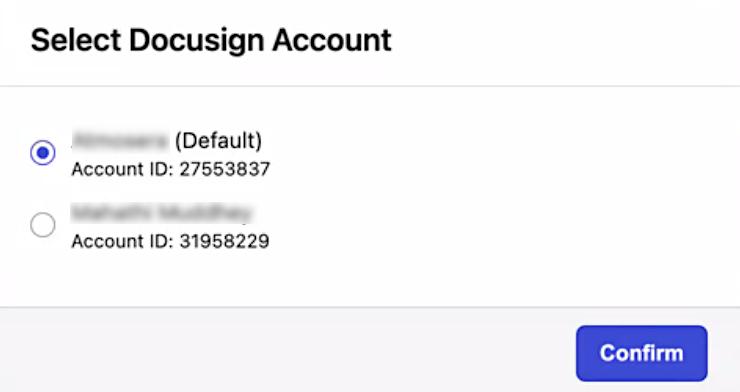
Adobe Sign: Select the account you want to use and then select Confirm. The primary group to which you’re added is selected by default (refer to the image below).
Figure: Available Adobe Sign groups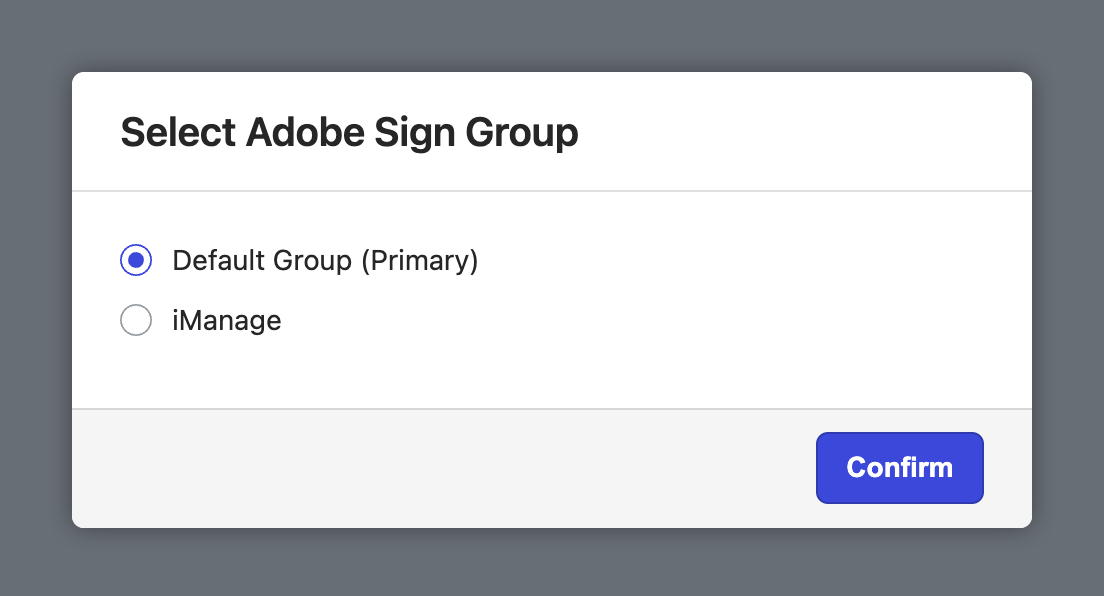
For more information about users in multiple groups, go the following:
Email sent to recipients/signatories
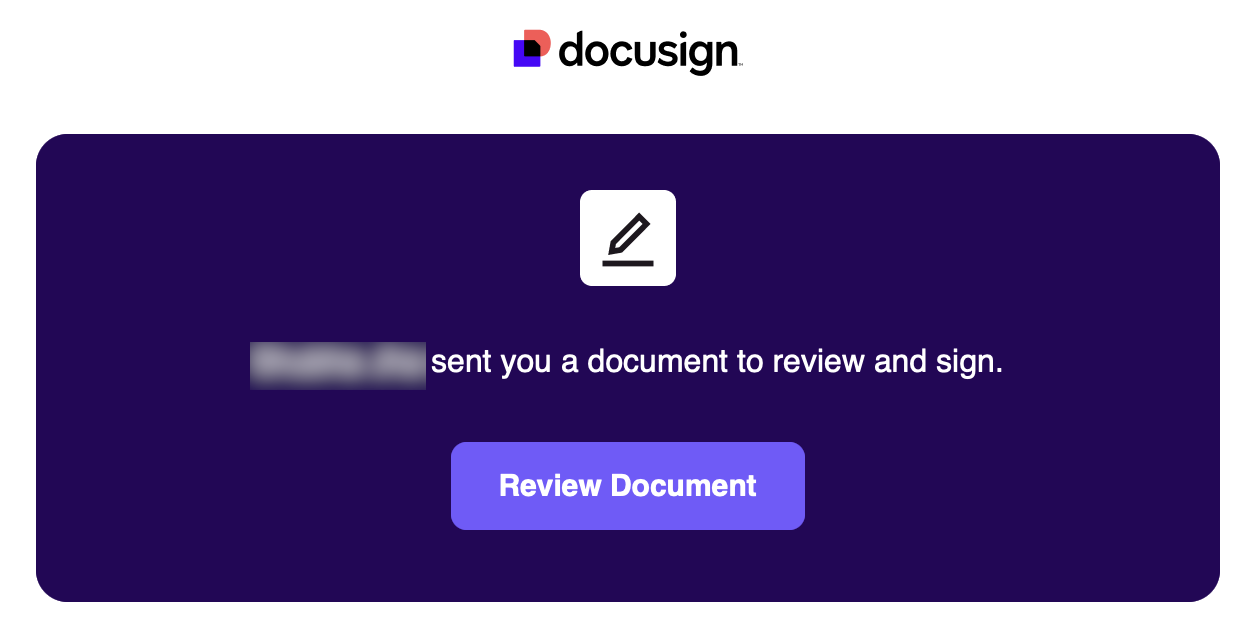
After you send the envelope/agreement, recipients will receive an email containing details, such as the sender’s name and email address, document/agreement name, and an option to review and sign the document/agreement.
For more details about signing a document, refer to Signing documents.