For more flexibility in viewing your content, you can sort your view in the Work Panel or in the iManage File Open and Save dialog boxes in ascending or descending order.
In the Work Panel, you can view items in either the Grid View or List View. For more details, refer to List and Grid view.
If you’re using the Grid View, select any of the column headings to sort the items in descending/ascending order.
Figure: Sorting in Grid View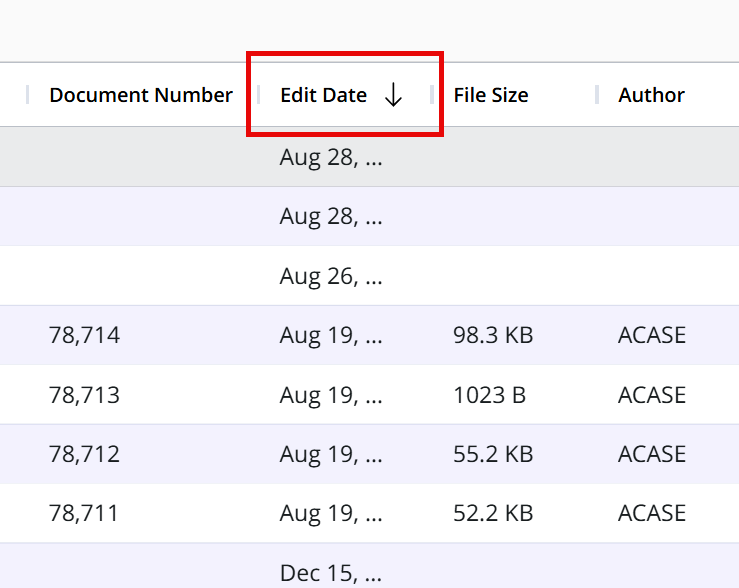
If you’re using the List View: Select the Sort by drop-down menu, and the descending/ascending toggle button.
Figure: Sorting in List View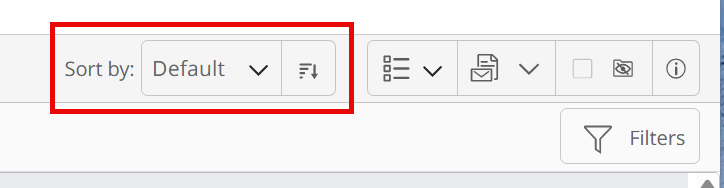
The content list is up to date as of the Last Updated time displayed next to Refresh  . Select the icon to immediately refresh the list and see any changes made to the content.