The following pages include useful information for resolving issues with Microsoft Intune:
Troubleshooting app installation issues
https://learn.microsoft.com/en-us/troubleshoot/mem/intune/app-management/troubleshoot-app-install
Troubleshooting mobile application management
https://learn.microsoft.com/en-us/troubleshoot/mem/intune/app-protection-policies/troubleshoot-mam
Basic app protection troubleshooting
Policy change issues
After updating a policy setting, the changes don't appear to be updated in the iManage Work Mobility app.
https://learn.microsoft.com/en-us/troubleshoot/mem/intune/app-protection-policies/troubleshoot-app-protection-policy-deployment#scenario-policy-changes-are-not-working
Sign-in errors
The user will receive an error message followed by a Microsoft 365 Authentication sign-in failure when:
The user signs in using their Office 365 email and enters their email address incorrectly within the app.
Figure: iManage Work sign-in screen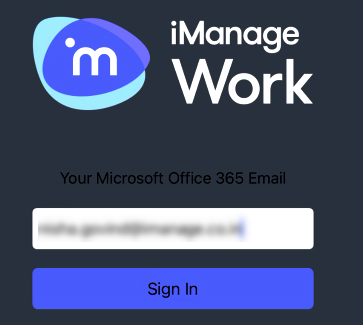
The user then corrects the address in the following Application Logon screen.
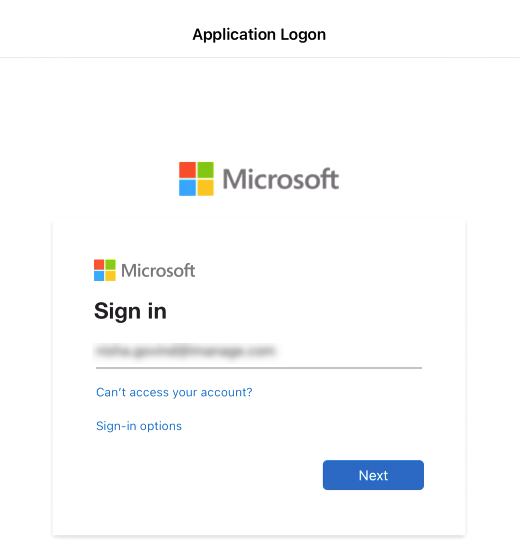
Figure: Microsoft Application Logon screen
In this scenario, the user must tap Cancel on the Application Logon screen, and re-enter their correct email address using the initial iManage Work sign-in screen (refer to the figure in Step 1).