You can declare single or multiple items (documents or emails) as records. An item that is a record can no longer be edited or deleted, except by an administrator.
To declare item(s) as a record:
Select your preferred item(s) from one of the following views:
Document folder
Saved search folder
Document or Email search results
Recent Documents
Recently filed emails
Emails filed by me
Select:
More Actions and then select Declare As Record from the context menu.
OrDeclare As Record from the multi-select toolbar.
The Declare as Record dialog appears.Figure: Declare a record dialog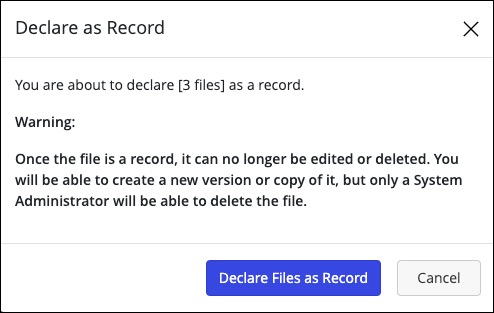
You can reverse this decision and un-declare a record for a specific period of time. For more information, refer to Undeclaring a Record.
Select Declare Files as Record to declare the item(s) as records.
A progress dialog appears.Figure: Progress dialog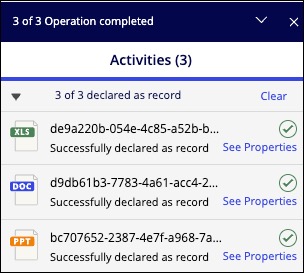
After you’ve declared an item as a record:The Record :record: icon appears next to that document.
The action is recorded in the document’s history.
You can use the Open command to open the declared document in its native application, make changes, and subsequently save it back to the iManage Work library as a new document or a new version of the original document.