NOTE:
When inside a document folder, the search scope is always defaulted to the Current Folder.
From the search type drop-down list, select Documents.
Select inside the search box and enter the desired search input.
Use the scope and the language drop-down lists to predefine the search scope and search language.
Figure: Performing simple search for documents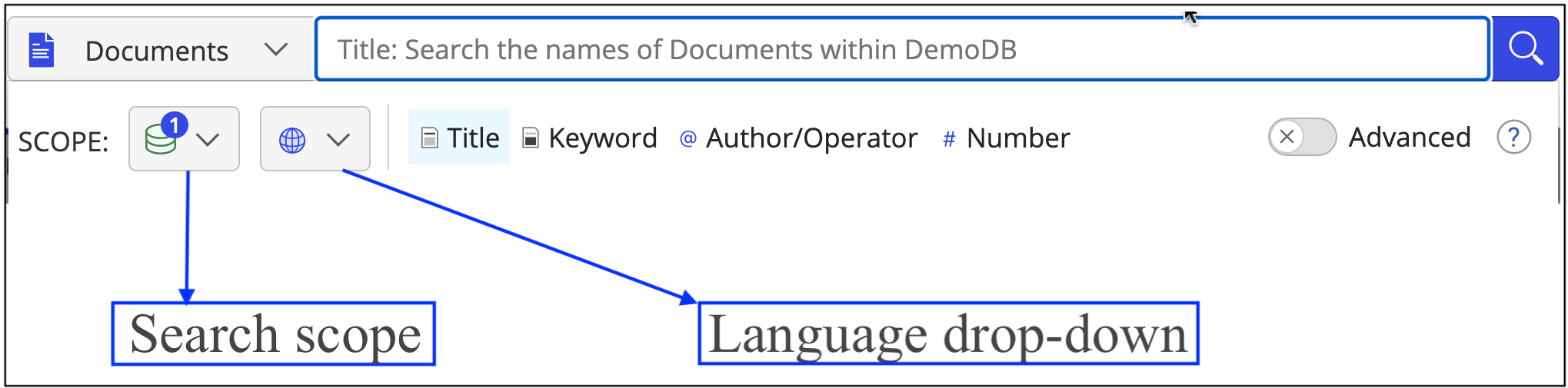
Select one or more of the following predefined fields to search for:
Title (For more information, refer to Performing a simple search against title or keyword for more information)
Keyword
Author/Operator
Number
Press the Enter key. The results display the documents that meet your search criteria.