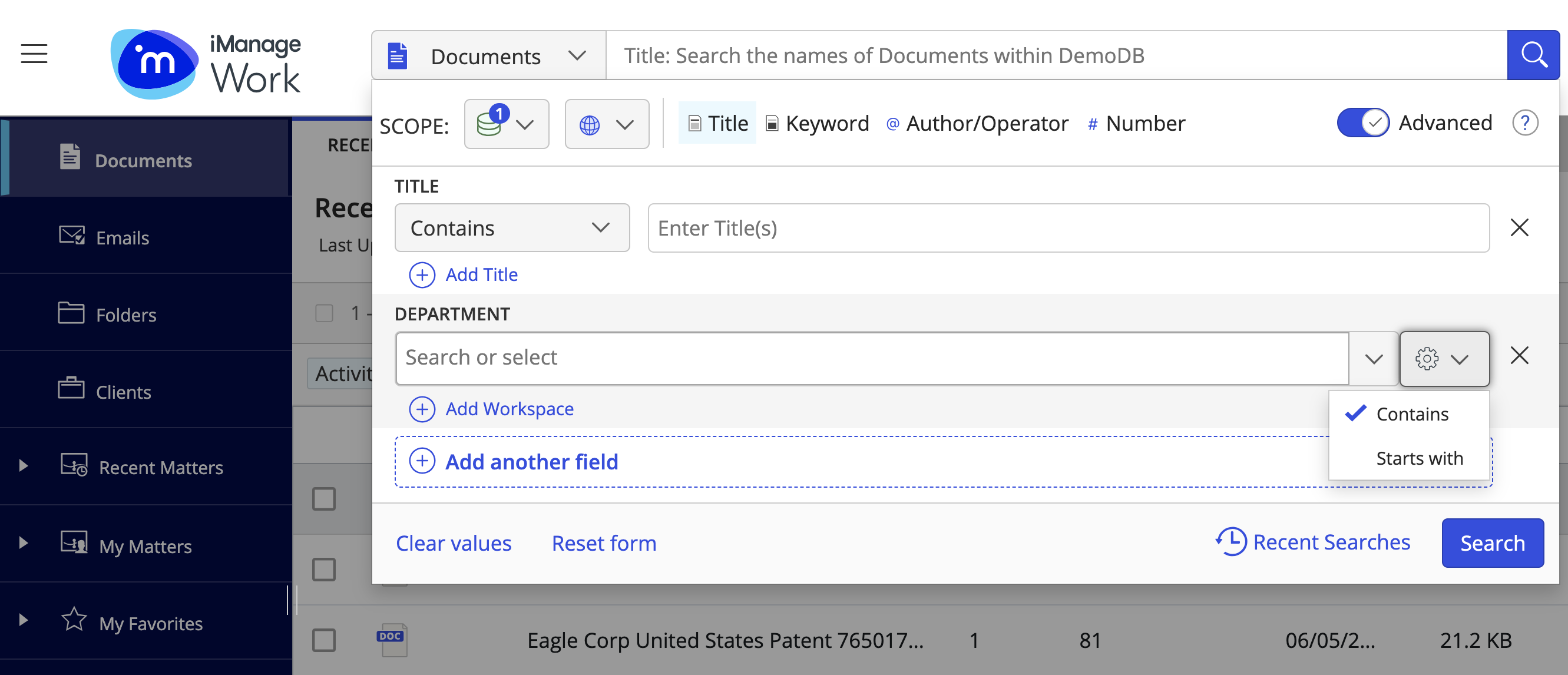
To search for values within custom metadata fields in the advanced search form, select the appropriate match type using either the Starts with or Contains filter. This selection is essential when adding a custom metadata lookup field to the search form for:
Documents
Emails
Docs & Emails
Matters
Contains is the default filter. Match type choices persist until the custom metadata field is in the search form.
Figure: Selecting lookup search match type
NOTE:
The lookup search match type is available only in the advanced search form and not in the details panel lookups.