In iManage Work at cloudimanage.com, select Ask iManage from the left navigation pane or select a document, and then select one or more documents to open Ask iManage page.
Hover over the Ask iManage icon and then select
 Expand sidebar to view all the projects.Figure: Viewing all the projects available in Ask iManage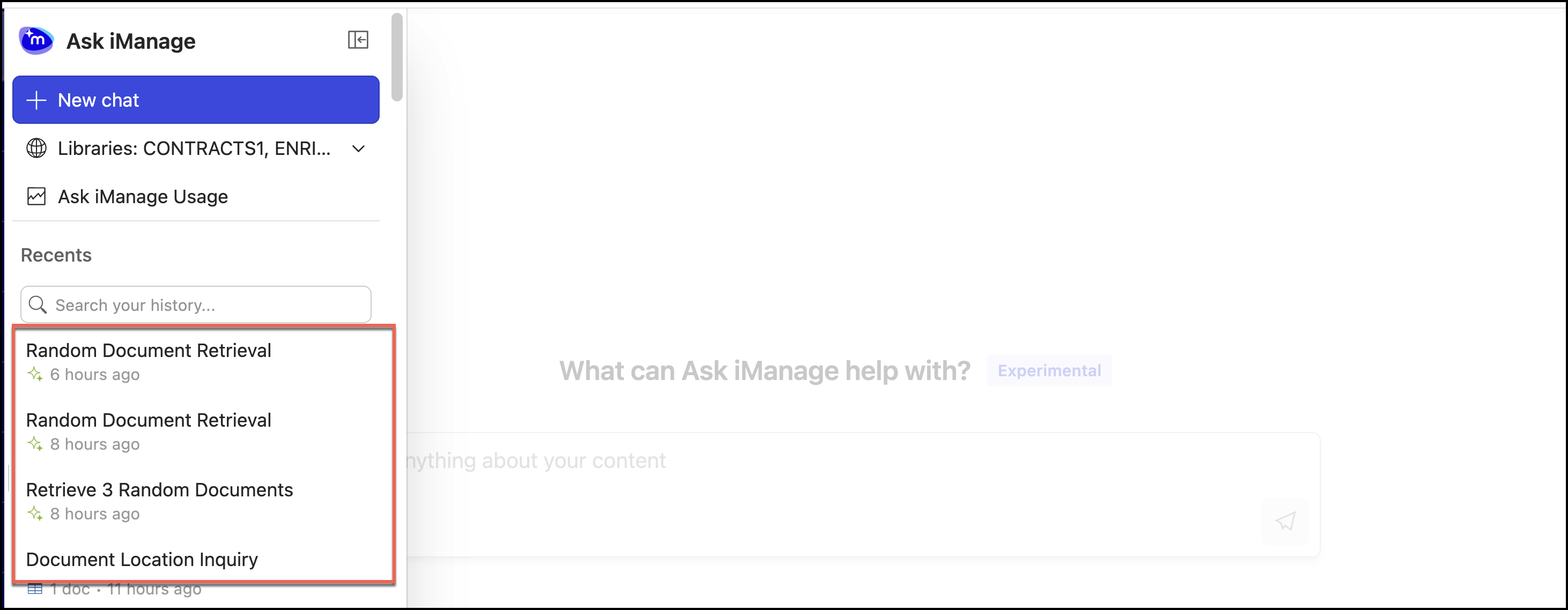
Select
 next to the comparison result you want to delete and select Delete.Figure: Deleting a project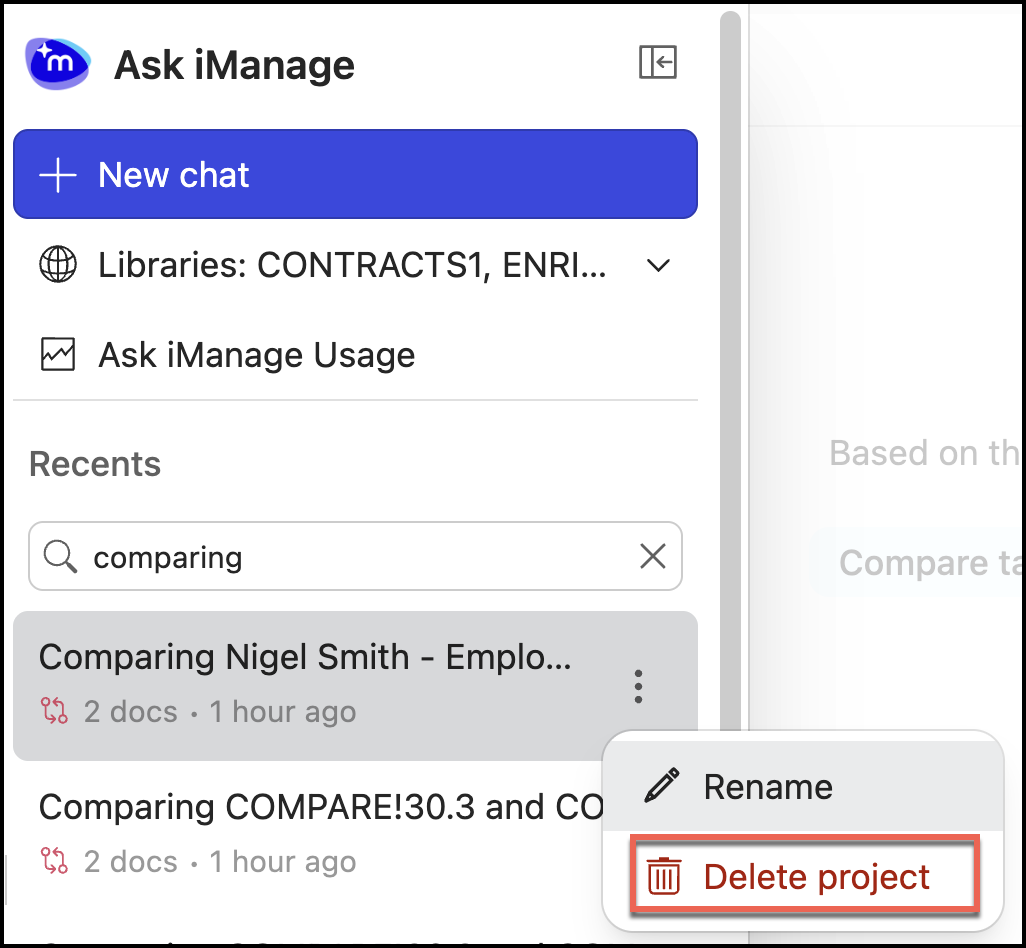
Alternatively, you can also select the result to open it and then select
next to the result you want to delete and select Delete. Figure: Deleting a comparison result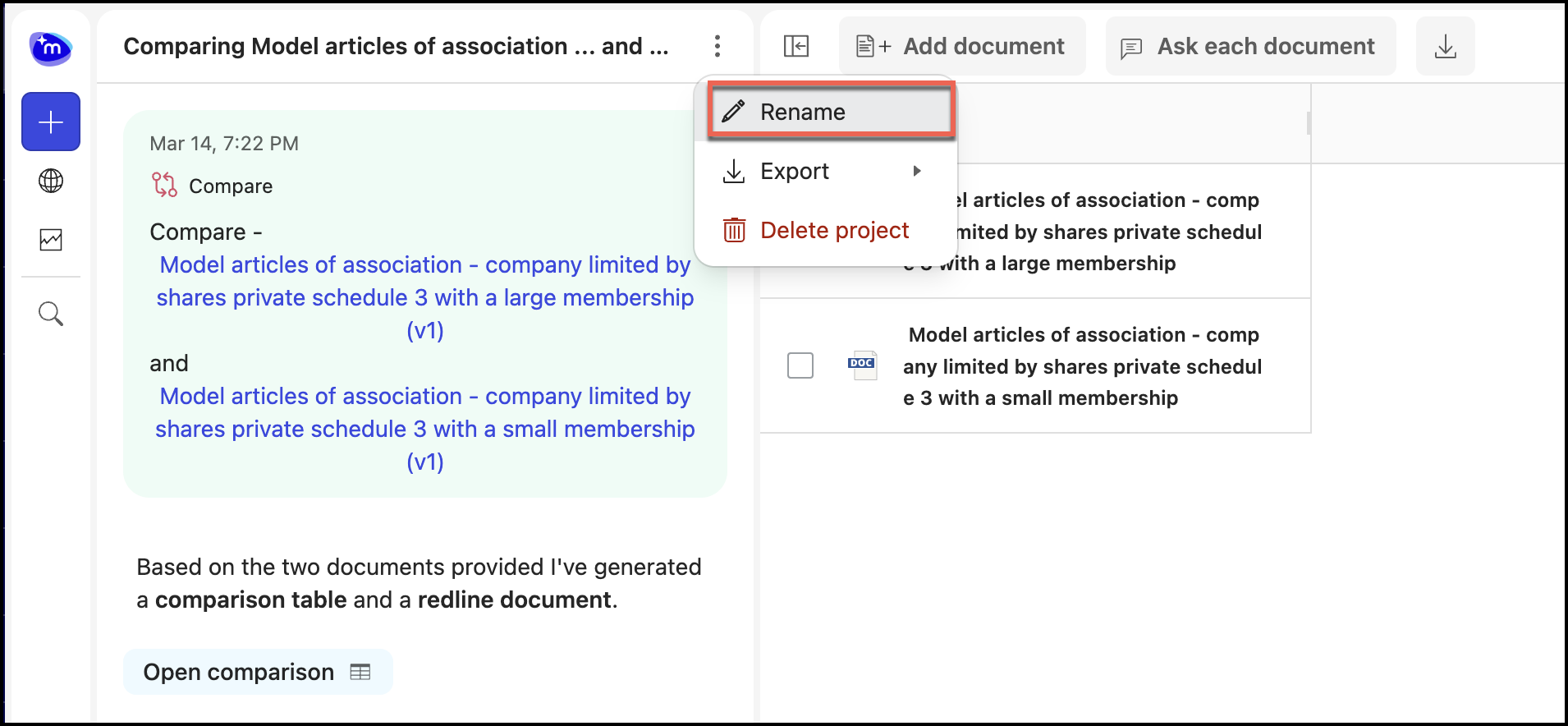
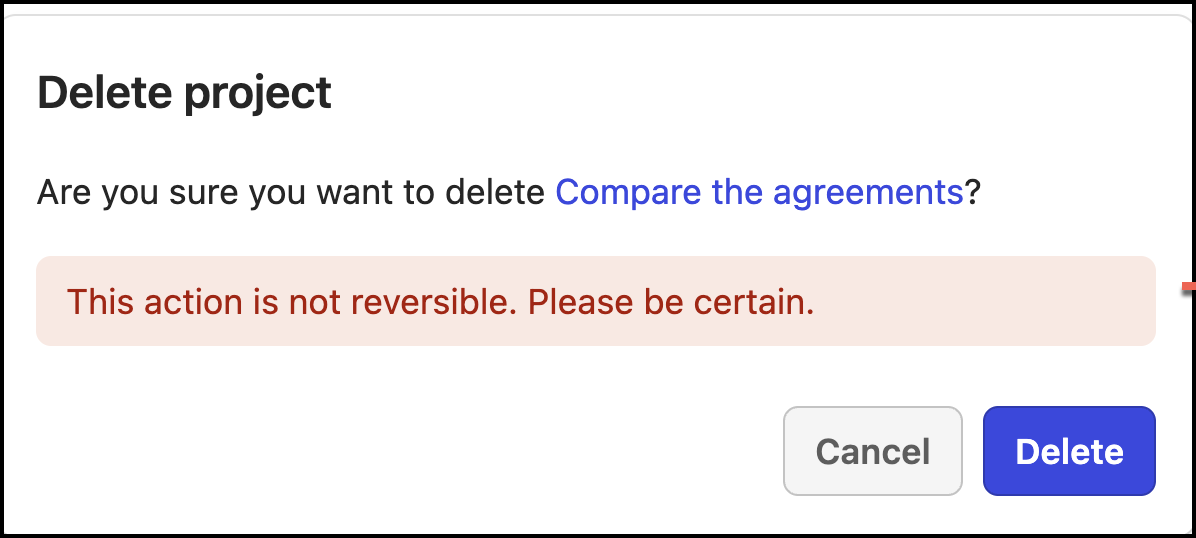
In the confirmation message that appears, select Delete to confirm the deletion.
Figure: Confirming the deletion