The number icons beneath the answer indicate the count of evidence found in the document related to the question. To view the section in the document used to generate the answer, hover over a number icon.
Figure: Hover over the evidence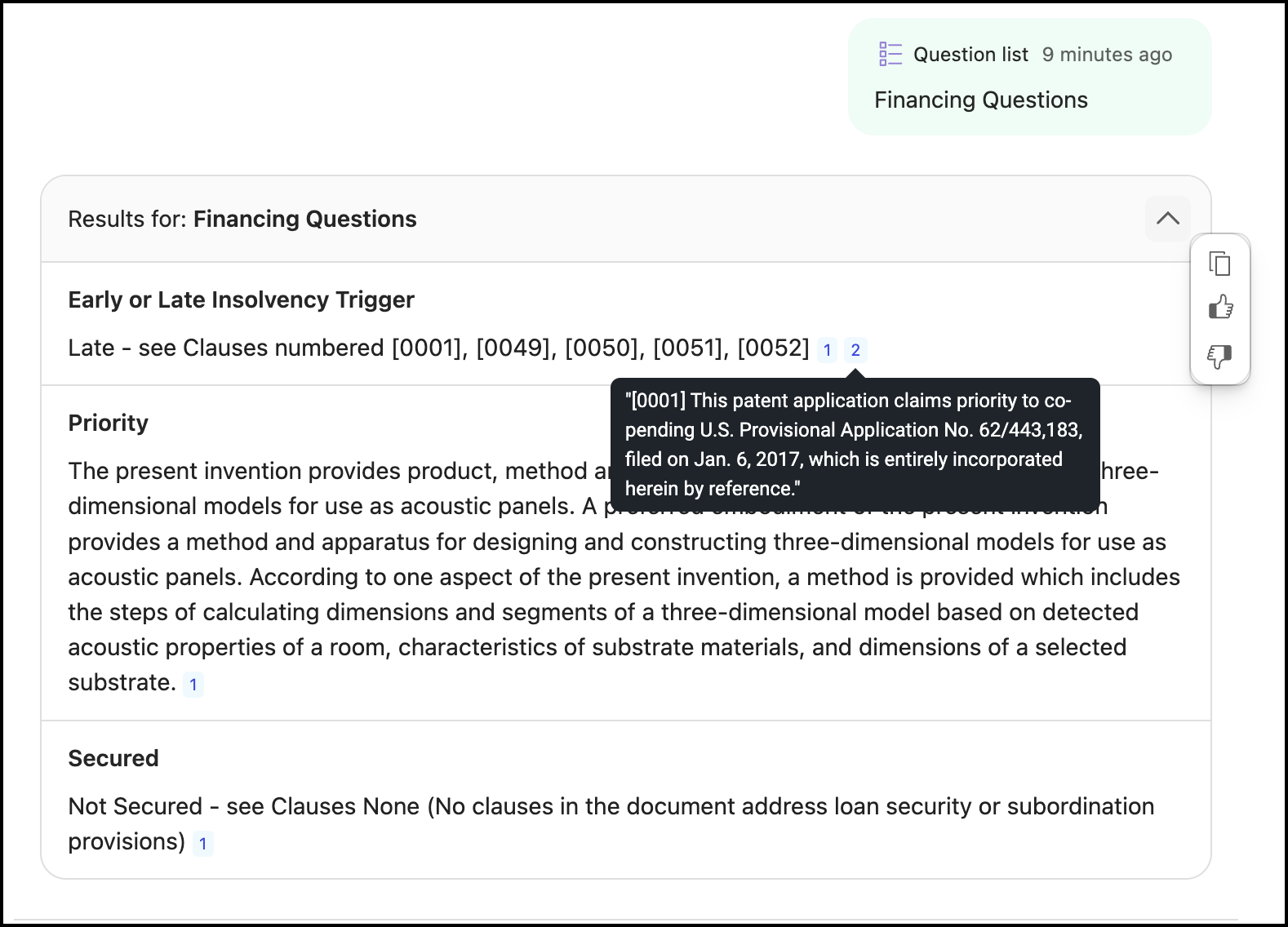
Select a number icon to view the location in the document where the evidence was found. Expand the side panel to view the document preview. Hover the pointer along the vertical left edge of the panel—it changes to
 . Hold down the pointer and drag the edge to the left to increase its width, or drag the edge to the right to reduce the panel width.Figure: Location of evidence in the document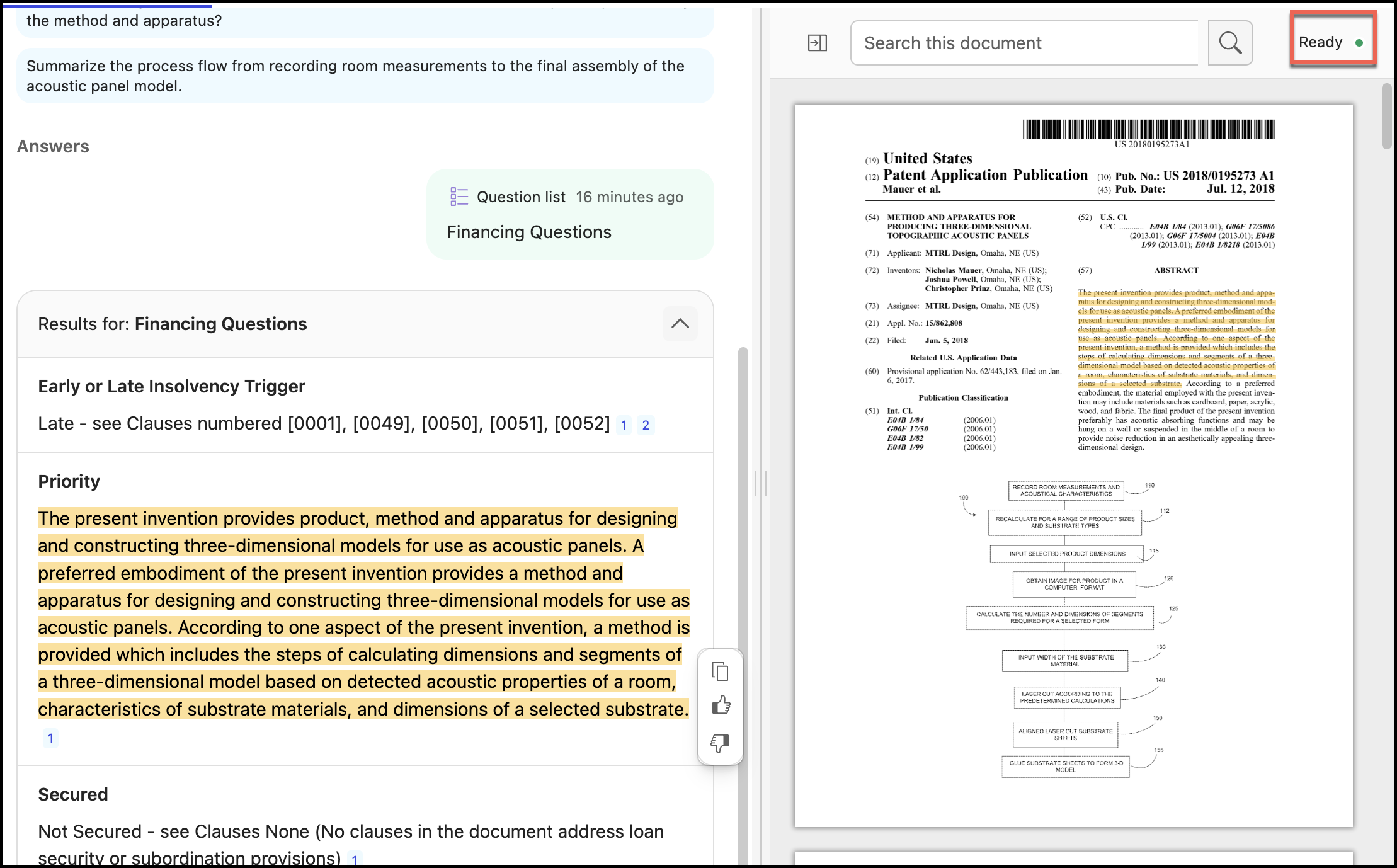
NOTES:
You can use either hover over the evidence or select the evidence to validate the generated answer.
Notice the
 indicator in the upper-right corner of the preview window. If the indicator is
  , you won’t be able to search or move to other evidences.