Question lists allow you to create, collaborate, manage, and share lists of questions and requests.
For documents belonging to a specific document type, the list of questions you may ask would ideally be similar. For example, you may want to extract similar data from all employment contracts. So, you'll ask the same set of questions for all employment contracts. To save your time and duplicacy of effort, it becomes viable for you to create a question list that applies to all documents of employment contract type.
Question lists are of two types:
Organization: These question lists are available for everyone in the organization to select from. if you edit or delete a question list or a question from a question list, the change is applied to all users who are part of your cloudimanage.com instance.
Personal: These question lists are created by users for their specific use and are visible only to the user who created it.
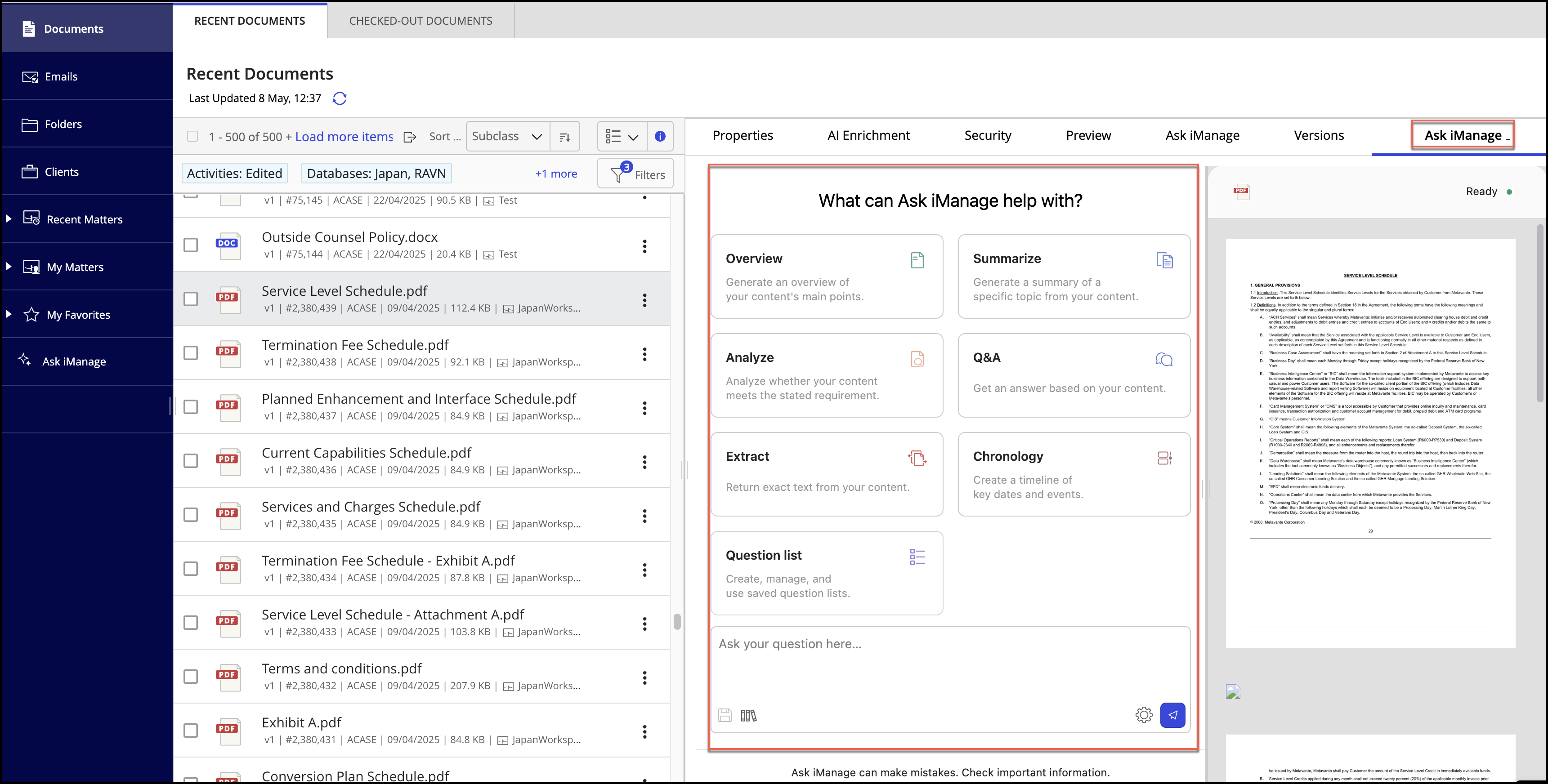
You can perform the tasks described in this section from the Ask iManage side panel on the results page, or the Ask iManage home page, or the Ask iManage panel in Microsoft Word.
For instructions to go to the Ask iManage side panel or the Ask iManage home page, refer to Accessing Ask iManage in iManage Work at cloudimanage.com.
For instructions to the open Ask iManage panel in Word, refer to Asking questions in a document.
For more information about how to ask questions using question lists, refer to:
- Working with question lists
- Asking questions to a document using question list
- Accessing question lists
- Viewing the evidence of the response
- Searching the document in the preview using a query
- Copying the question and the responses to your local device
- Providing feedback on the quality and accuracy of the response
- Exporting answers
- Displaying/hiding the document preview in the side panel
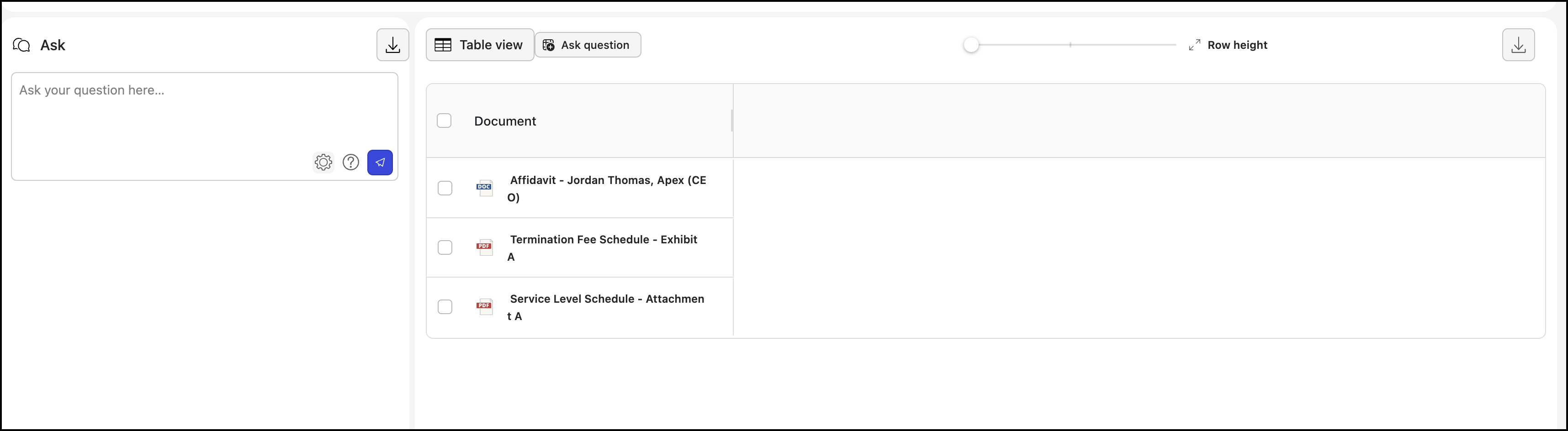
- Asking questions to multiple documents using question list