The number icons below the answer indicate the count of evidence found in the document related to the question.
To view the section in the document that was used to generate the answer, hover over a number icon.
Figure: Hover over a number to view the evidence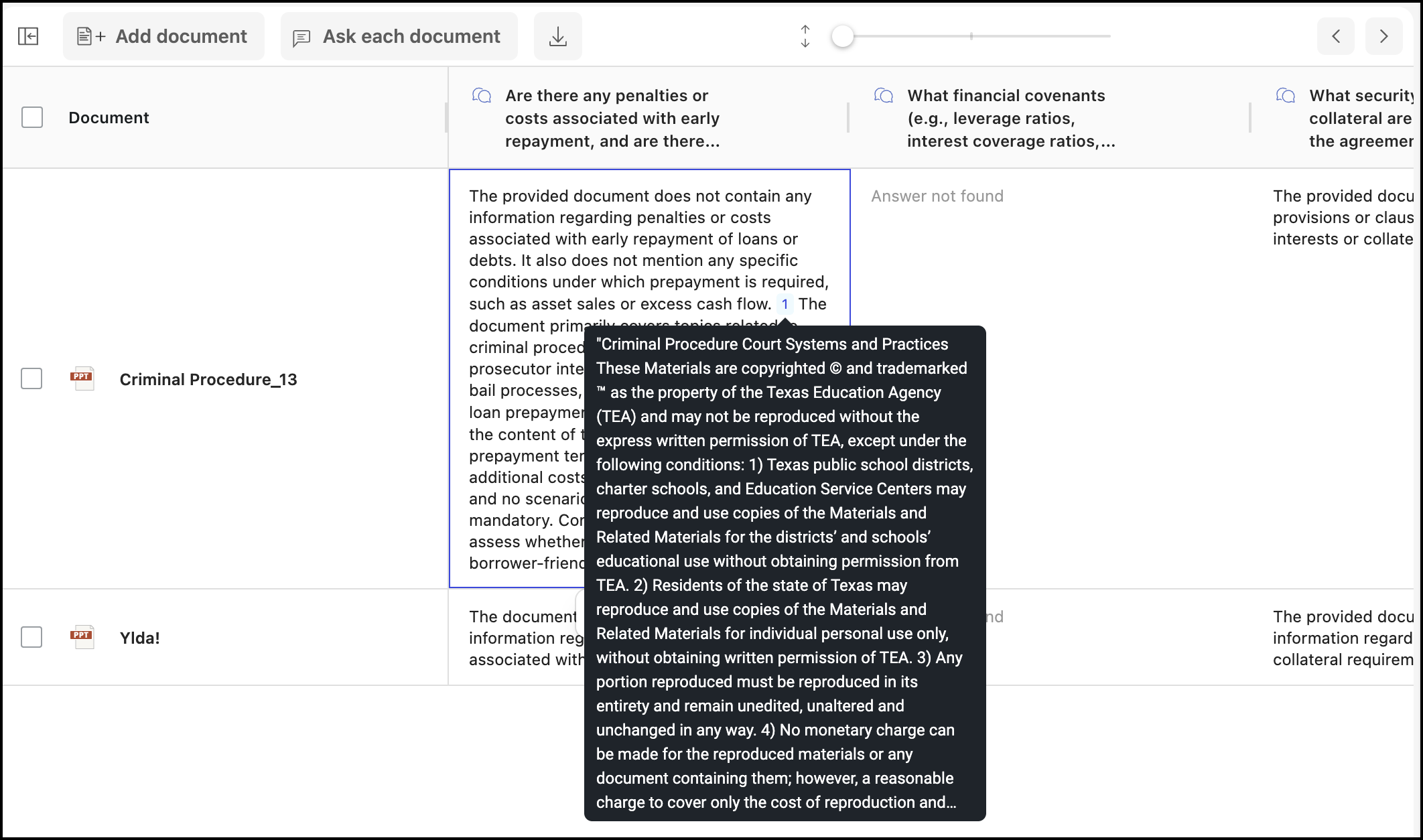
To view the location in the document where the evidence was found, select a number icon.
Figure: Select a number to view the evidence in the document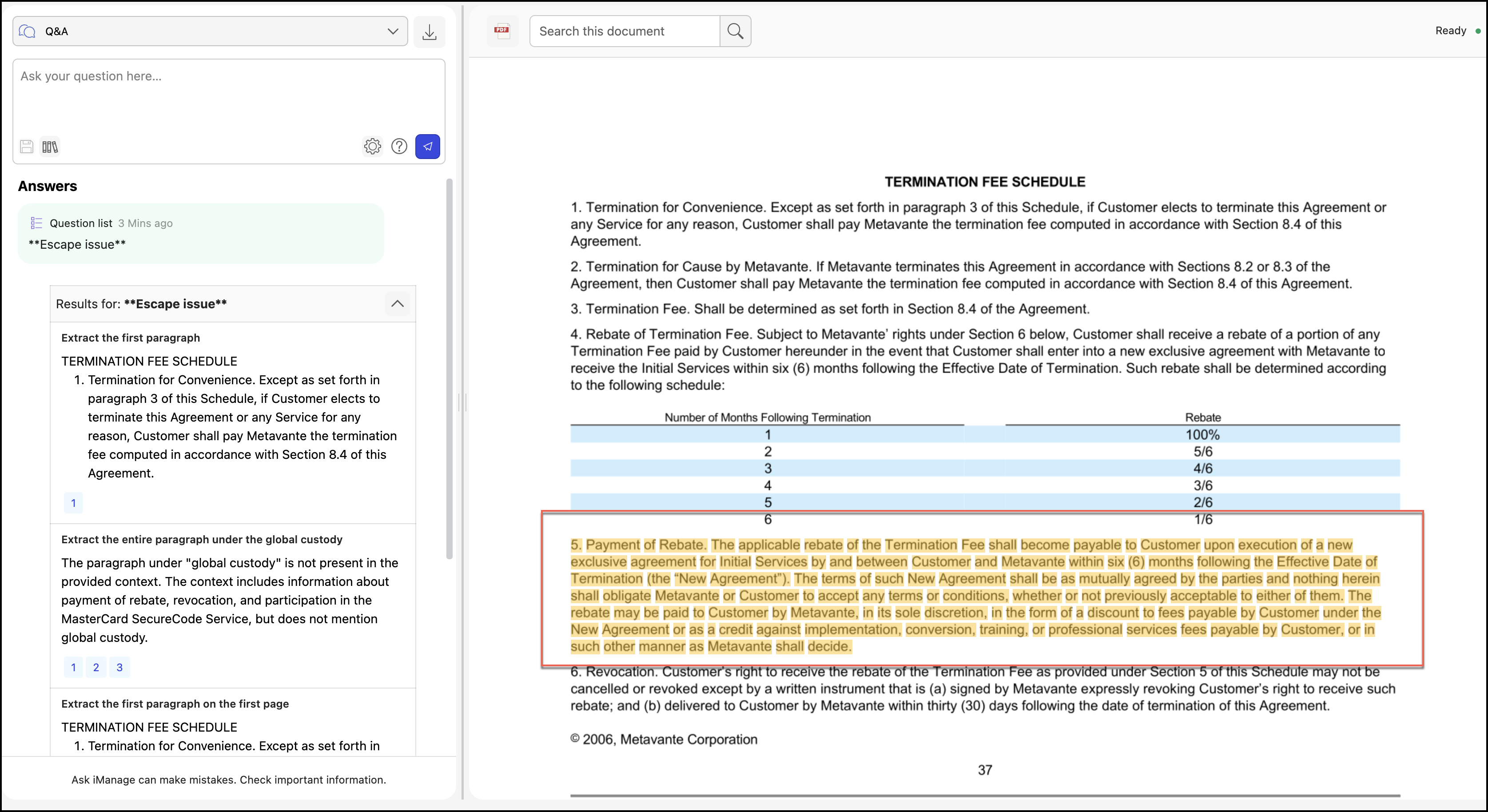
NOTE: You can either hover over the evidence or select the evidence to validate the generated answer. To return to the Ask iManage page, select the back  icon.
icon.