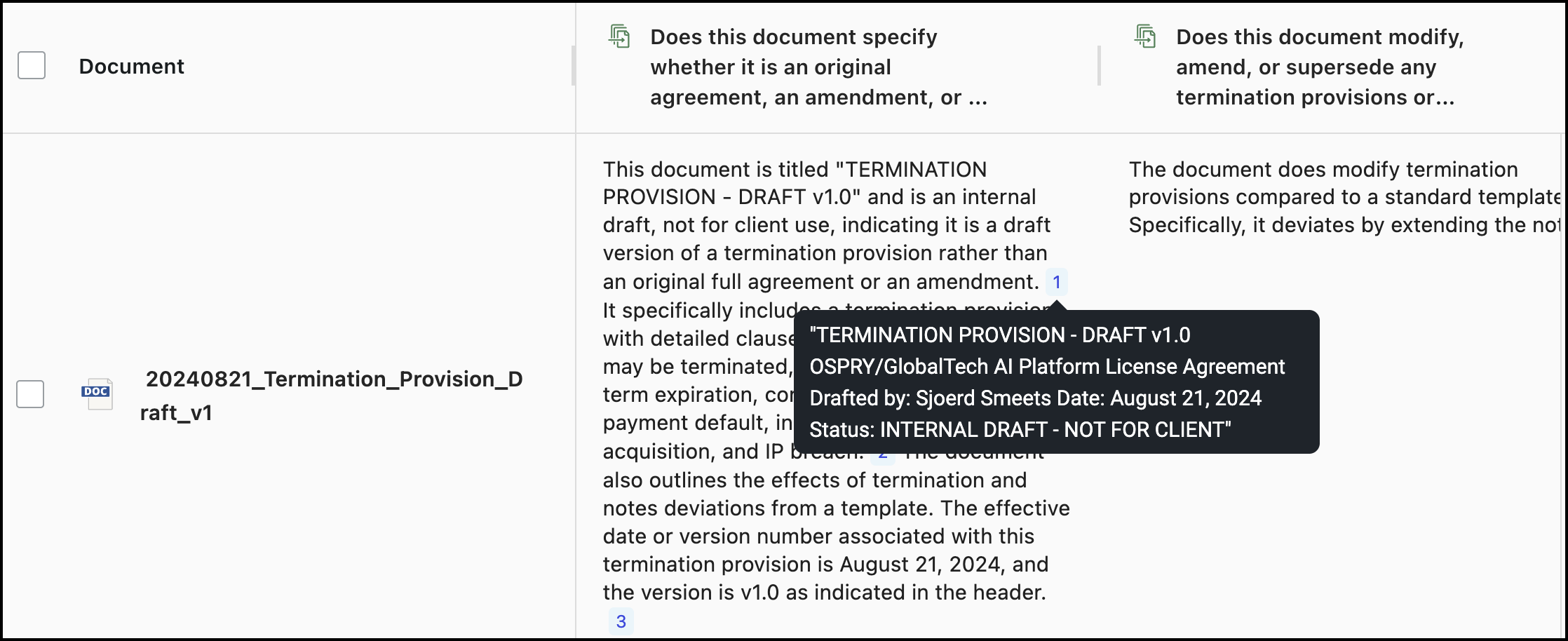
The number icons beside each answer show the count of evidence found in the document related to the question. To view the section of the document that was used to generate the answer, hover over a number icon.
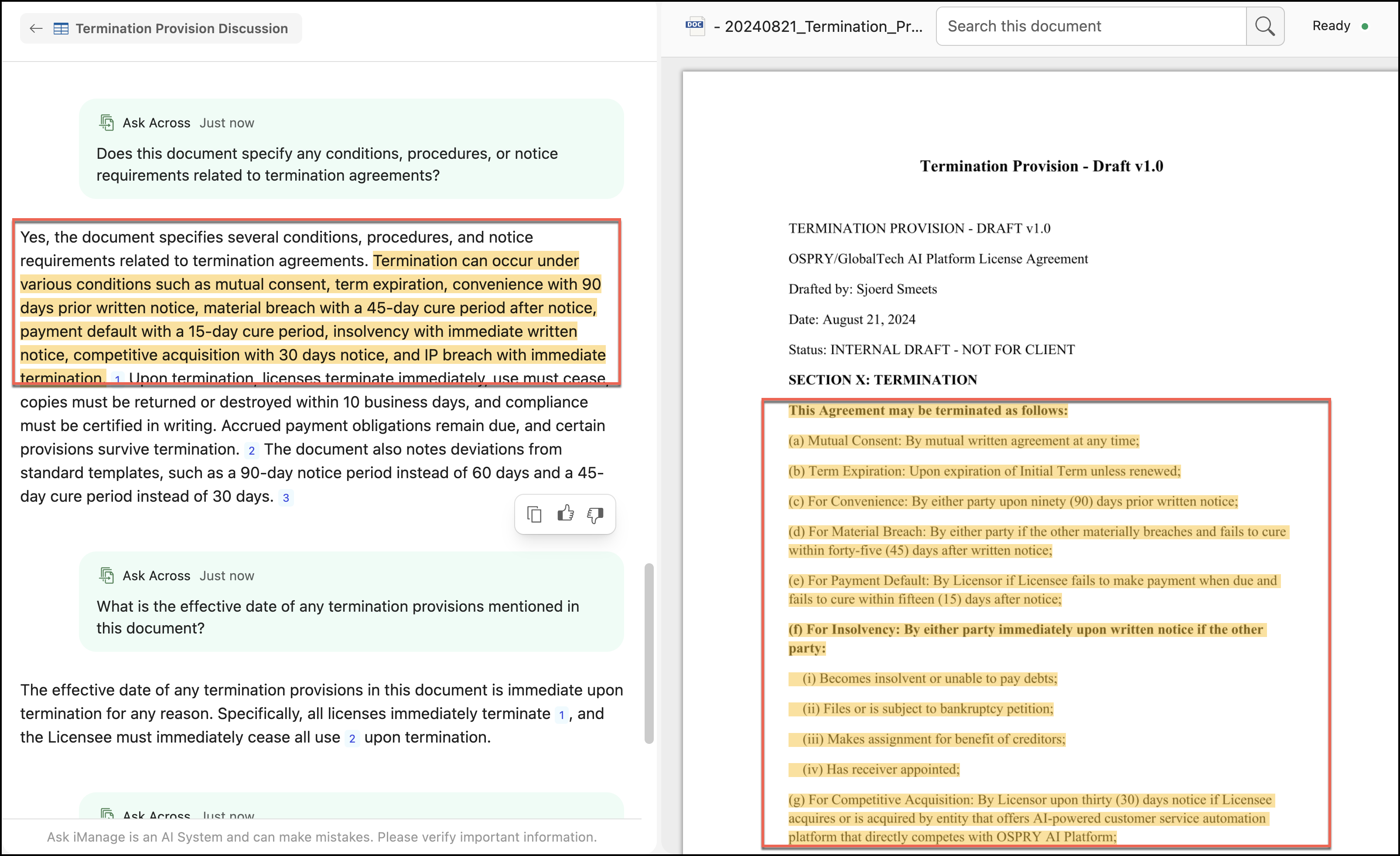
Select a number icon to view the location in the document where the evidence was found. Expand the side panel to view the document preview. Hover the pointer along the vertical left edge of the panel—it changes to  . Hold down the pointer and drag the edge to the left to increase the panel width, or drag the edge to the right to reduce the panel width.
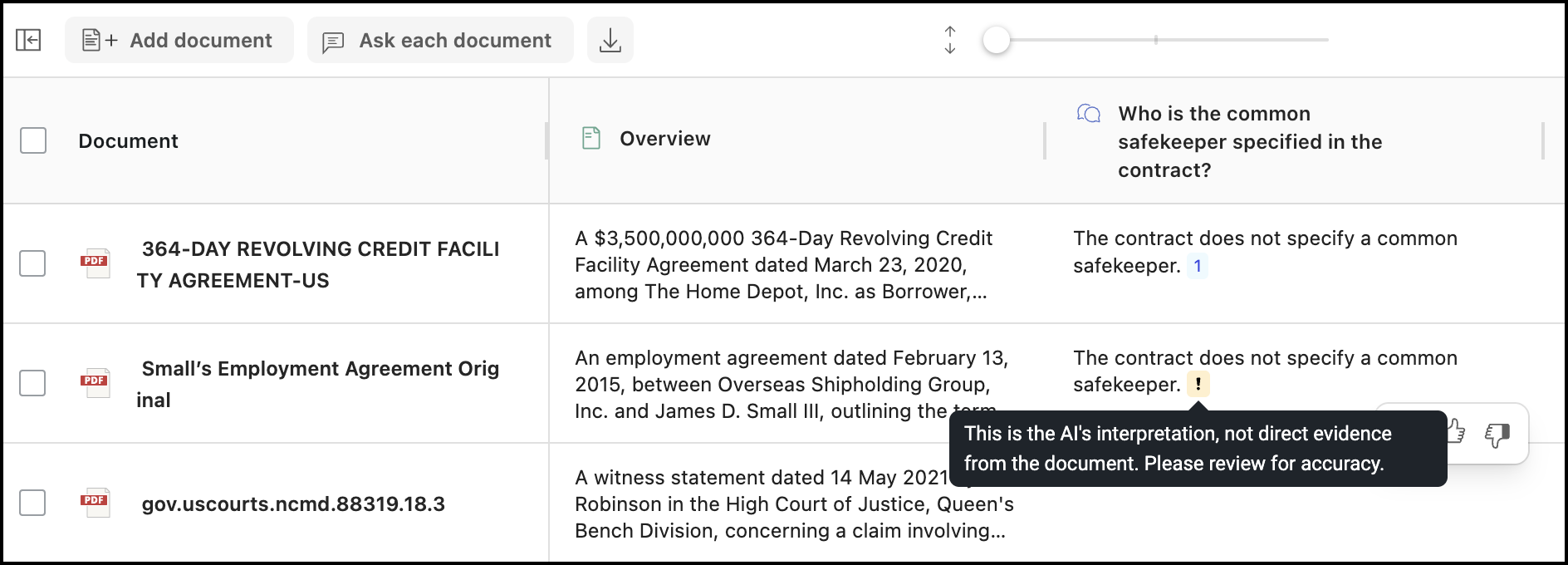
Ungrounded content indicator
If the answer isn't directly available in the documents you have selected, a visual indicator  is displayed next to the answer that allows you to instantly distinguish between document-based facts and supplemental information generated by the AI.
When you hover over the visual indicator, a preview indicating that this information was generated by the AI is displayed.