Ask iManage remembers and saves the previous questions you have asked iManage Work. To access the previous questions, do the following:
Browse and open Ask iManage home page. For instructions, refer to Accessing Ask iManage home page.
Hover over iManage icon and select
 Expand sidebar to view all the conversations saved. Figure: View all conversations asked across iManage Work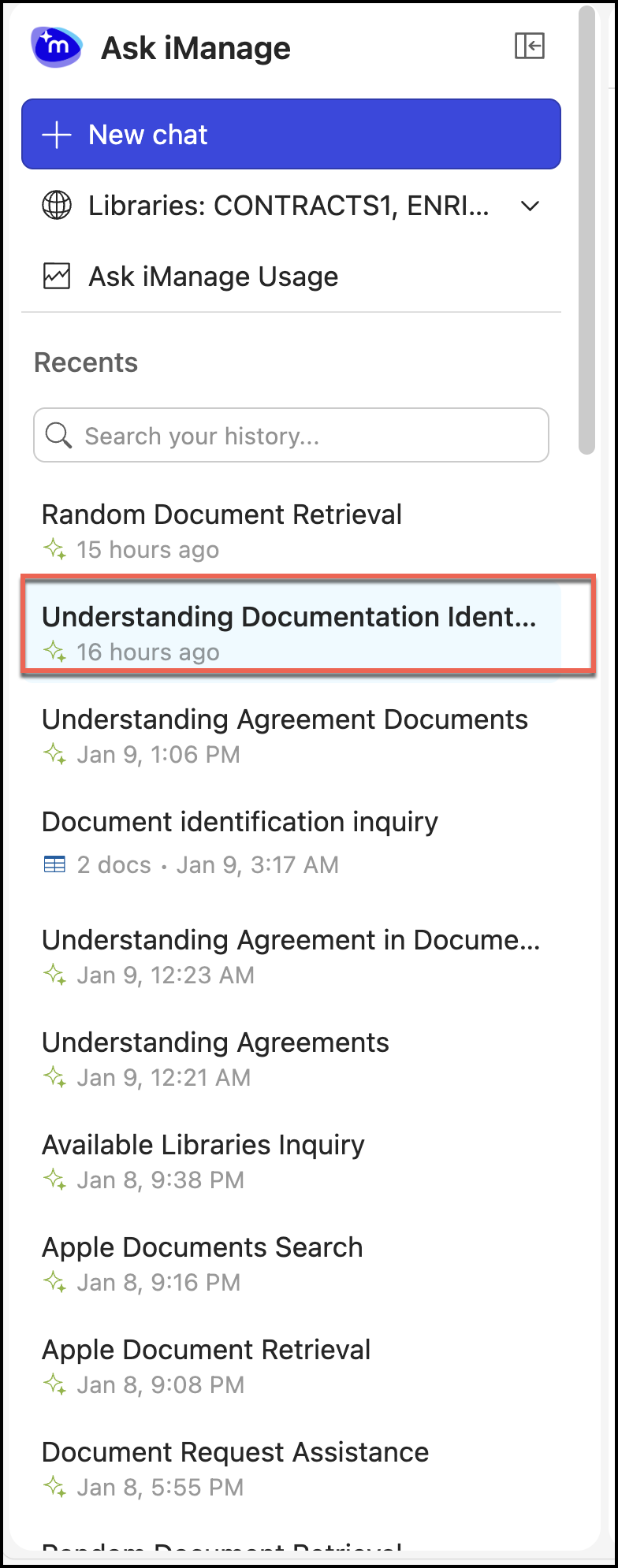
Select a chat. The question or questions previously asked are displayed on the right-hand side of the page.
Figure: Questions asked for the selected conversation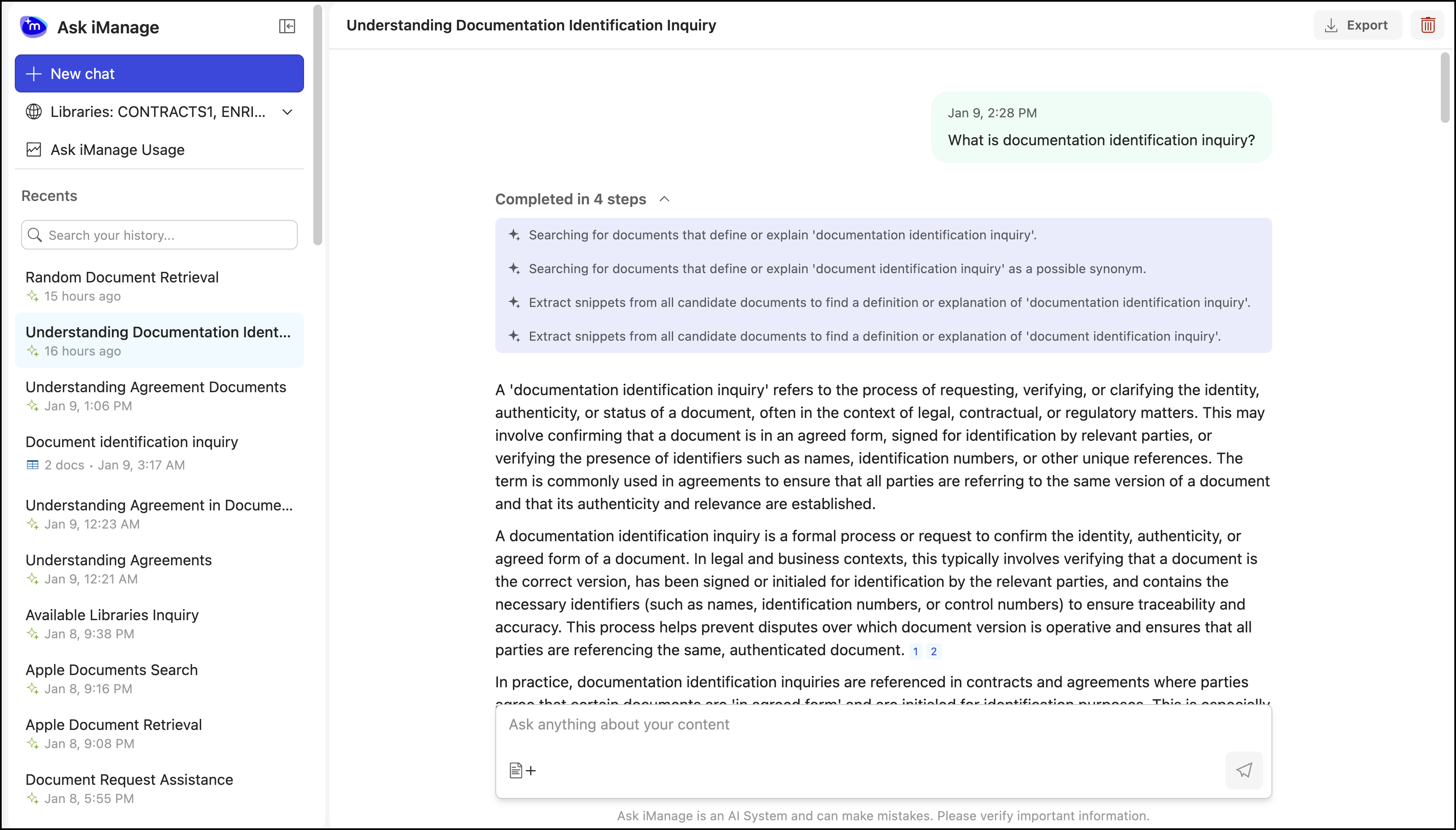
If you want to ask additional questions, enter the question in the Ask anything about your content field. The answers are displayed and Ask iManage automatically saves the updated question in the selected chat.