You can export a Playbook and save it locally as a JSON file.
Select Playbook.
In the Playbook dialog, hover over the playbook that you want to edit and select the more options
 icon next to it.Figure: Exporting Playbook details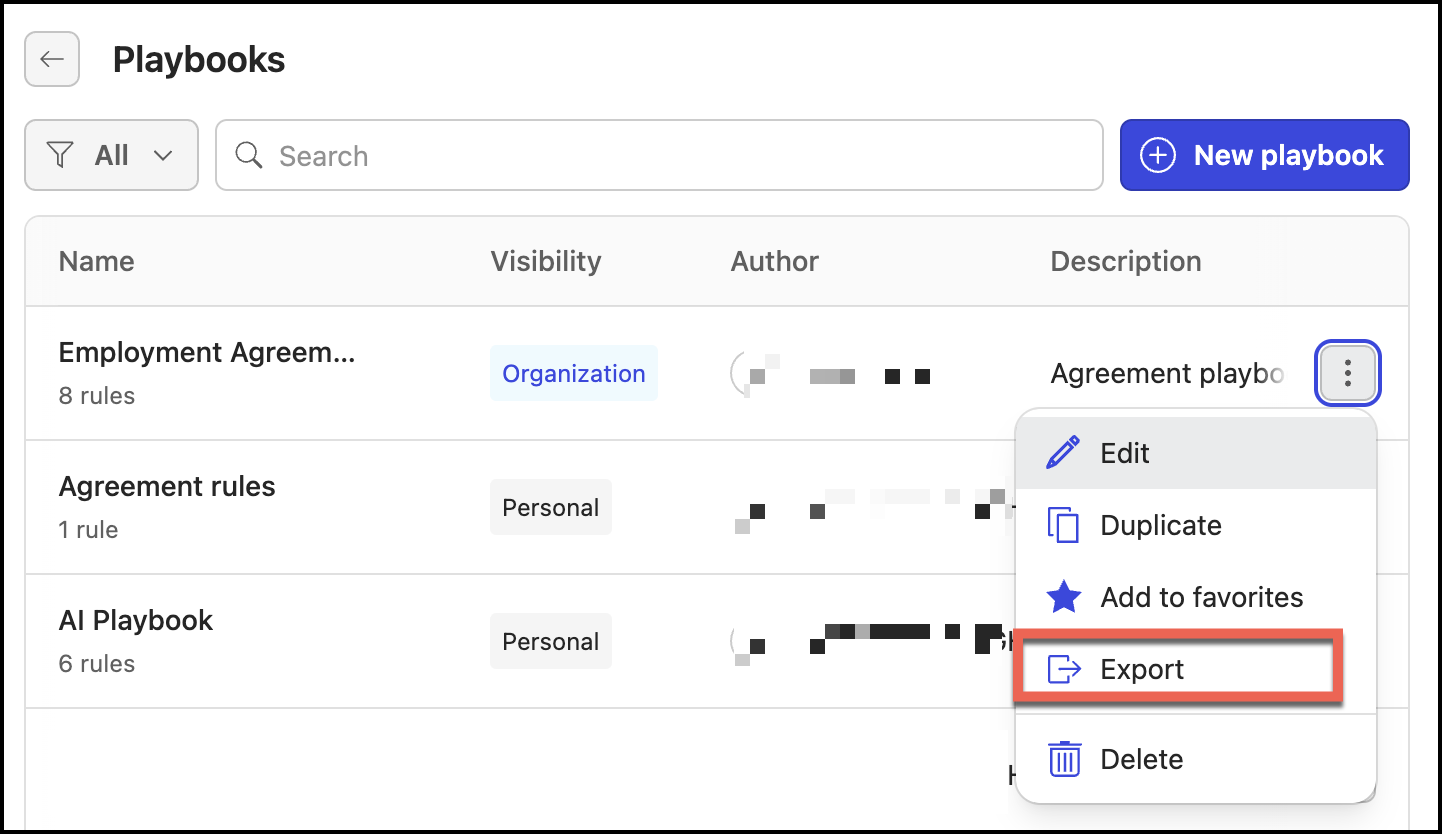
Select Export. The playbook is downloaded to your local device as a JSON file.