To use collaboration links functionality:
You must be on iManage Work at cloudimanage.com.
Users must have a Microsoft 365 Enterprise license.
You must have iManage Next Generation Co-authoring enabled in your domain. Therefore, all prerequisites for iManage Next Generation Co-authoring apply. For more information, refer to the Prerequisites section in iManage Work Next Generation Co-authoring Help.
Users require Read/Write or Full access to a document to be allowed to send, edit, and remove links.
Link recipients who are also iManage customers must also have the following iManage web extensions enabled in iManage Control Center:
Microsoft 365 for the desktop: Required to co-author files using the Microsoft 365 applications for the desktop.
Microsoft 365 for the web: Required to co-author files using Google Chrome, Microsoft Edge, or Safari.
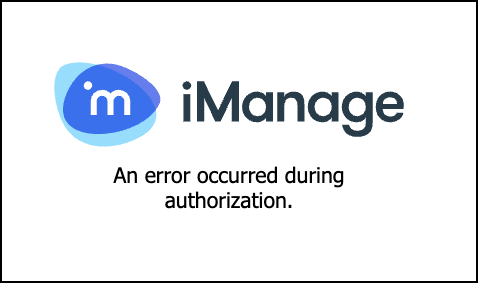
If an iManage user receives a link from another iManage user at a different organization, and they don’t have the Next Generation Co-authoring enabled in their home tenant, they’ll receive the following error when attempting to edit the document using Microsoft 365 for web, desktop or on an iOS device.
Figure: Authorization error message