Editing mapped properties
To edit an mapped property:
Select Settings and then select Metadata Mapping.
Figure: Select metadata mapping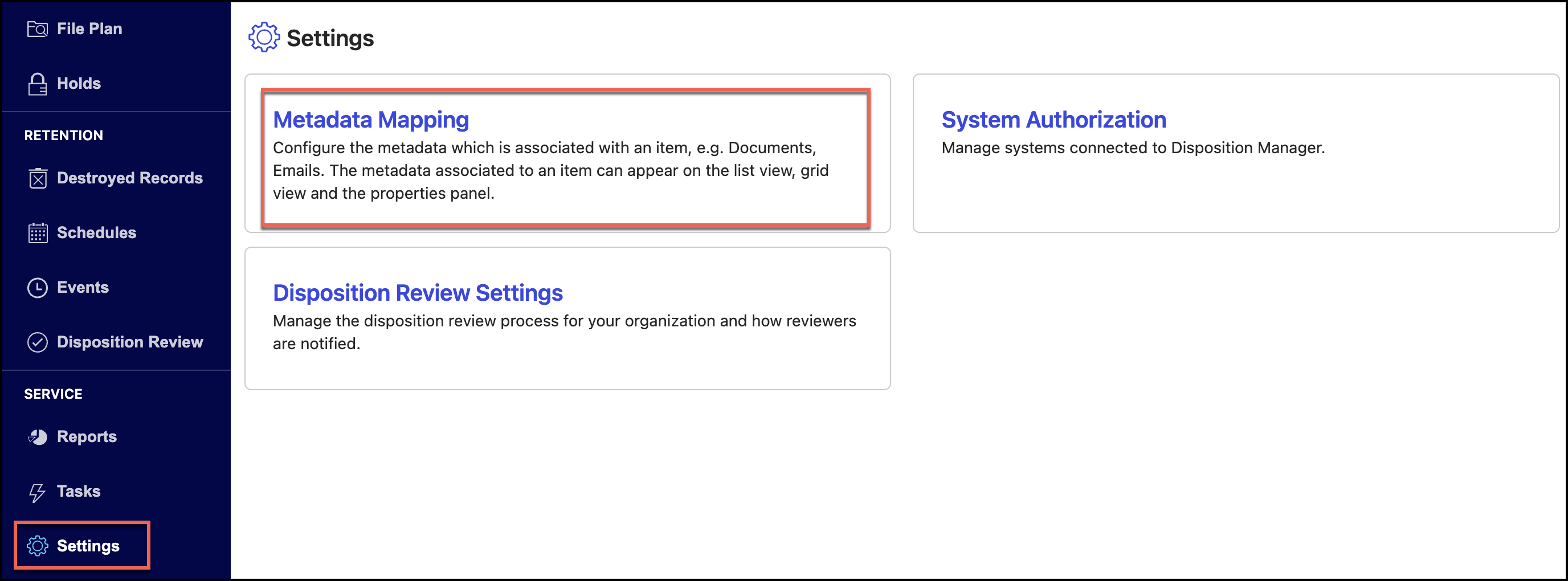
Select a library.
Figure: Select a library
Select one of the following:
Matter
Folder
Record
Figure: Select matter or folder or record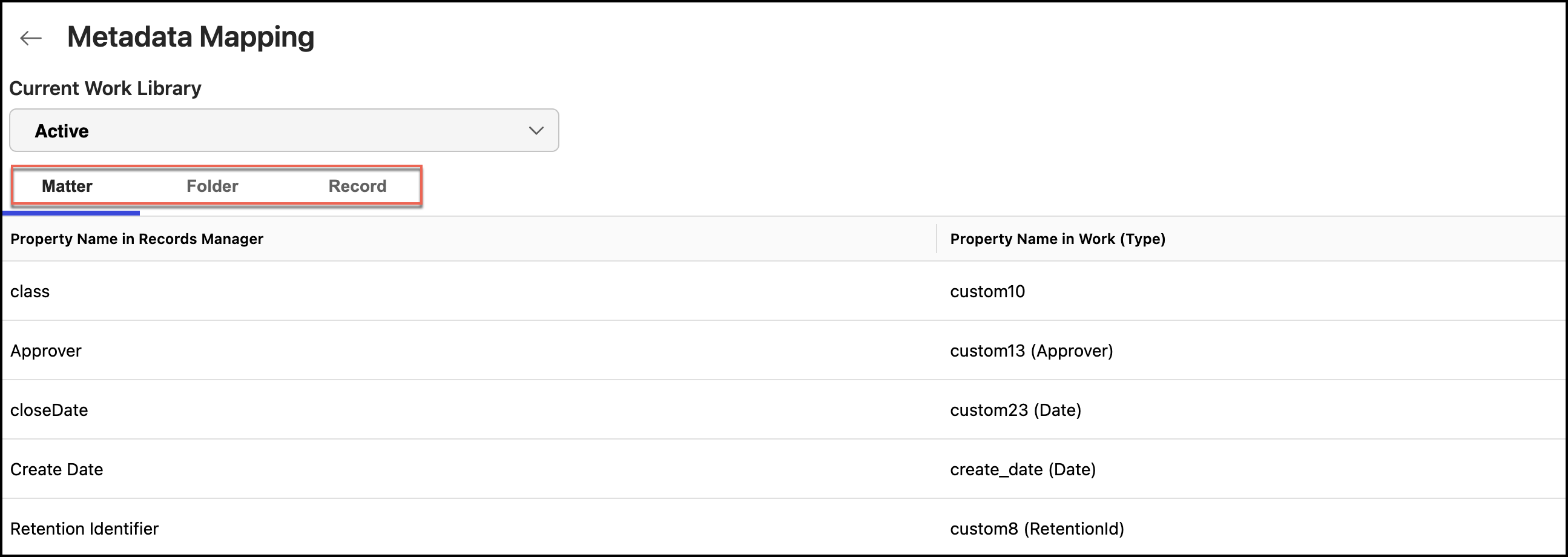
Select the
 kebab menu for the mapped property you want to edit and then select Edit. Figure: Select Edit to edit metadata properties
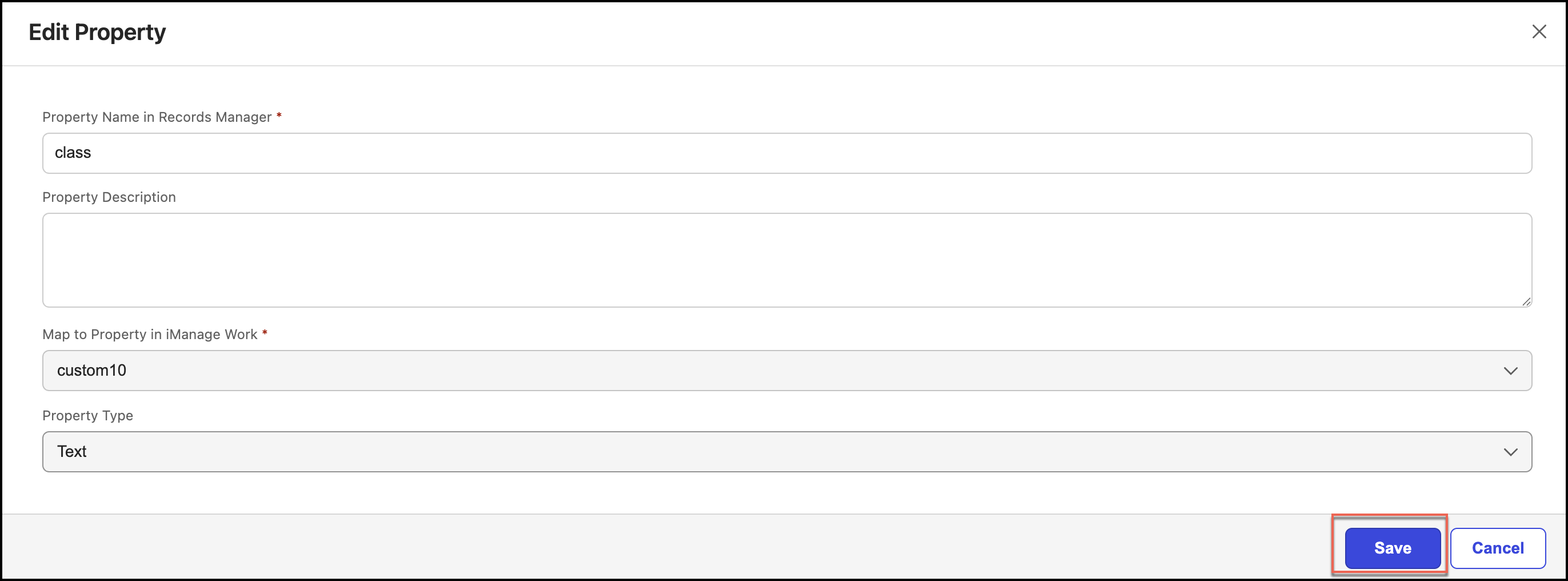
In the Edit Property Mapping dialog, make the necessary changes and select Save.
Deleting mapped properties
To delete an mapped property:
Under Metadata Mapping, select a library.
Select one of the following:
Matter
Folder
Record
Figure: Select matter or folder or record
Select the
kebab menu for the mapped property you want to delete and then select Delete. The mapped property is deleted.Figure: Select Delete to delete a metadata property