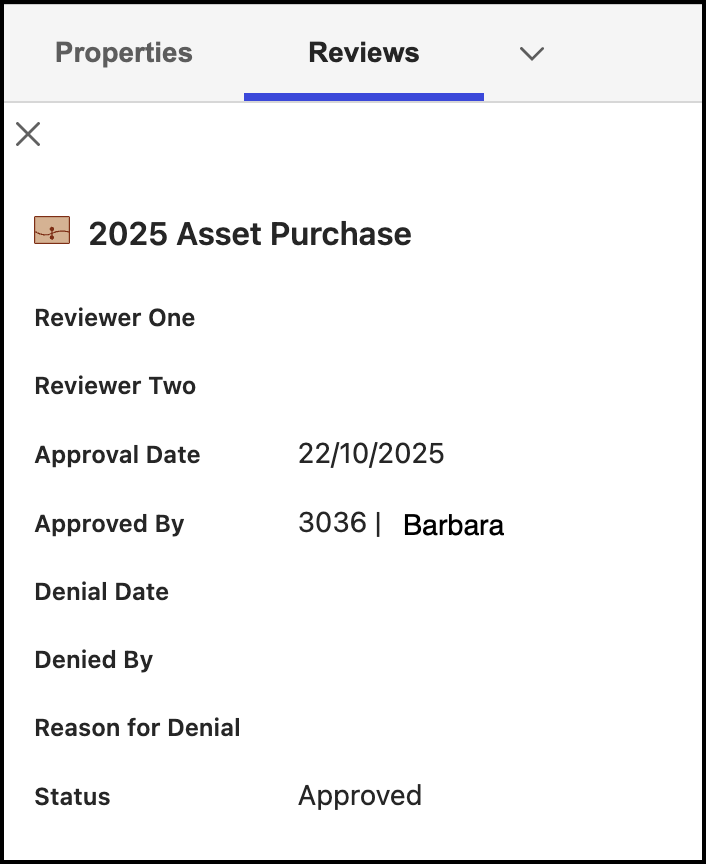
The Reviews panel can be viewed on the Disposition Review and Tasks pages. The Reviews panel displays the following information:
Reviewer details
Approval date
Approved by
Denial date
Denied by
Reason for denial
Status
Records Managers and Disposition Managers can access the Reviews panel by doing the following.
On the Disposition Review page:
Select the
kebab menu next to the task for which you want to view the Reviews panel and then select Properties.
In the Properties panel, select the Reviews panel from the drop-down list that's displayed.
On the Tasks page:
Select the Triggered or Upcoming tab.
Select the kebab
Select the Reviews tab to view the Reviews panel.