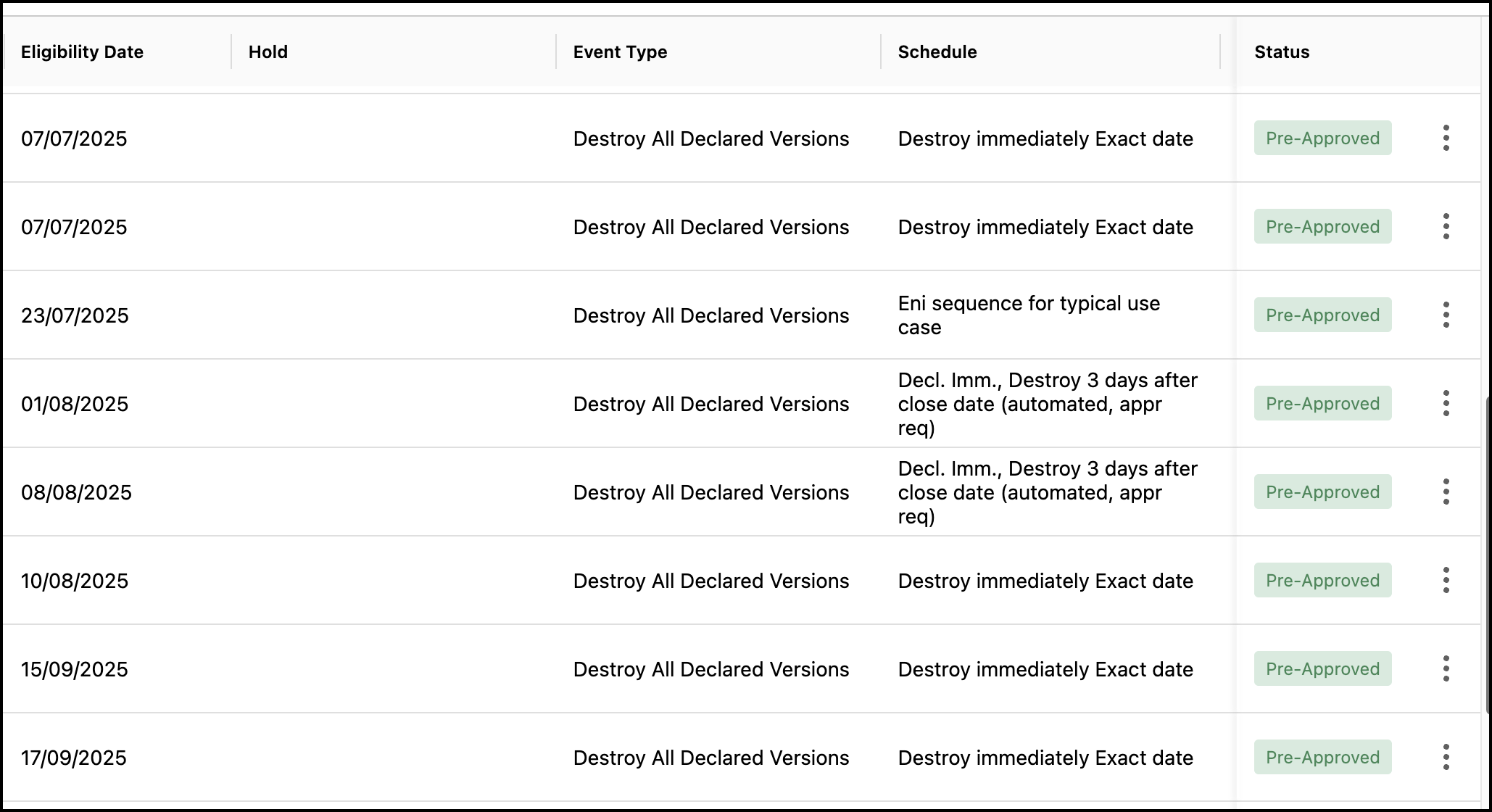
The Disposition Review page displays all the disposition tasks. The status of the tasks depends on the Review Mode set in Disposition Review Settings. The review mode manages the disposition review workflow for authorized reviewers.
IMPORTANT:
You have to be a Records Manager to set the Review Mode in Disposition Review settings.
When two tasks (one declare and one destruction task) are scheduled to run on the same day and at the same time, the declare task is first run. There will be one attempt to trigger the destruction task after the declare task is completed. For some reason, if the destruction task can't run, it'll be automatically triggered the next day, unless triggered manually.
If the parent folder or workspace has valid reviewers and the event is triggered at the parent folder or workspace level, then the approval applies for all the child folders, even when these folders have reviewer email IDs that are no longer active.
When a workspace is still not destroyed and the task run for that workspace is the most recent one, then the task can be retried, in which case the Retry button will be enabled.
To set the review mode, do the following:
In the left view pane, under Service, select Settings.
Figure: Select Service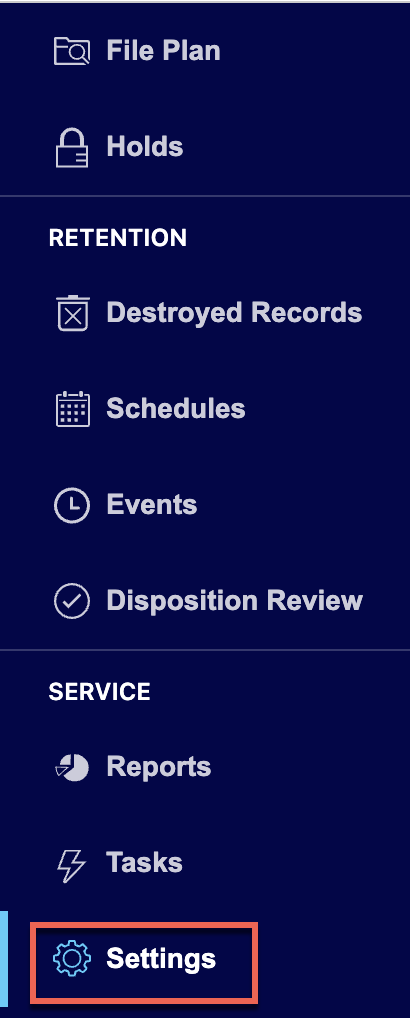
In the Setting page, select Disposition Review Settings.
Figure: Select Disposition Review Settings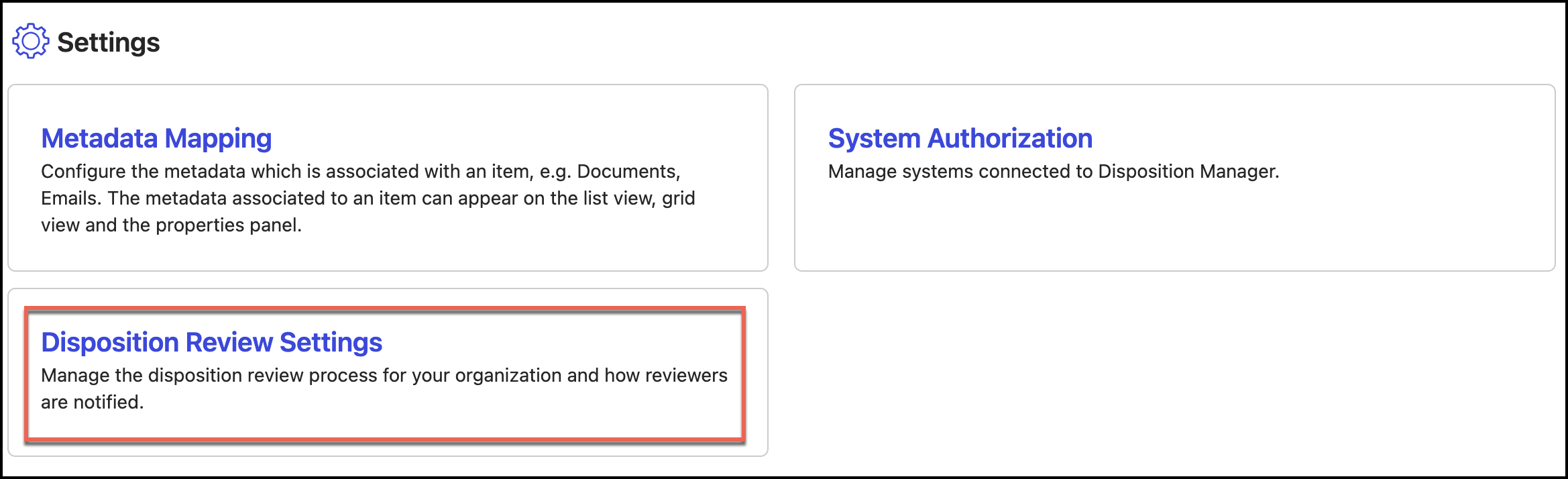
In the Disposition Review Settings page, under Review Mode, select one of the following:
Items are not destroyed until approval is received by an authorized reviewer
Item destruction is pre-approved unless denied by an authorized reviewer
NOTE: Changing this setting after initial configuration may disrupt active workflows. We recommend finalizing your choice during application setup.
Select Update Settings. Select Yes, Save to update the review mode settings.
In the left view pane, under Retention, select Disposition Review.
Figure: Select Disposition Review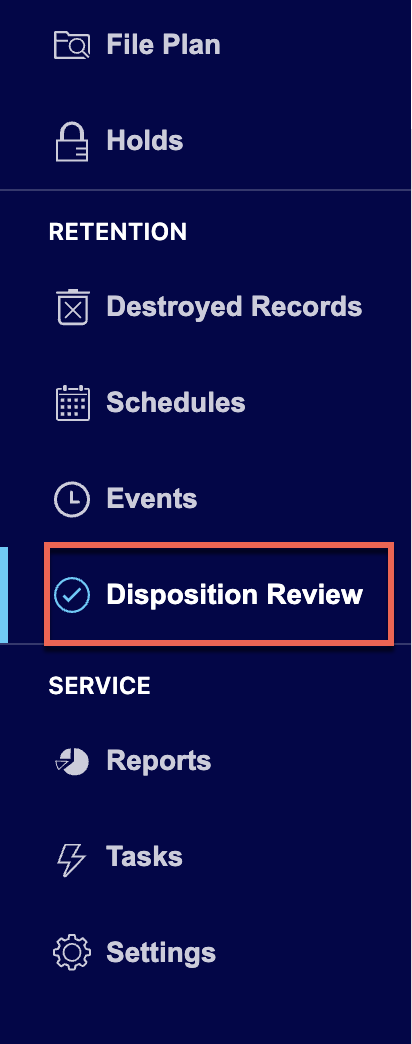
When Items aren't destroyed until approval is received by an authorized reviewer option is selected, the status of all the tasks changes to Pending on the Disposition Review page as shown in the following figure. Authorized reviewers have to approve the tasks for the records to be destroyed.
Figure: Status when items aren't destroyed until approval is received by an authorized reviewer is selected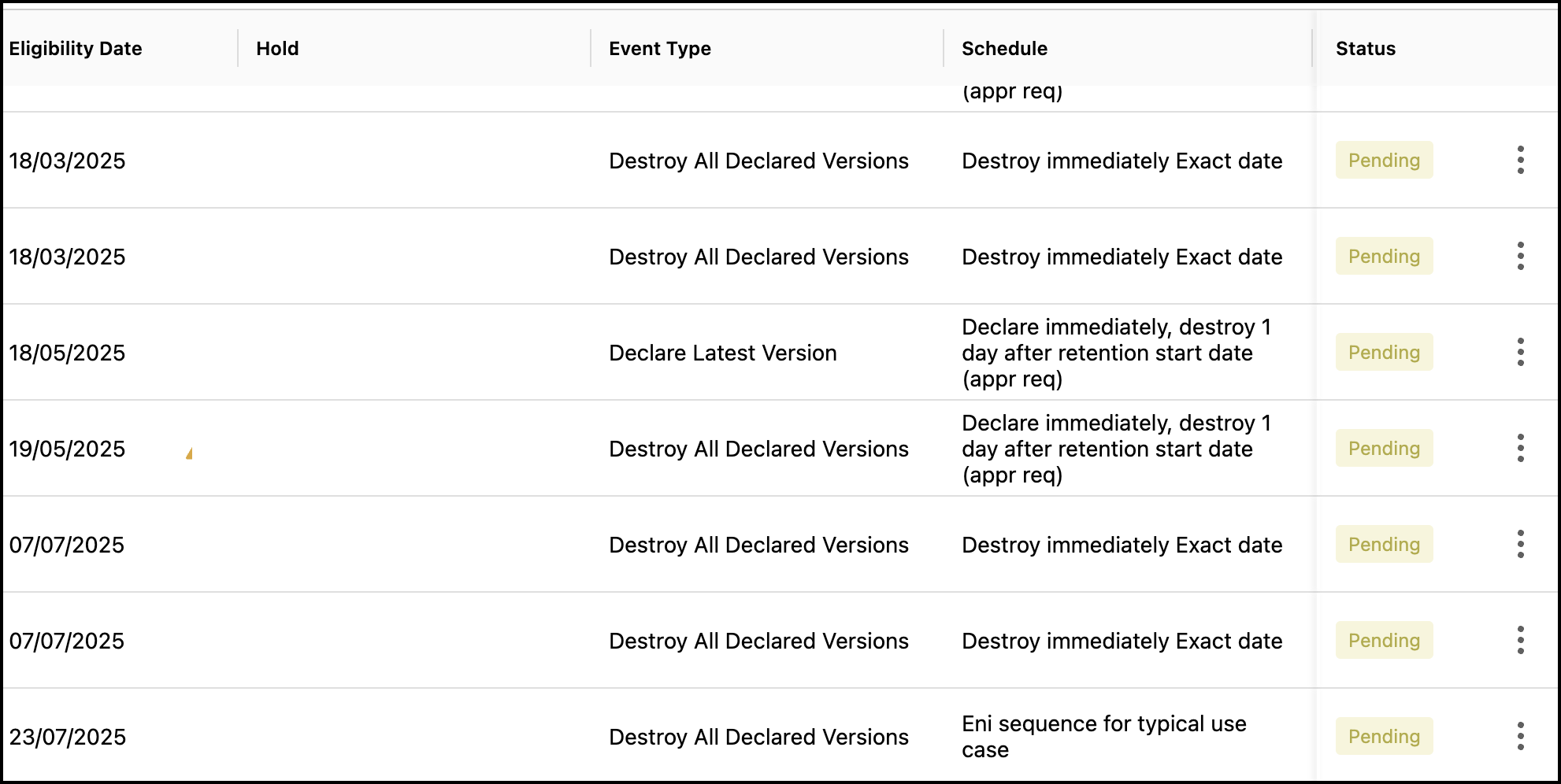
When Item destruction is pre-approved unless denied by an authorized reviewer is selected, the status of all the tasks changes to Pre-approved on the Disposition Review page as shown in the following figure. Authorized reviewers can deny the tasks.
Figure: Item destruction is pre-approved unless denied by an authorized reviewer option is selected