To create reports,
In the list view, select Reports.
Figure: Select Reports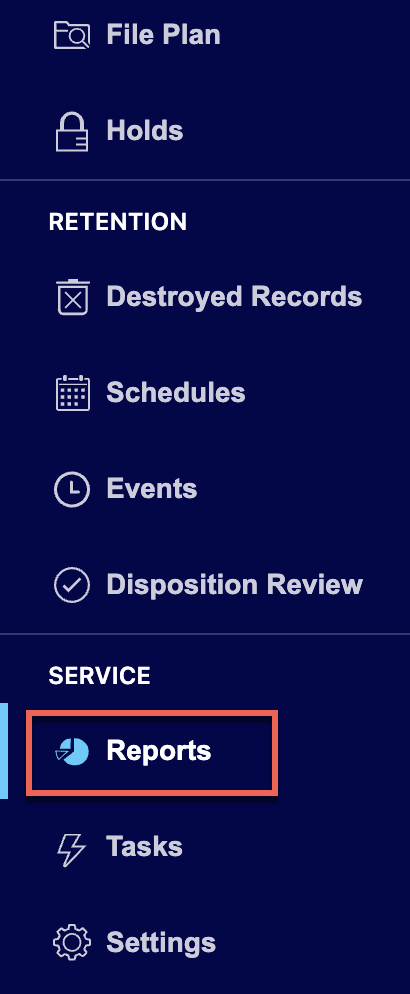
On the Reports page that’s displayed, select New Report.
Figure: Select New Report
In the New Report dialog, enter the report name in the Title field.
Figure: Enter title and description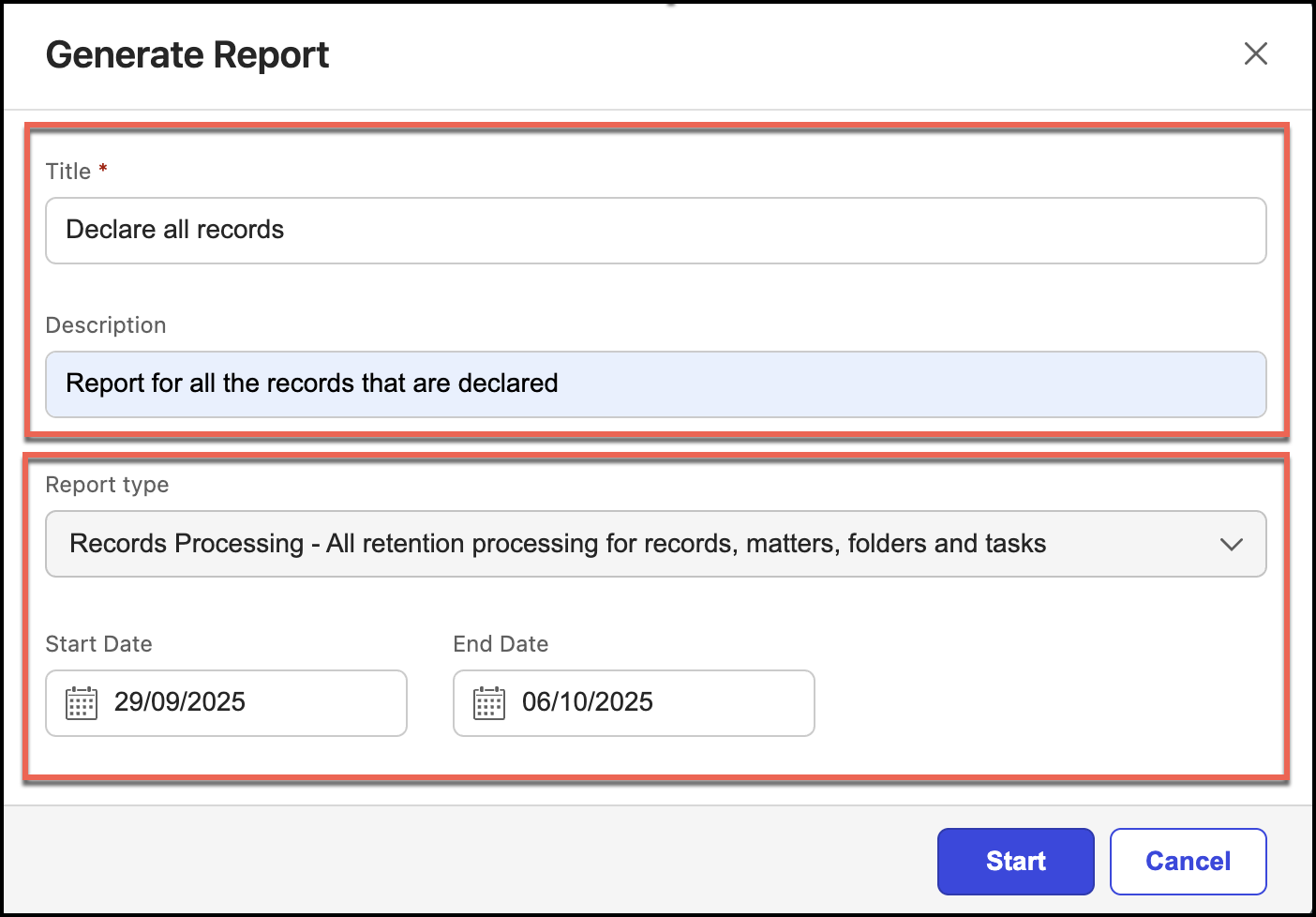
(Optional) Enter a description in the Description field.
Select an option from the Report type drop-down list.
Figure: Select the report type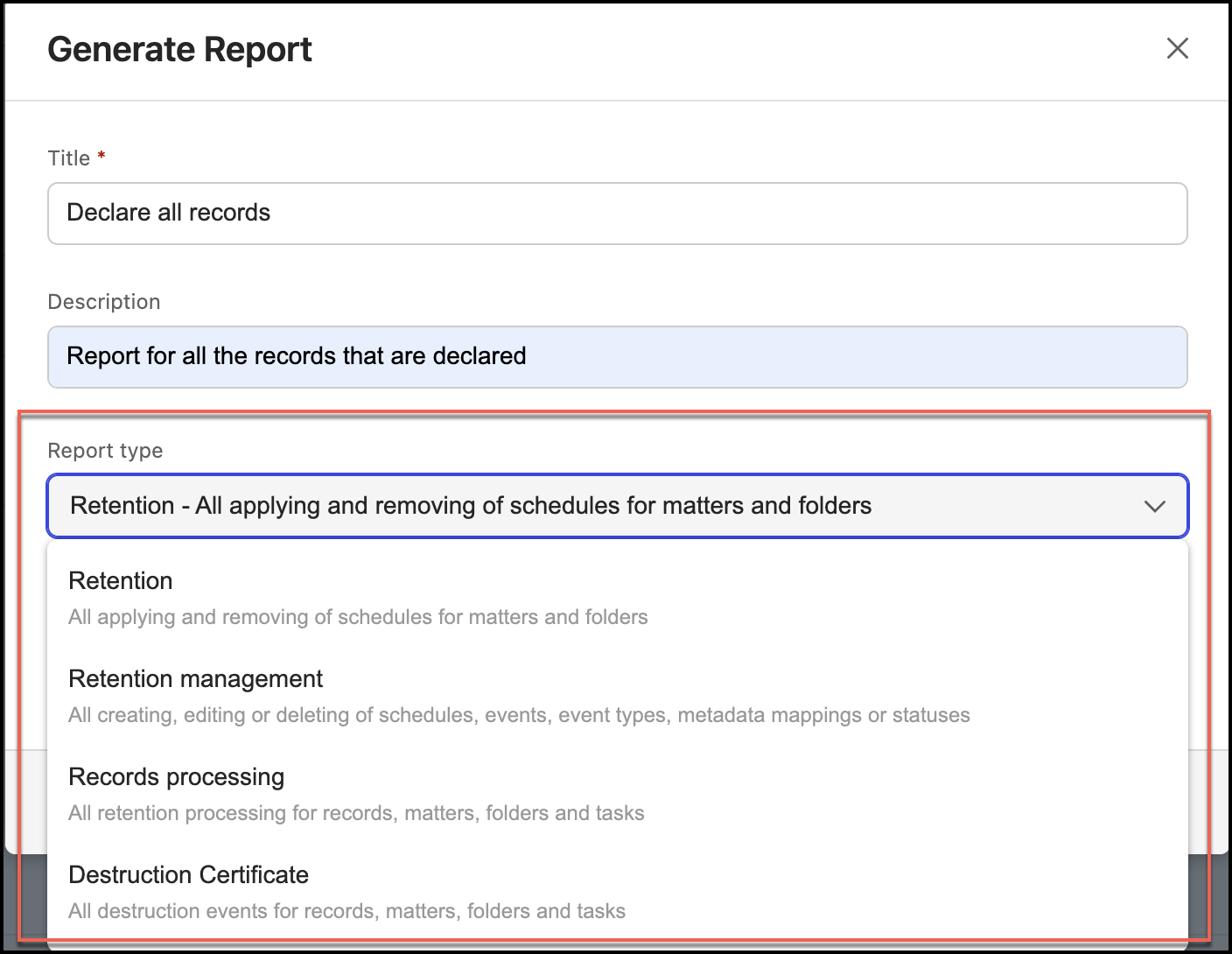
Select the start and end dates and then select Add.
NOTE: The Reports page contains:
The following statues:
Failed: When report fails during generation.
0 rows: When reports have zero rows.
Timestamps in reports now display the time zone of the user who created the report—for example, Fri, 10 Jul 2026, 00:00:00 GMT+1.