Editing reports
Under Report, select the
 icon for the report you want to edit and then select Edit. Figure: Select the Edit option to edit the report
In the Edit Report dialog, make the necessary changes to the title and description.
Figure: Edit report title and description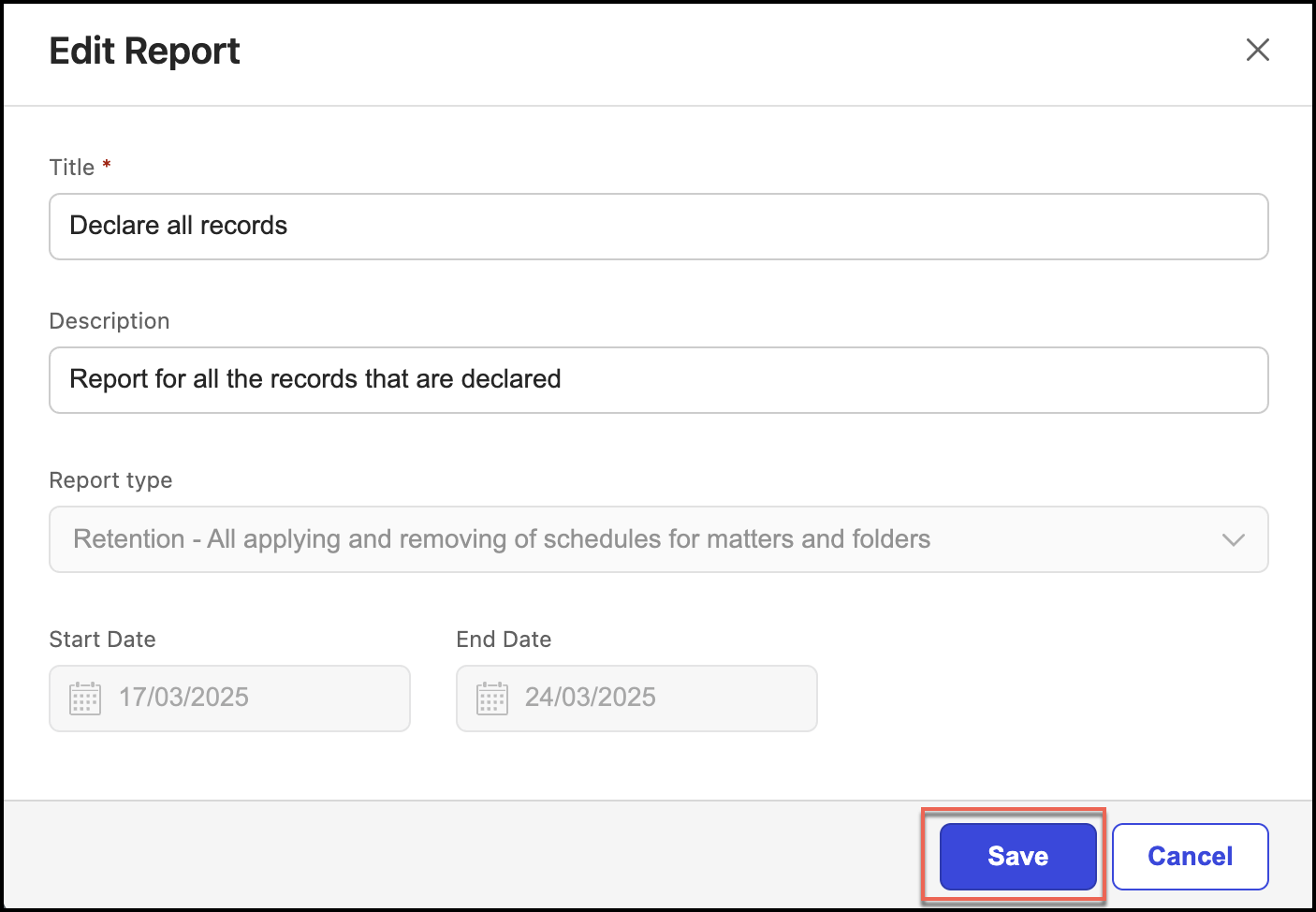
Select Save.
NOTE: You can rename only the title and description of the reports.
Deleting reports
To delete a report:
Under Report, select the
icon for the report you want to delete and then select Delete. Figure: Select the Delete option to delete the report
In the Delete Report dialog, select Confirm to delete the report. The report is deleted.
Figure: Confirmation for report deletion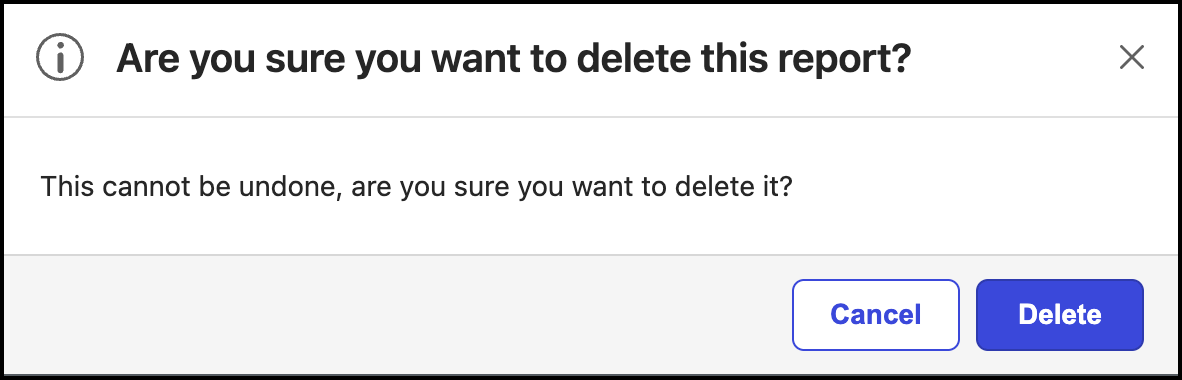
NOTE: After the report is deleted, you can’t retrieve it. If you need the report with the same parameters, you have to create the report again.