In this section:
Editing mapped properties
Select Settings and then select Metadata Mapping.
Figure: Select Metadata Mapping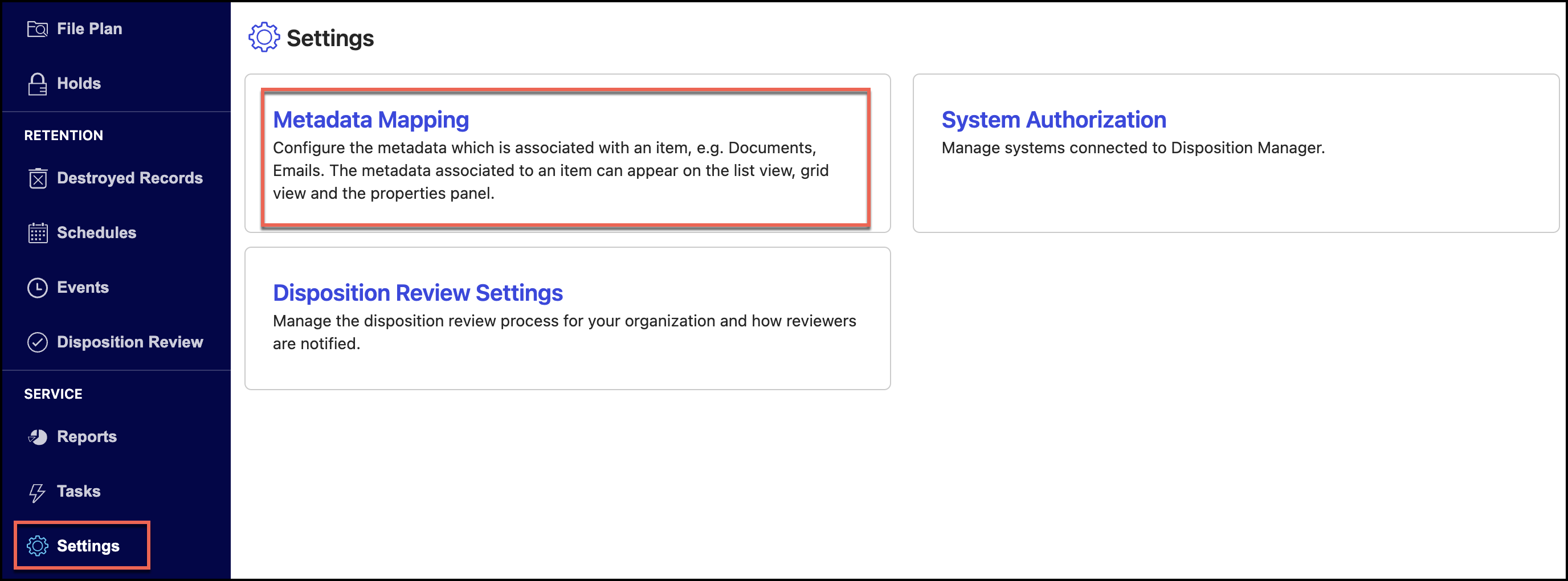
Select a library.
Figure: Select a library
Select one of the following:
Matter
Folder
Record
Figure: Select Matter or Folder or Record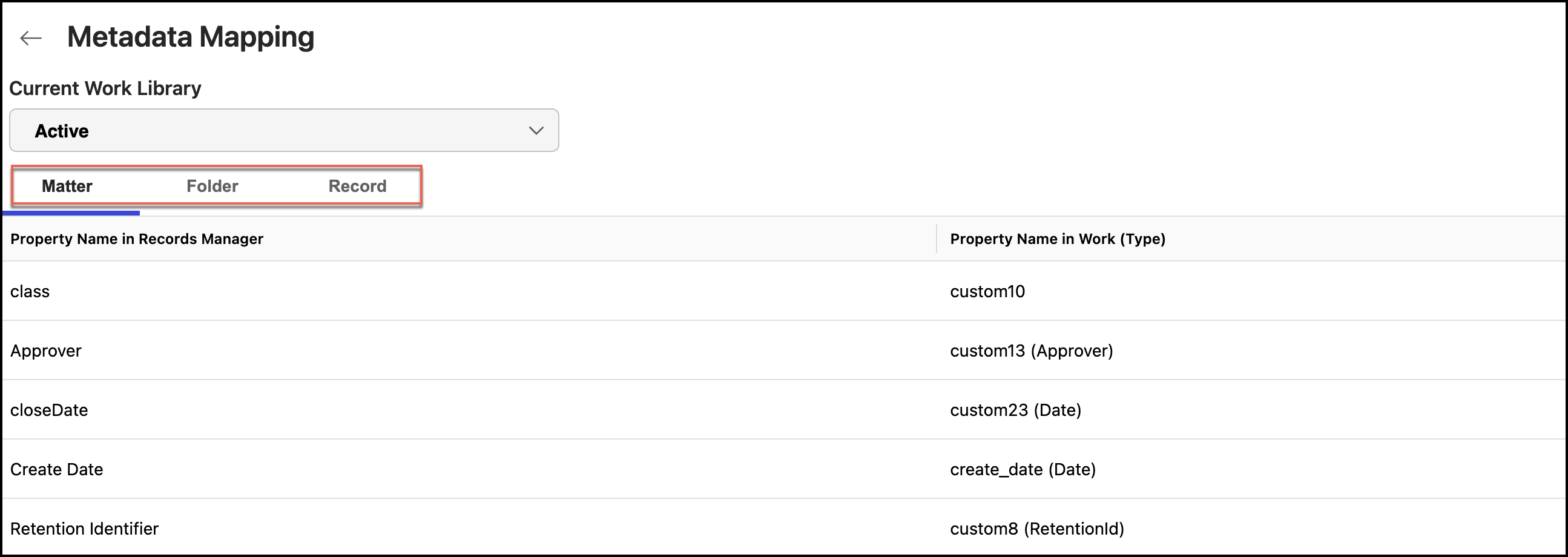
Select the
 icon for the mapped property you want to edit and then select Edit. Figure: Select Edit to edit metadata properties
In the Edit Property dialog, make the necessary changes and select Save.
Figure: Saving the changes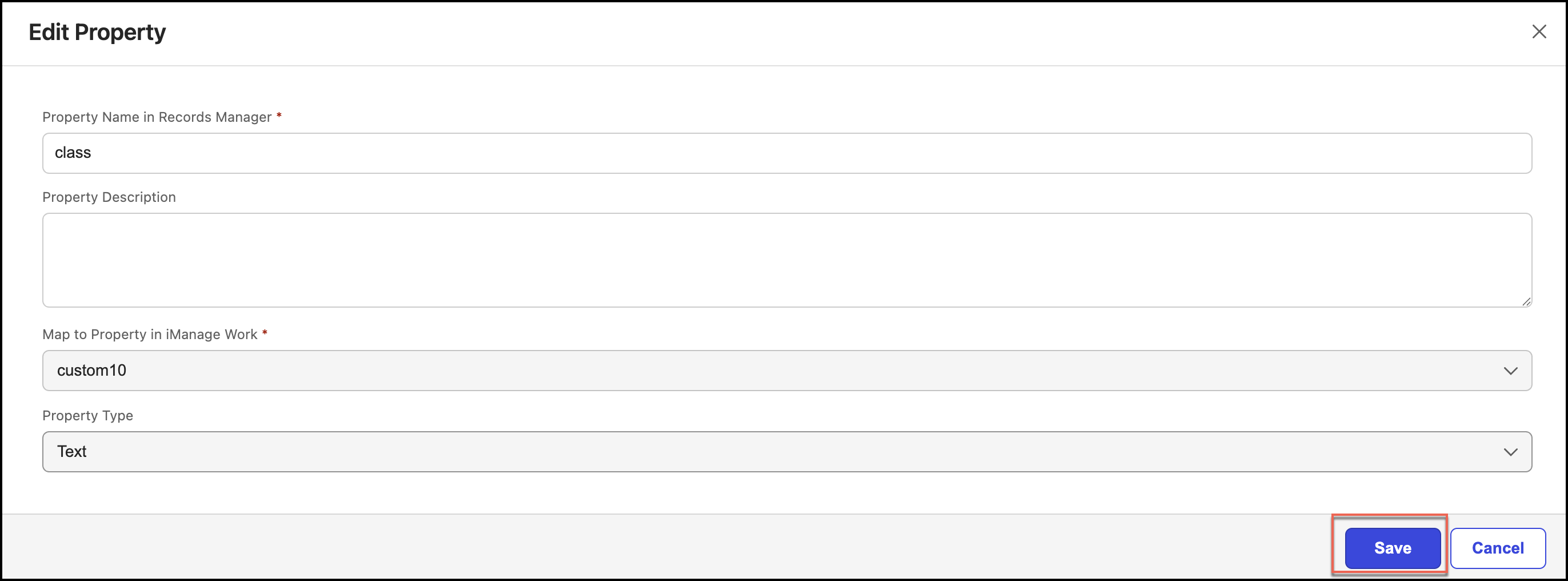
Deleting mapped properties
To delete an mapped property:
Under Metadata Mapping, select a library.
Select one of the following:
Matter
Folder
Record
Figure: Select Matter or Folder or Record
Select the
icon for the mapped property you want to delete and then select Delete. The mapped property is deleted.Figure: Select Delete for deleting metadata property