Reviewing pending tasks in bulk
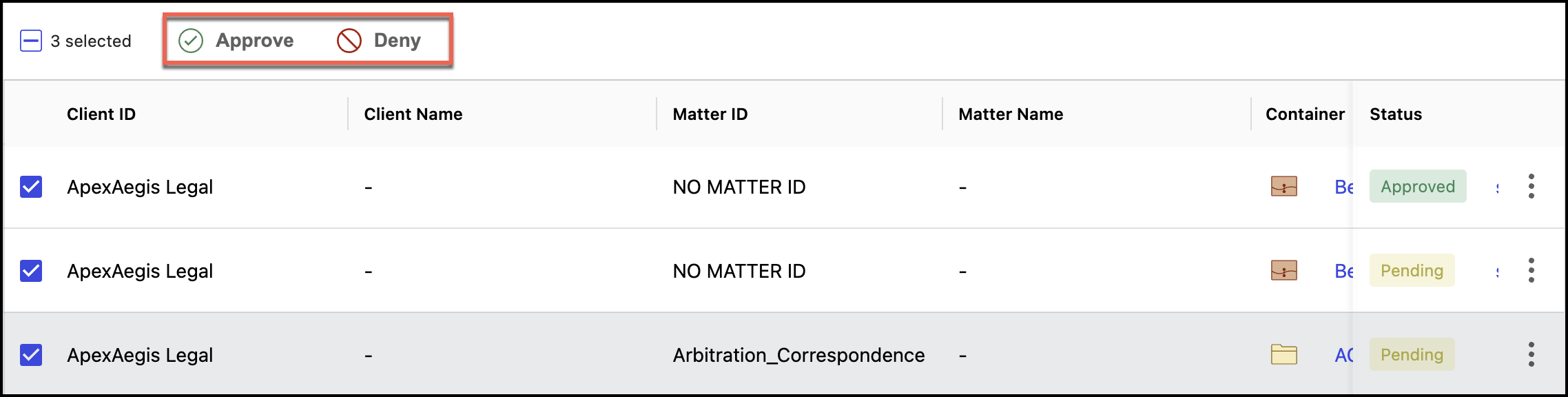
If the Review Mode is set to Items aren't destroyed until approval is received by an authorized reviewer, Records Managers and Disposition Reviewers can select multiple tasks and then select:
Approve or Deny if the status is Pending.
Deny if the status is Approved.
Based on the selection, if the task is approved, the status changes to Approved or if the task is denied, the status changes to Denied. After they deny the tasks, Disposition Reviewers can no longer change the status of the tasks and have to contact Records Managers for any subsequent changes.
Reviewing pre-approved tasks in bulk
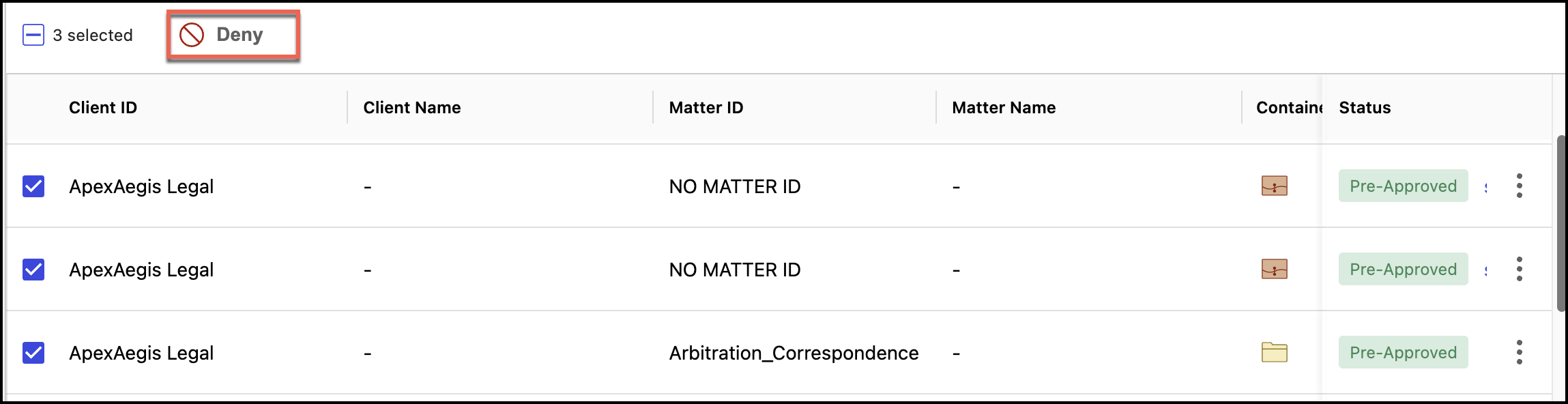
If the Review mode is set to Item destruction is pre-approved unless denied by an authorized reviewer, Records Managers and Disposition Reviewers can select multiple tasks and then select Deny for the selected pre-approved tasks. The status of the tasks changes to Denied.
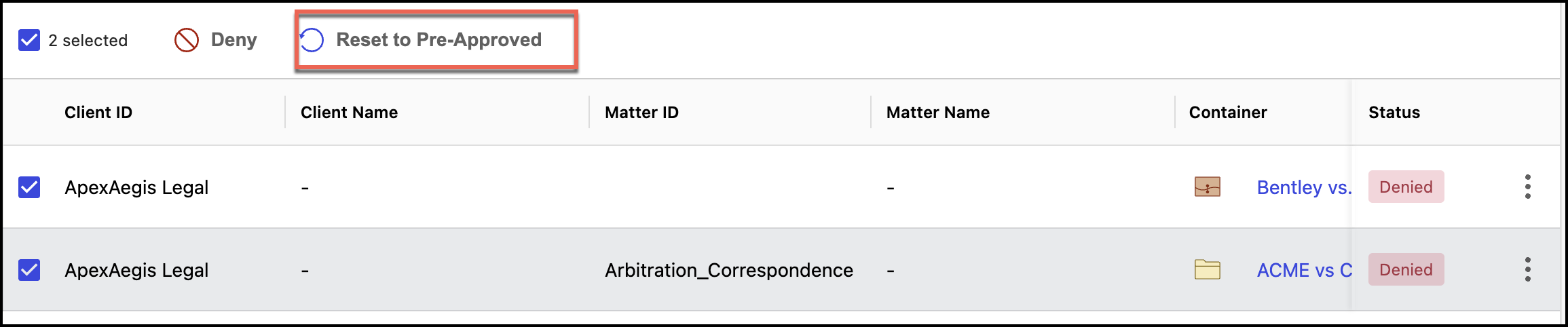
Additionally, Records Managers can change the status of any denied task to Reset to Pre-Approved as shown in the following figure. The status changes to Pre-Approved.