On the list view, select Settings and then select Metadata Mapping.
Select one of the following:
Matter
Folder
Record
Select the
 icon next to the iManage Work Property and then select Timeline. The timeline for the selected property is displayed and provides details of the changes made.Figure: Timeline - Property metadata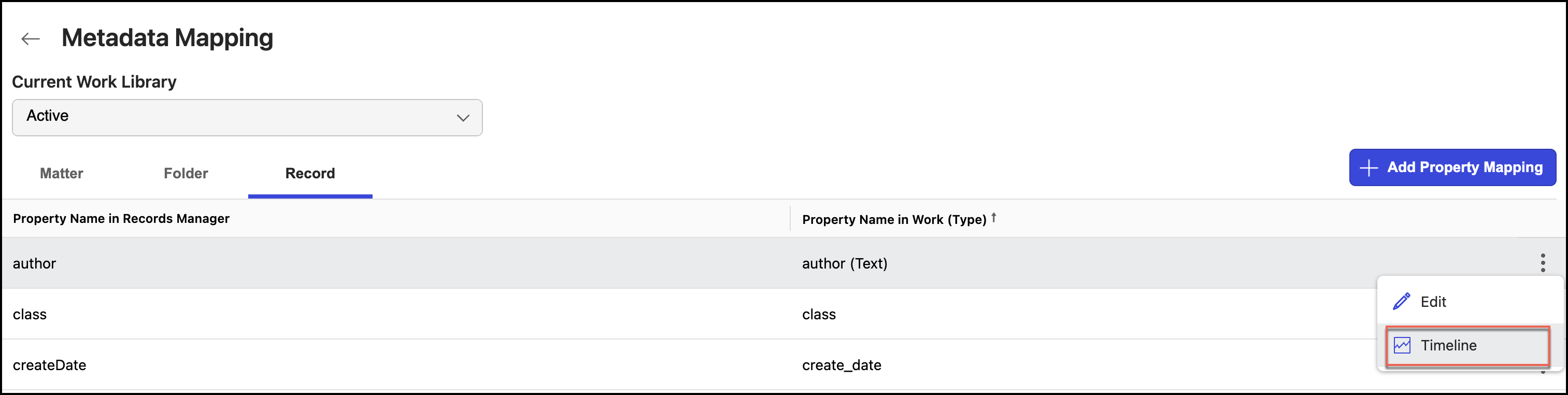
The timeline for each property metadata displays:
Entries for when the the property was mapped to a custom field.
Entries for when the mapped properties were modified or edited.