To view the timeline entries from the File Plan:
In the list view, browse to the workspace, folder, subfolder, or record.
Select the
 icon and then select Timeline next to the workspace, folder, subfolder, or record for which you want to view the timeline. The timeline entries are displayed and provide the changes made to the workspace, folder, subfolder, or record.Figure: Timeline - File Plan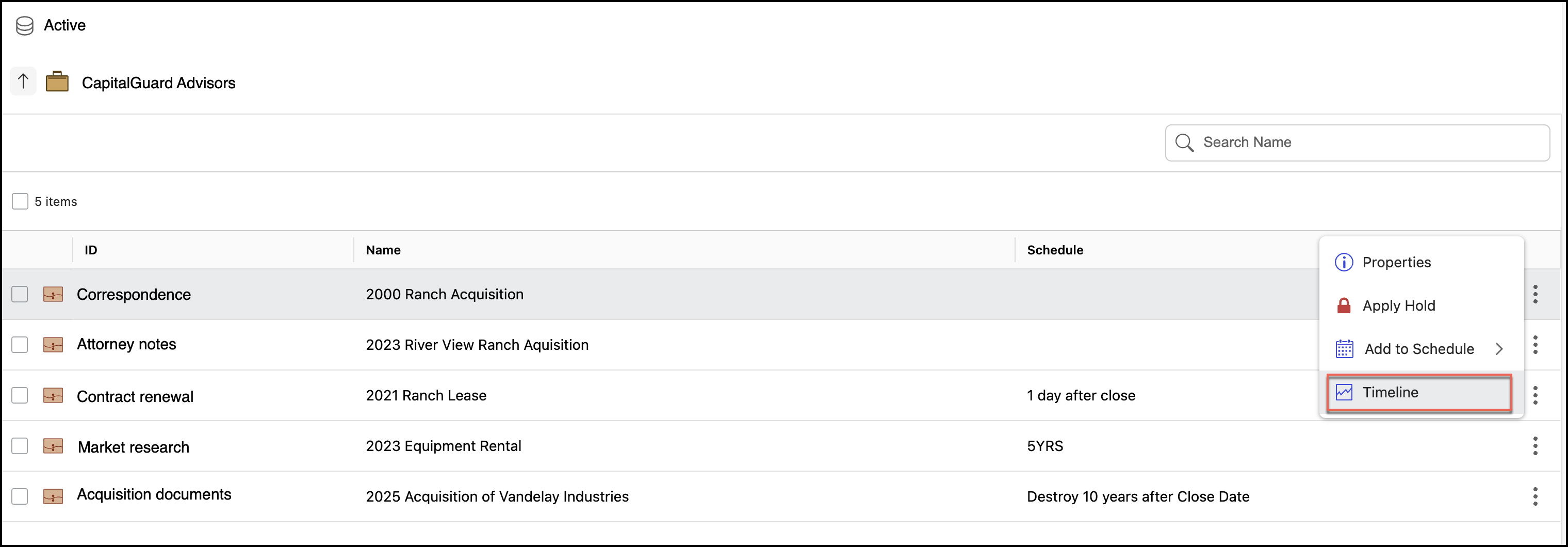
The timeline for File Plan displays:
Entries for the schedule names applied or removed from the workspace, folder, subfolder, or record, along with the user who made the change.
Entries for the hold names applied to or removed from the workspace, folder, subfolder, or record, along with the user who made the change.
Entries for denials or approvals made to the workspace, folder, subfolder, or record, along with the user who has denied or approved the task.
Entries for other changes made to the workspace, folder, subfolder, or record.