You can request access to a document for which the Share link has expired.
Select the Share link that you have received in your inbox. The link opens in a new browser tab or window.
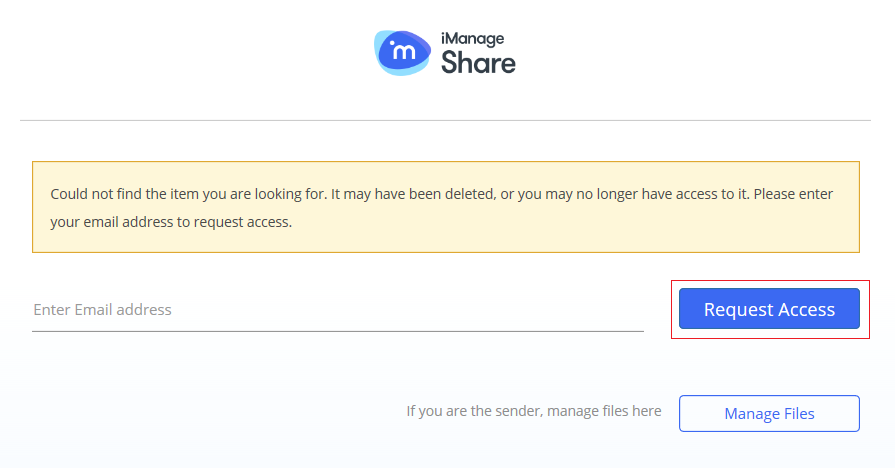
Enter your email address and select Request Access. An email is sent to the document owner seeking permission to re-generate the Share link.
NOTE:
The re-generated Share link is the same as the primary link.