When users attempt to sign in to iManage Share and enter invalid credentials multiple times, their account is locked.
In such cases the company administrator can unlock the user account.
To unlock a user's account:
Select the
 icon next to your name at the top.
Select Settings, then select the Users tab.
From the available user list, select the user whose account you wish to unlock.
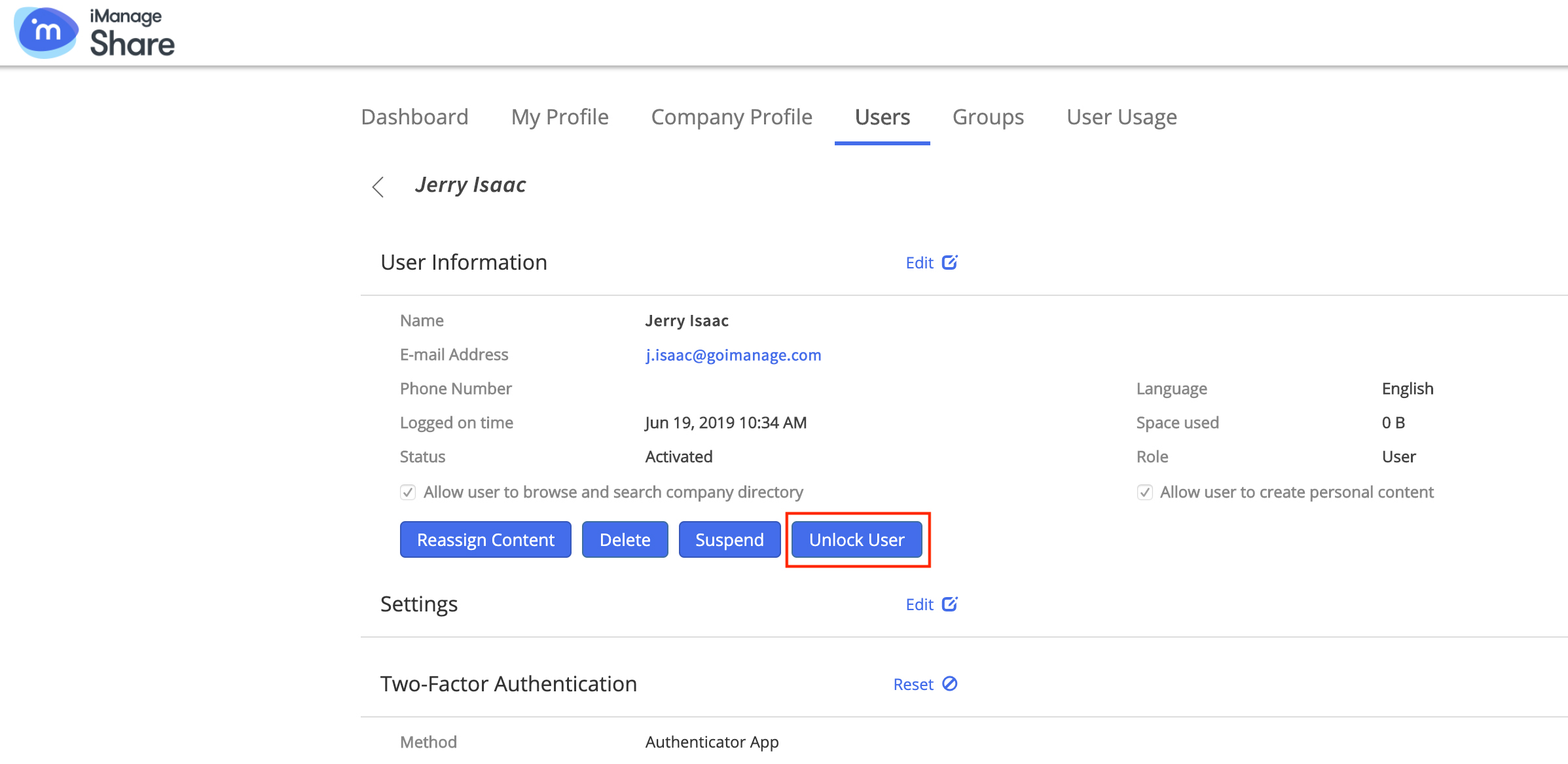
The User Information page appears.Select Unlock User.
Figure: Unlocking user account