The Playbooks panel can be expanded or collapsed to support different review workflows. Expanded view displays the selected document and Playbooks side-by-side for easier comparison, while a collapsed view focuses the workspace on the Playbooks panel only.
To expand or collapse Playbooks panel,
Select
 Show expanded view to open the expanded Playbooks view.
Review the selected document and the Playbooks panel side-by-side.
Figure: Expanded view with document side-by-side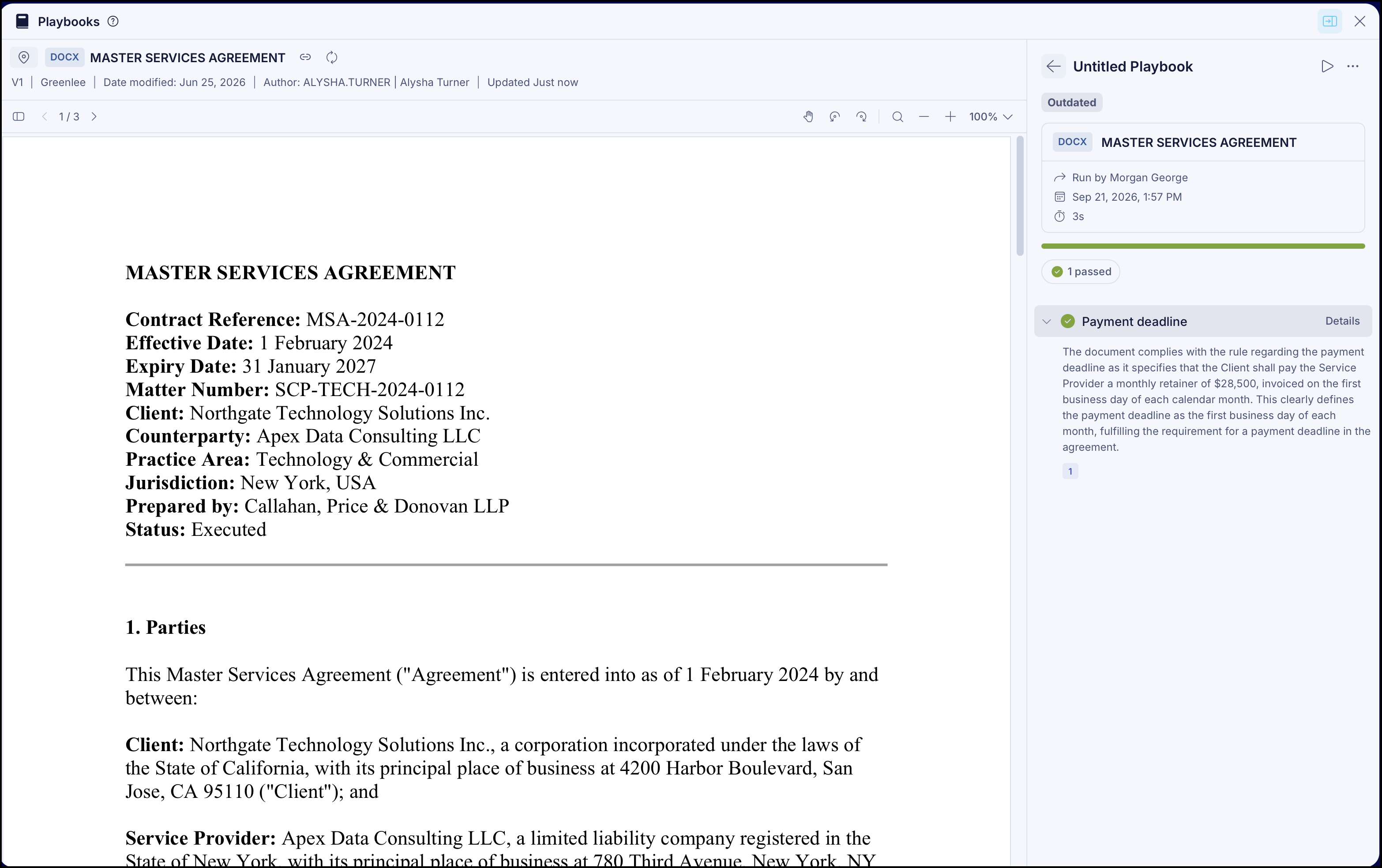
If no document is selected, select a document when prompted.
Figure: Selecting a document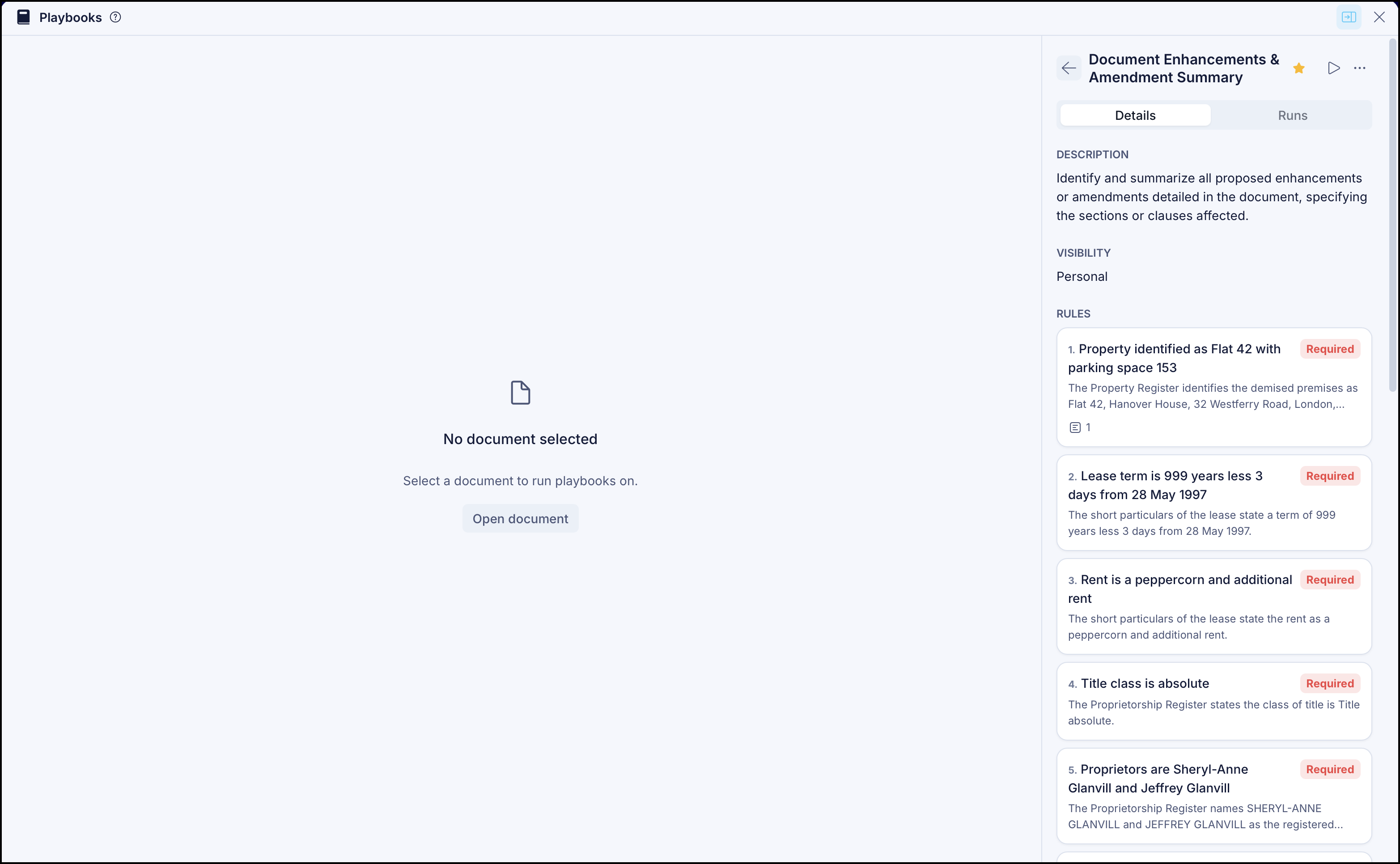
To return to the collapsed view, select
 Collapse expanded view.
Verify that only the Playbooks panel is displayed in the collapsed view.