To export a Playbook,
On the left navigation bar, select Playbooks
 to display the Playbooks dialog and view the existing Playbooks.
 In the Playbook dialog, hover over the Playbook that you want to edit and select the more options
 icon next to it and select Export. Figure: Export Playbooks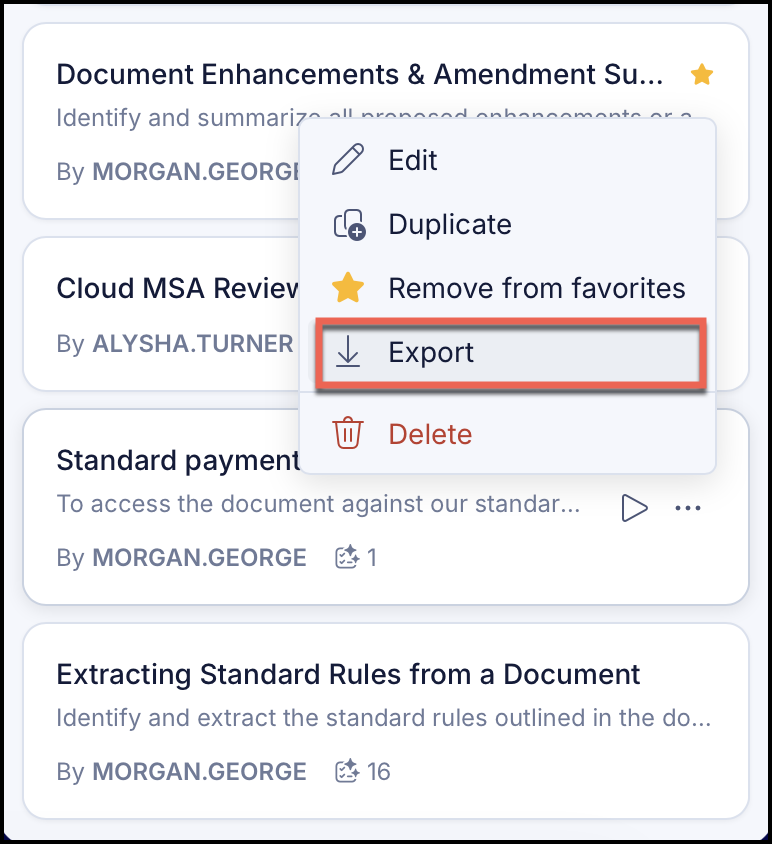
The file is downloaded in JSON format to your default download location on your local device.