To run a Playbook against documents,
In iManage platform, select the document in which you want to run the Playbook.
On the left navigation bar, select Playbooks
 to display the Playbooks dialog.
 Select the Playbook and select
 . The analysis begins and results are displayed when complete, as shown in the following figure.Figure: Playbook analysis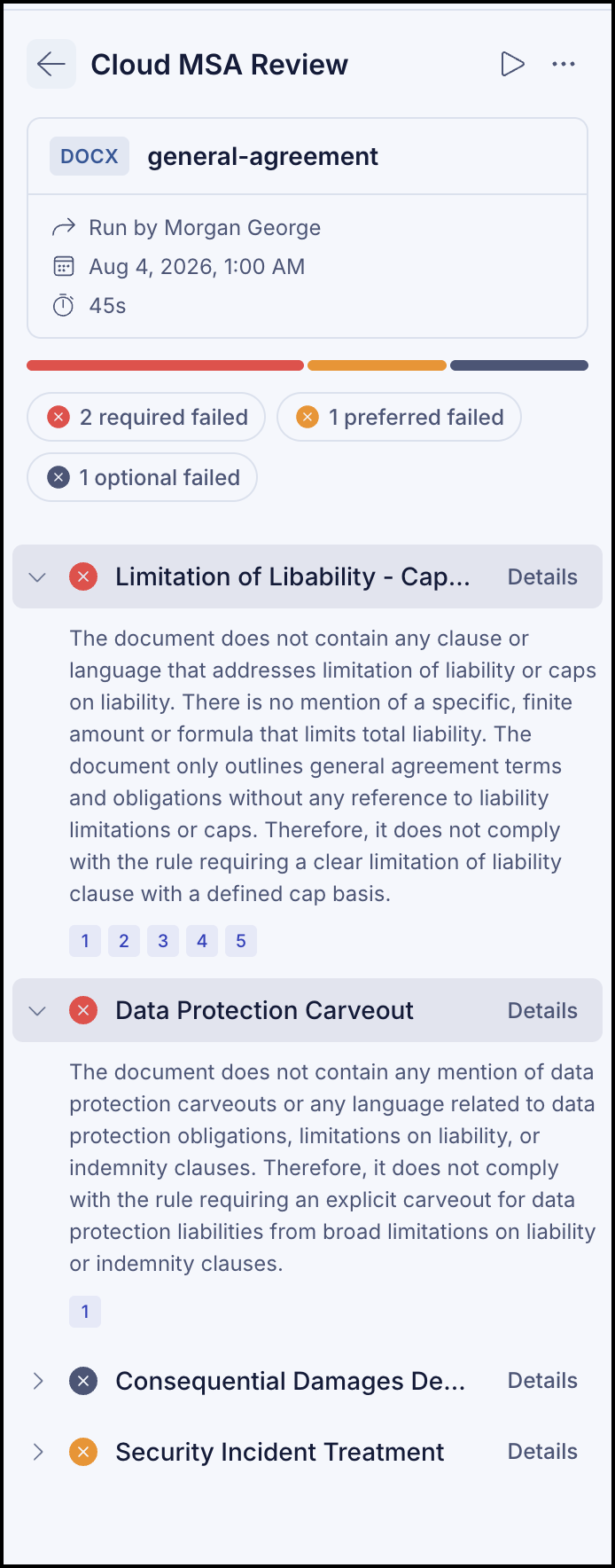
Select
 to stop the Playbook run.