To search for a Playbook,
On the left navigation bar, select Playbooks
 to display the Playbooks dialog and view the existing Playbooks.
In the Search field, enter the name of the Playbook you want to search for and press Enter. The results are filtered based on your search.
Figure: Searching for Playbooks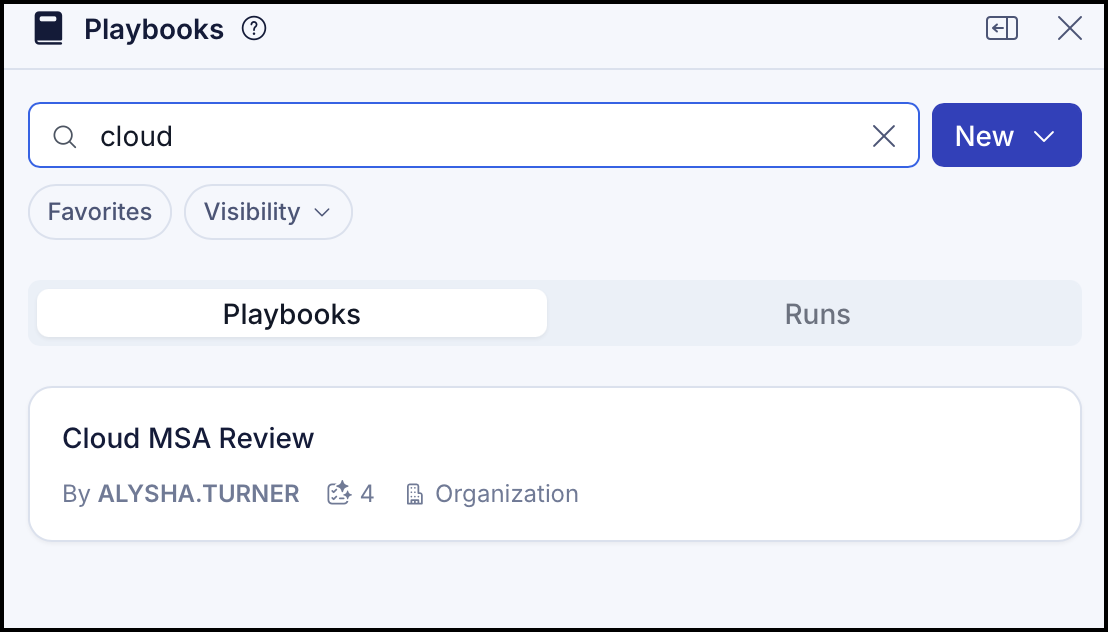
You can also filter Playbooks by visibility or favorites.
To view all Playbooks marked as favorites, select Favorites. All the Playbooks marked as favorites appear in the list.
Figure: Viewing Playbooks marked as favorites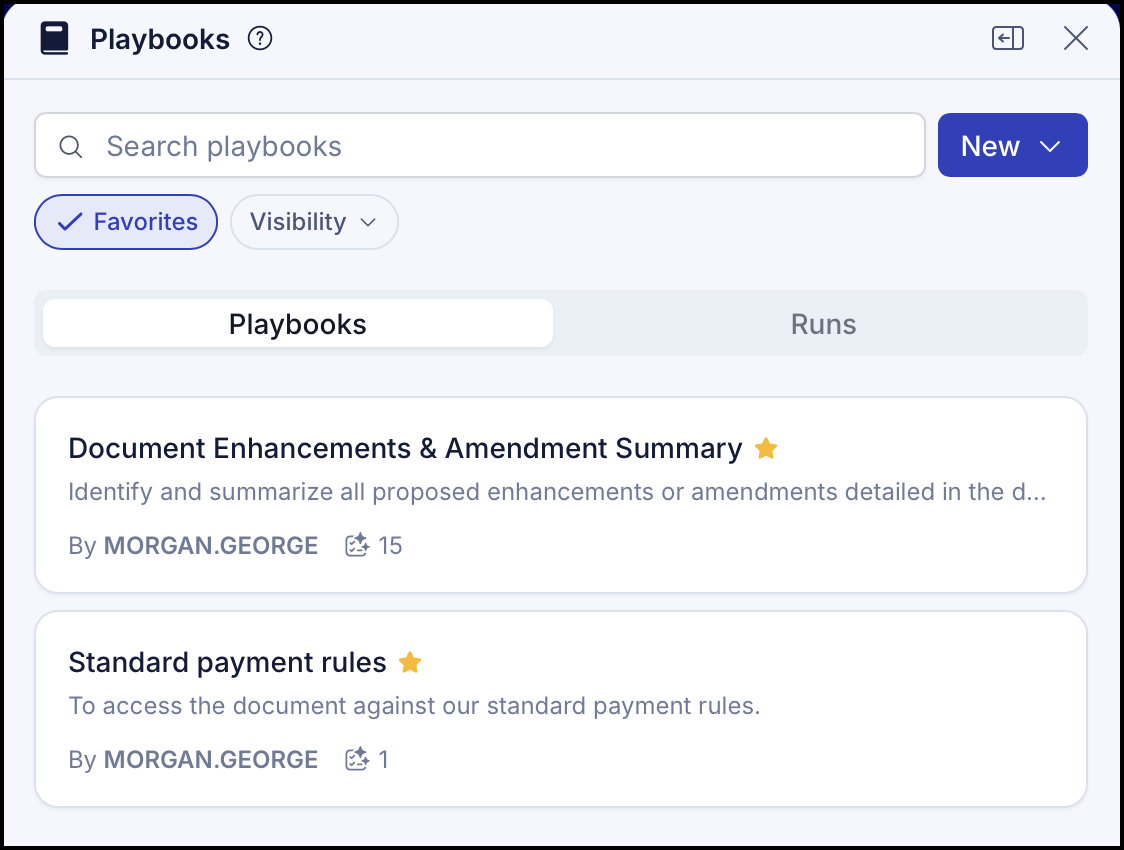
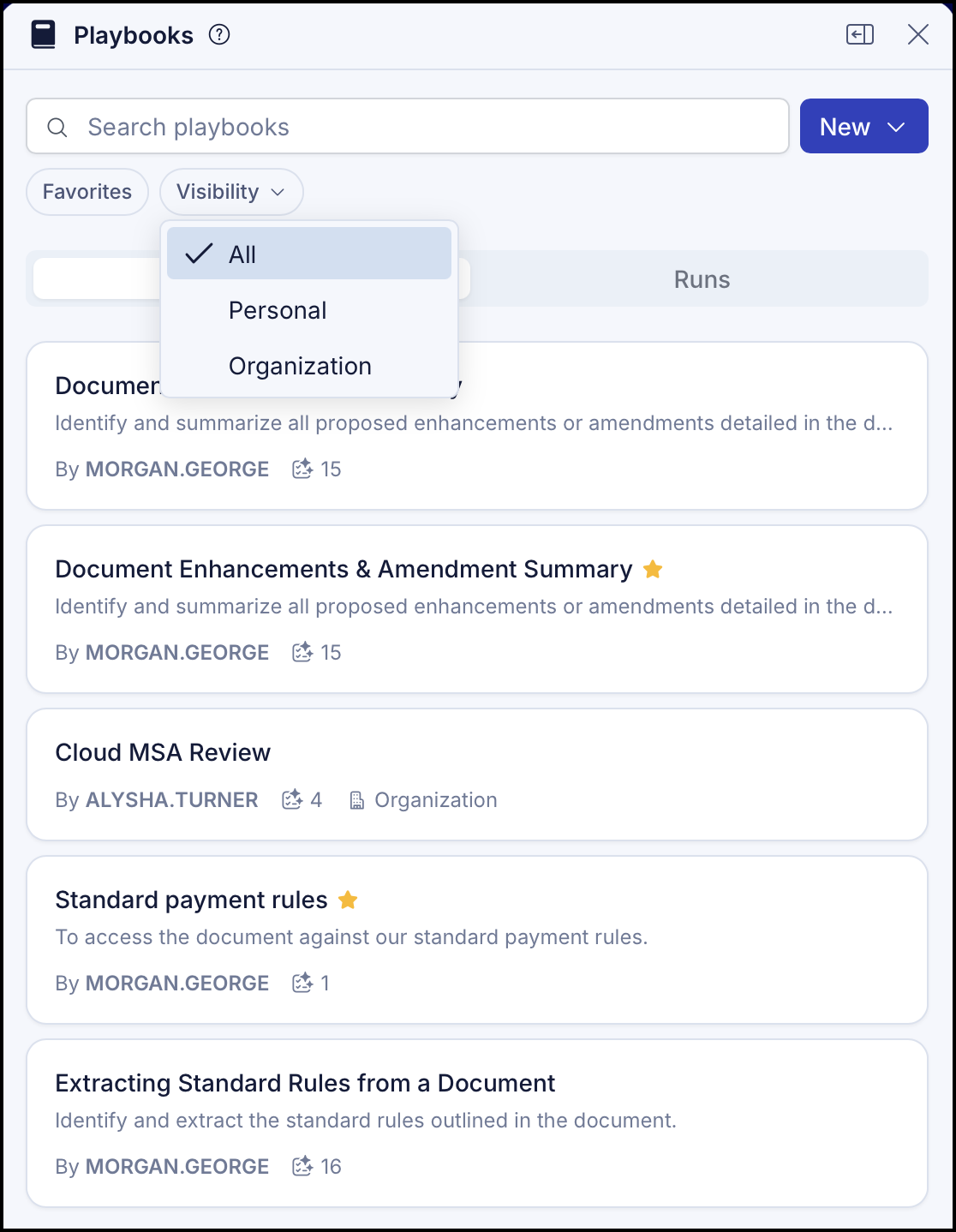
To view the Playbook based on visibility, select Visibility and select one of the options.
All
Personal
Organization
The Playbooks are displayed based on the option selected.Figure: Displaying Playbooks based on visibility