Viewing the details of the responses
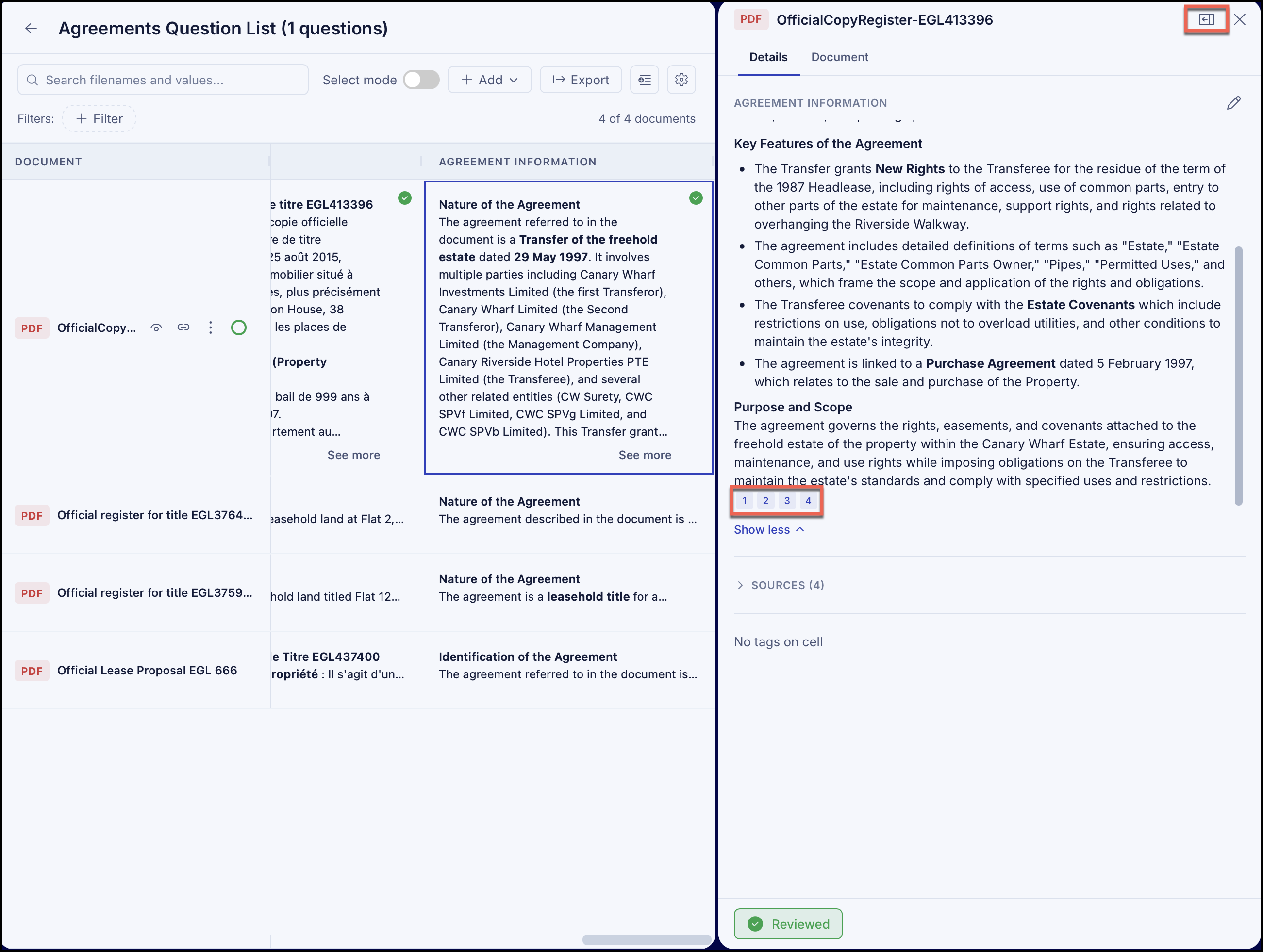
To view the section of the document that was used to generate the answer, hover over a the answer, expand the row, if required, and select the View details  icon. The details are displayed by side-by-side.
The number icons beside each answer show the count of evidence found in the document related to the question. To view the section of the document that was used to generate the answer, hover over a number icon and select it to view the answer in the document.
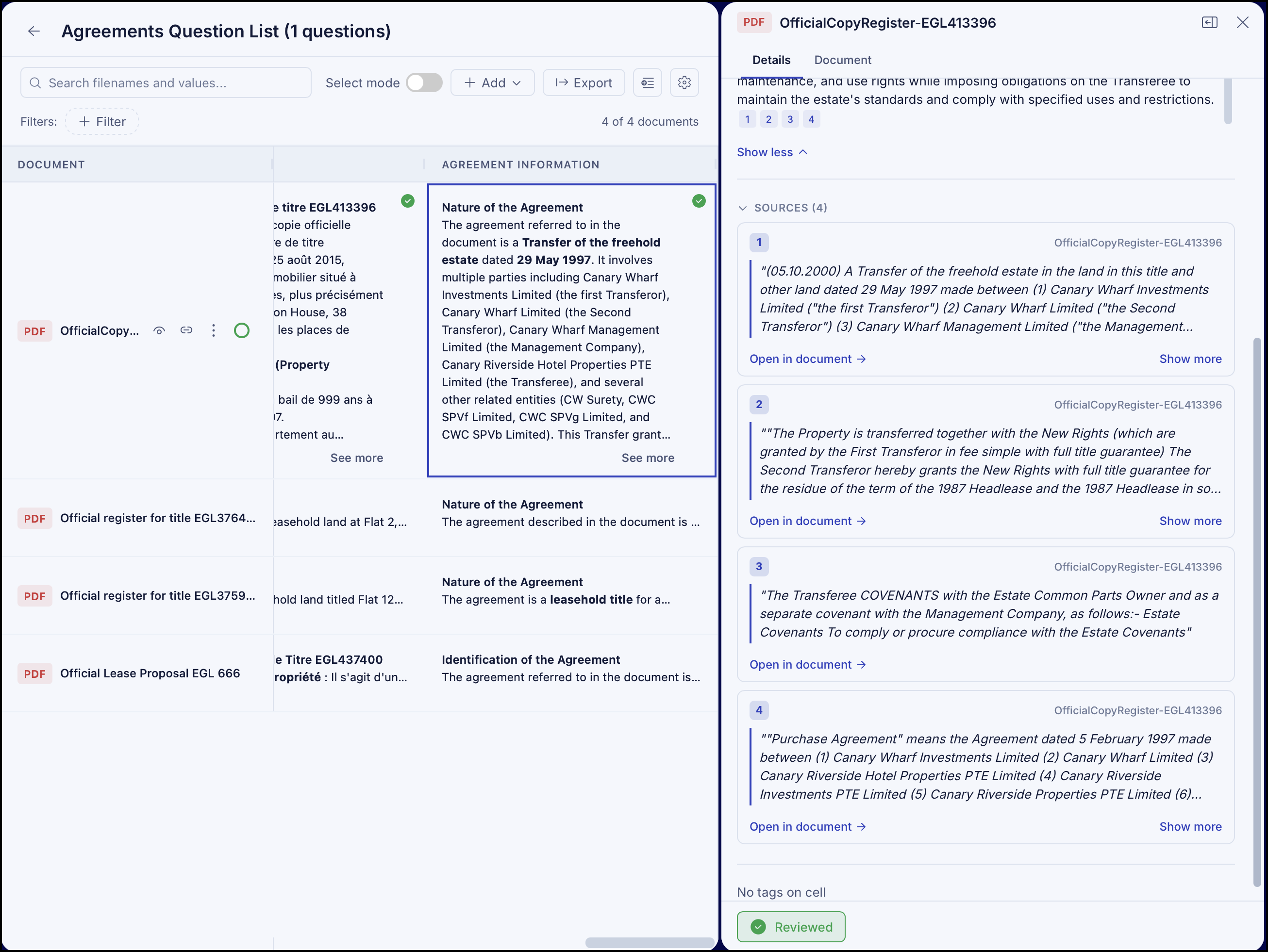
Alternatively, expand and then select Open in document to view the answer in the document.
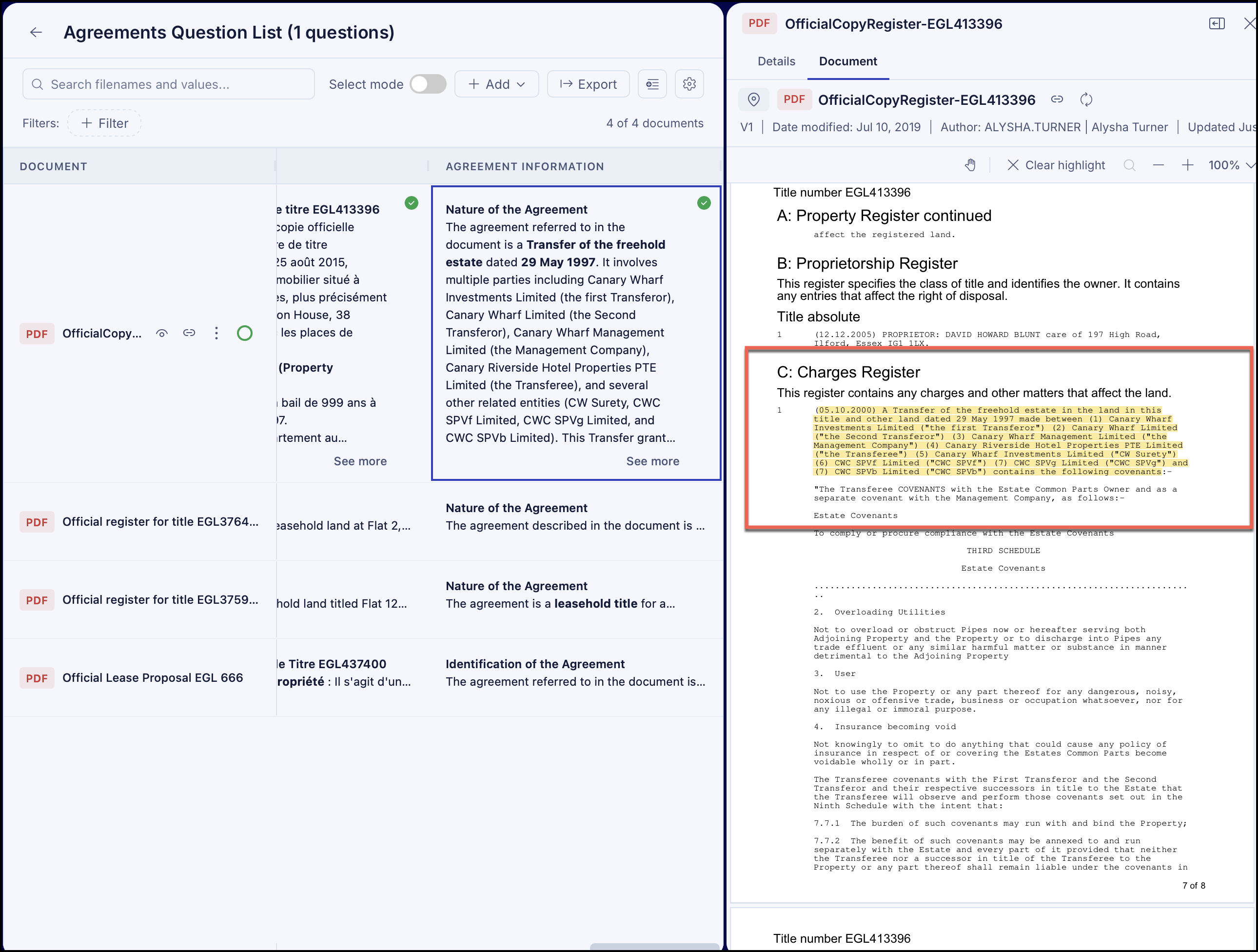
The answer is highlighted in the document, as shown in the figure.
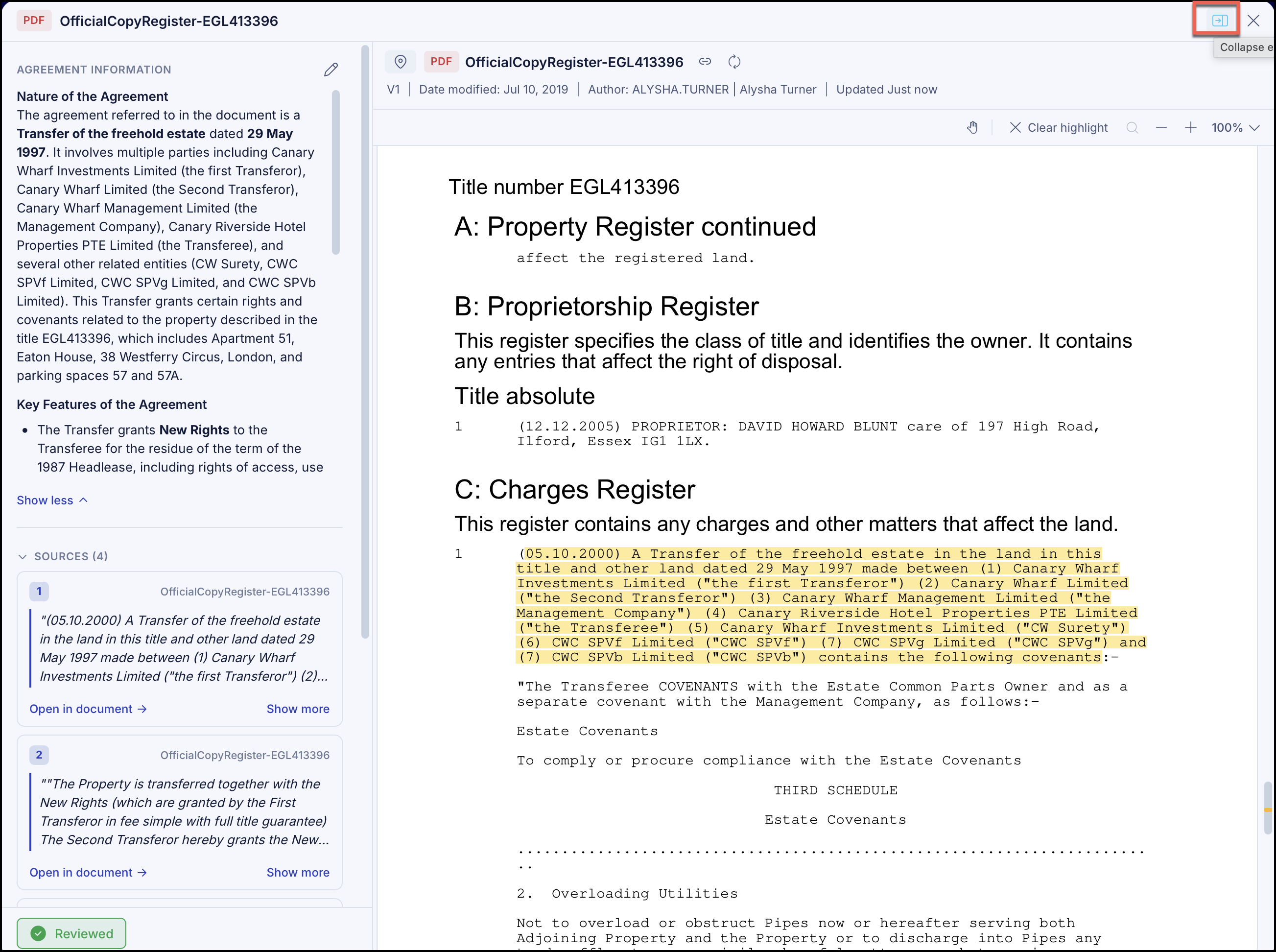
Select Show expanded view to view the details in expanded view. To close the expanded view, select Collapse expanded view.
Viewing source document
To view the document that was used to generate the answer, hover over the answer, expand the row, if required, and select the View source icon. The source document opens in side-by-side window.