To ask a question using question lists,
Select Tables
 in the left pane to open the Table pane.
Select an existing table or create a new table.
In the table page, select Add > Add column.
In the Add column dialog that is displayed, select Question List.
(Optional) From the drop-down, select one of the following:
All - Default value
Personal
Organization
Favorite
In the Question List dialog that is displayed, select the question list. Alternatively, you can search for the question lists in the Search question lists field and select it from the search results.
Figure: Selecting question list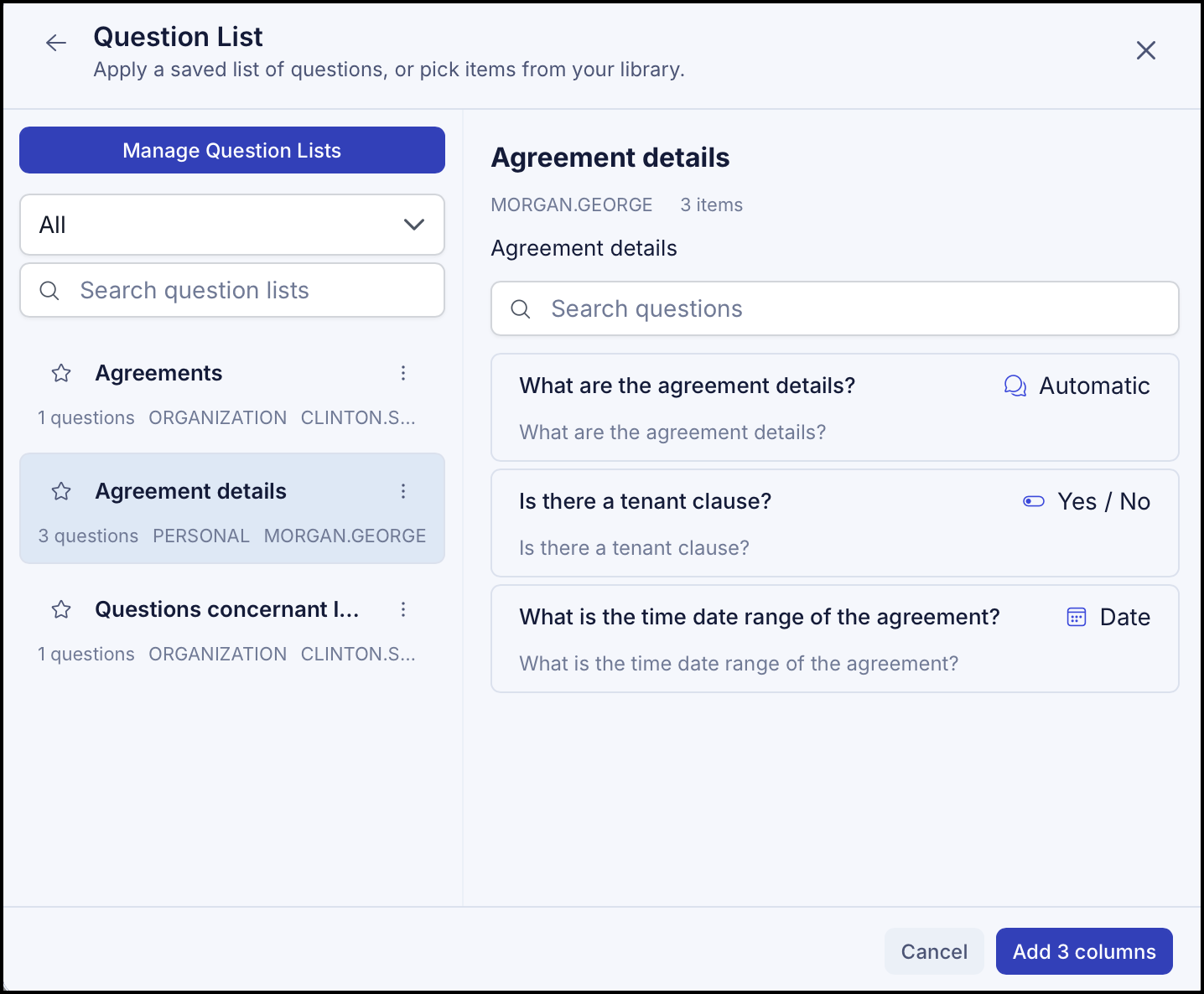
Select Add column. All the questions provided in the question lists are added to the table with the answers.