Asking individual questions
To ask a question,
Select Tables
 in the left pane to open the Table pane.
Select an existing table or create a new table.
In the table page, select Add > Add column.
In the Add column dialog that is displayed, do the following.
Figure: Add column dialog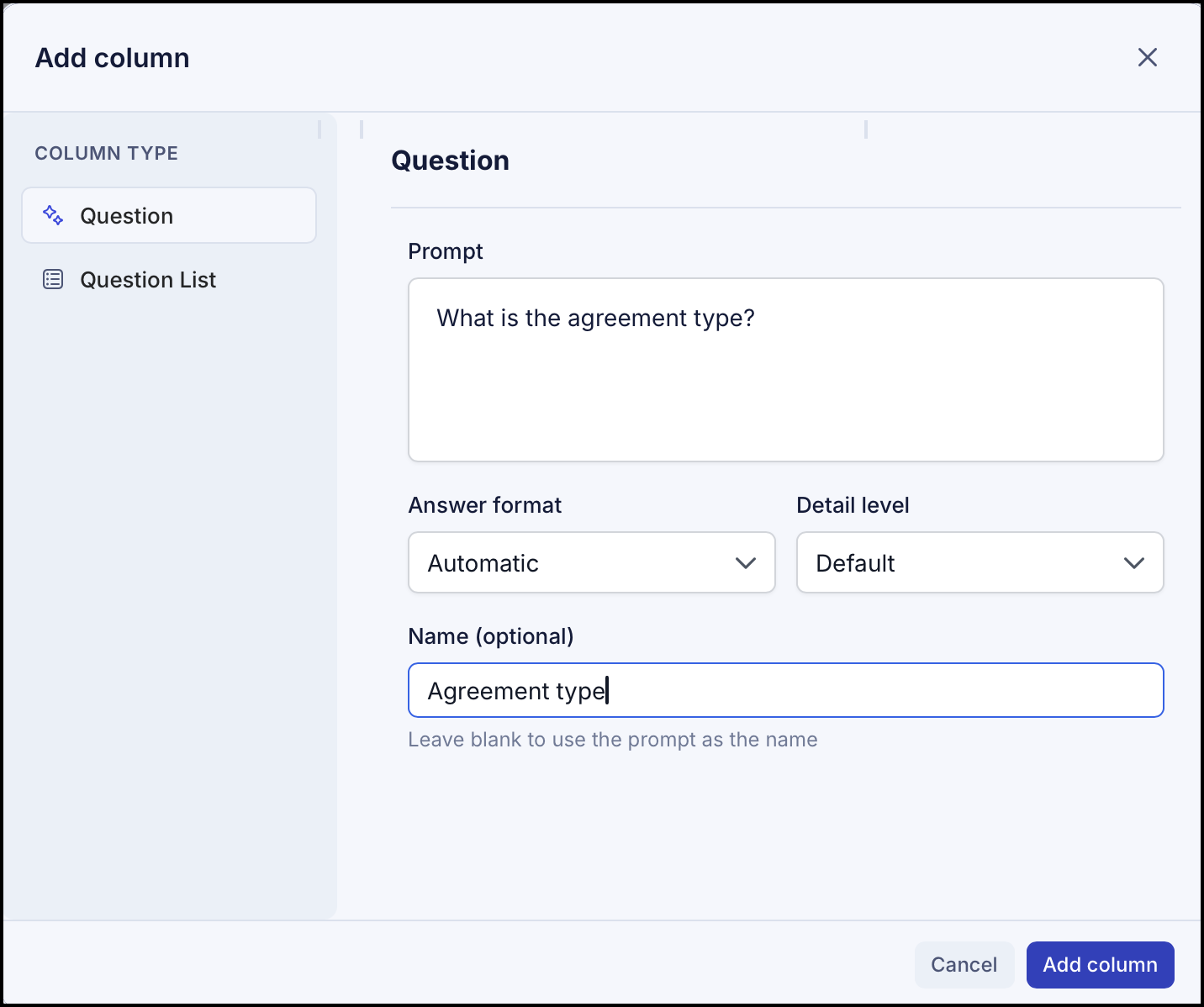
In Column Type, select Question.
Enter the question in the Prompt field. For example, What is the agreement type?
Select the Answer format. The following options are available:
Automatic
Yes/No
Date
Number
Currency
Verbatim
Paragraph
List
Table
Select the Detail level. The following options are available:
Detailed
Concise
Expanded
Enter the name in the Name field. By default, the information in the prompt is displayed as column name.
Select Add column. The question is added to the column for all the documents with the answers.
Asking questions using question lists
To ask a question,
Select Tables
in the left pane to open the Table pane.Select an existing table or create a new table.
In the table page, select Add > Add column.
In the Add column dialog that is displayed, select Question List.
In the Question List dialog that is displayed, select the question list.
Figure: Selecting question list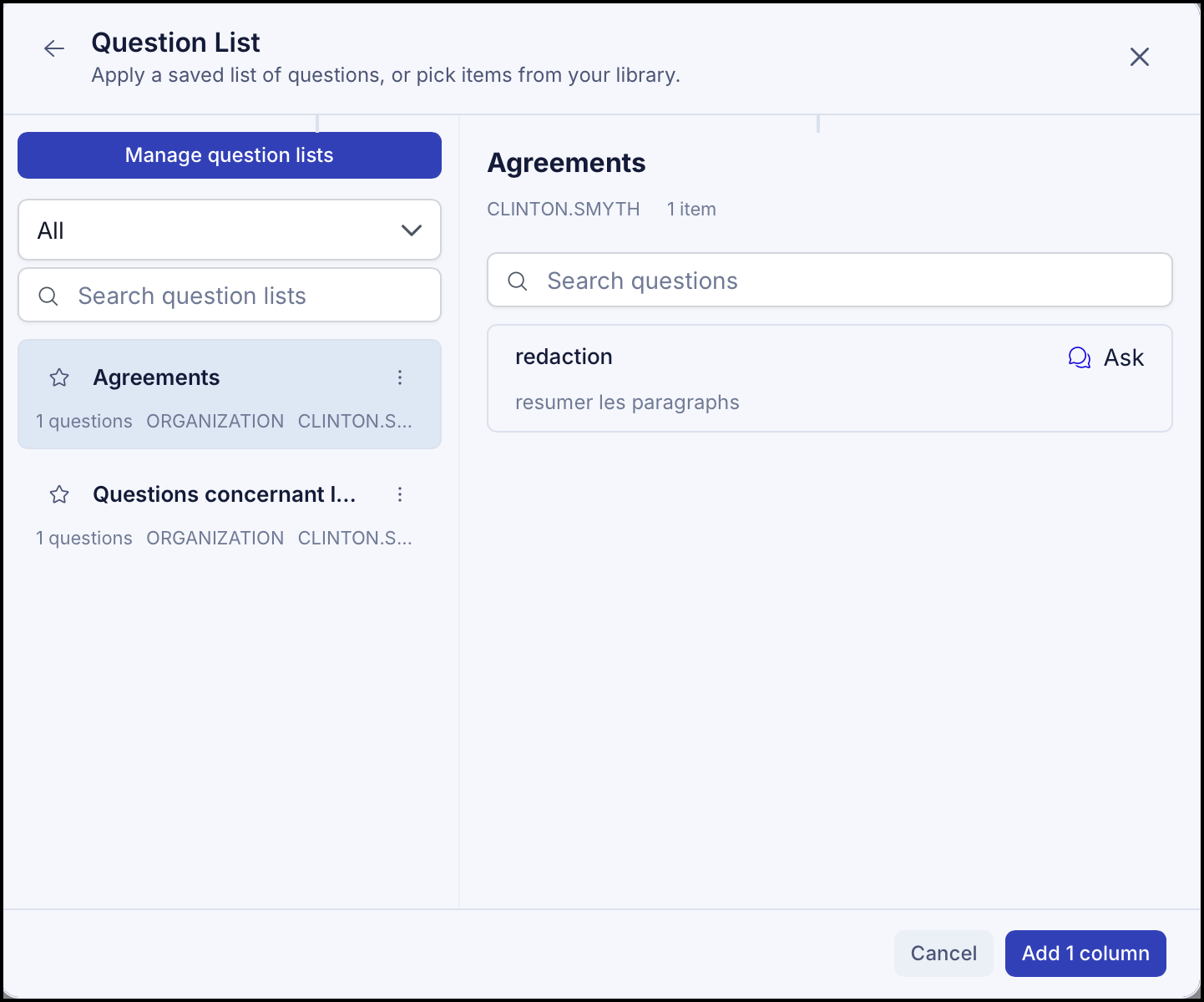
Select Add column. All the questions provided in the question lists are added to the table with the answers.