If a document or email preview doesn't render as expected due to reasons such as unsupported file format, very large files, encrypted files and so on, a guidance is displayed on the screen to help you continue your work without interruption.
The guidance shows the options you can select from based on the document actions configured in iManage Control Center and available on your device. These options may include co-authoring or opening in the appropriate desktop app.
A few examples of the guidance displayed on screen are listed Sample guidance table.
Table: Sample guidance
Use case | Guidance |
|---|---|
Unsupported document type | 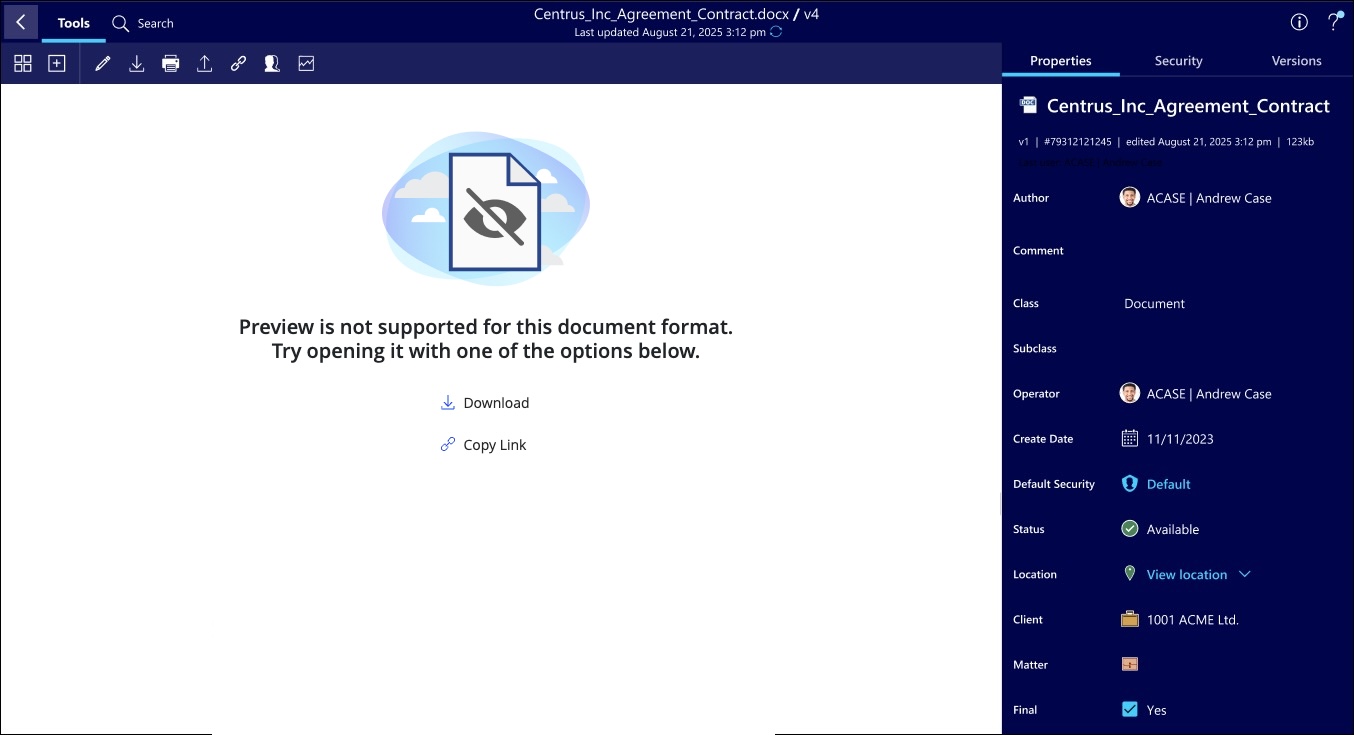 |
Preview error | 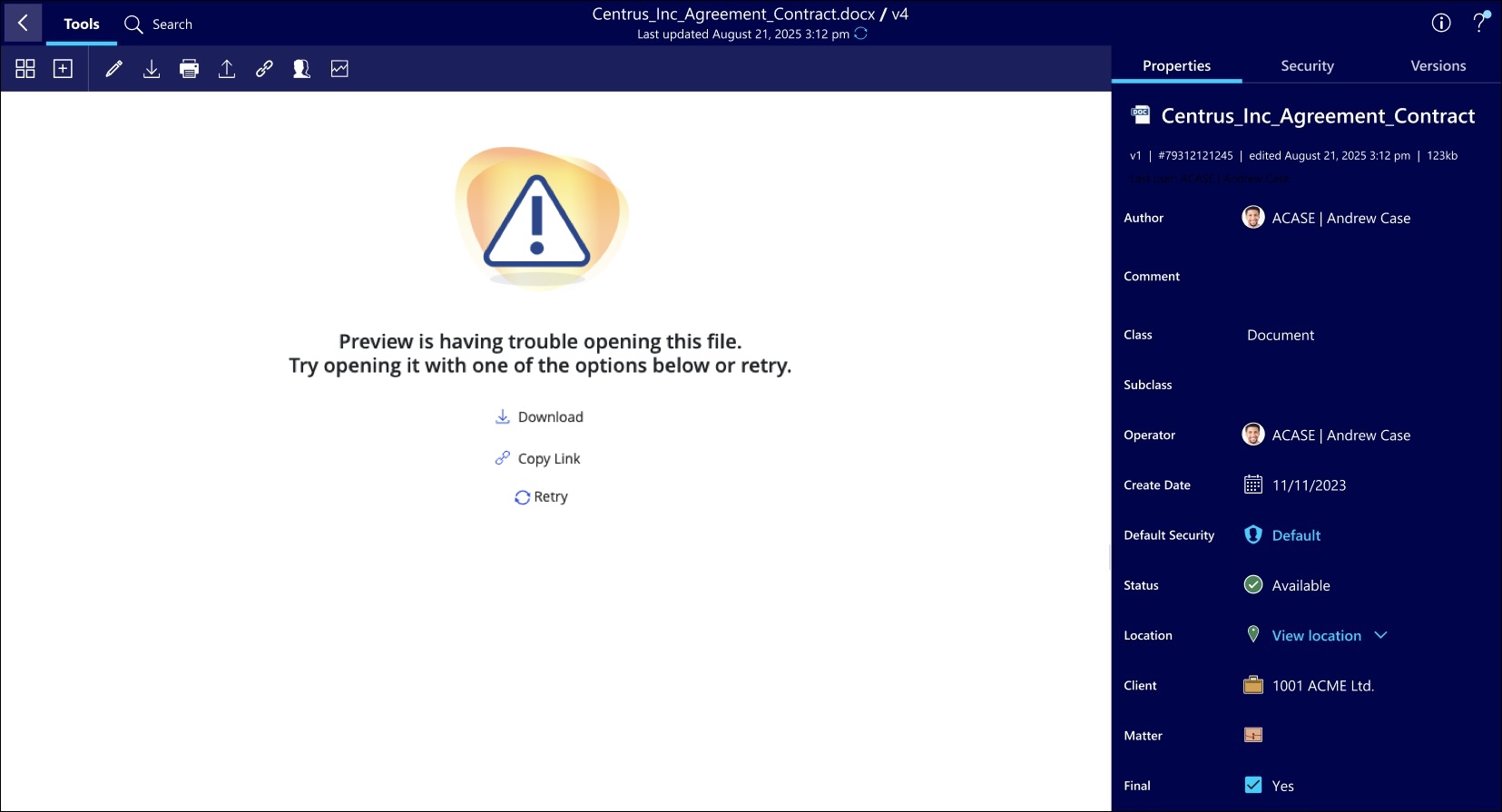 |
Preview error when | 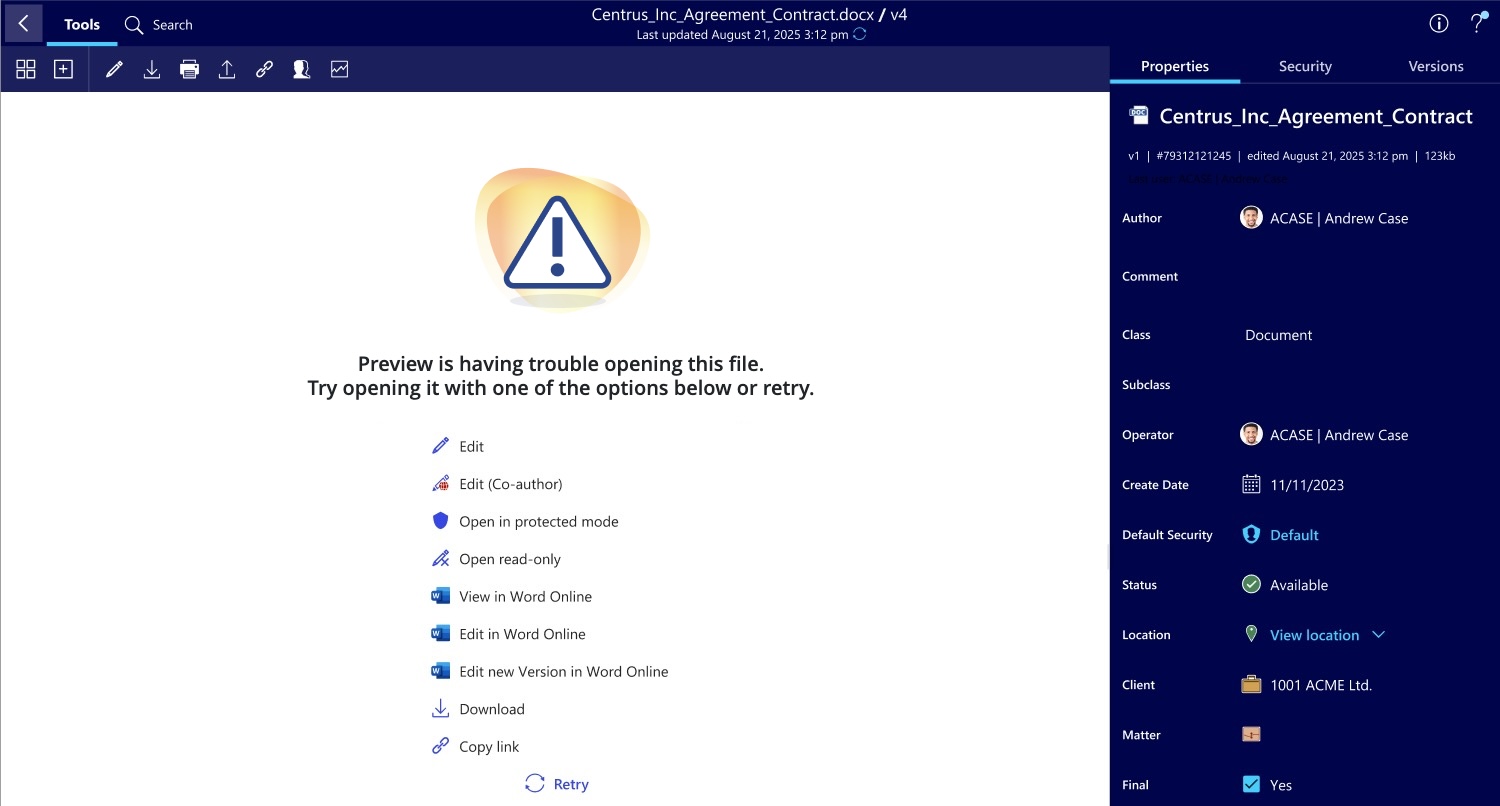 |