iManage Work Bundle Builder allows you to compile selected documents into a single indexed PDF or ZIP file, directly within iManage Work Web.
Supported file types for PDF conversion are .docx, .doc, and .pdf.
Unsupported formats (for example, Excel, PowerPoint) will be excluded from PDF bundles but can be included in ZIP bundles.
Maximum bundle size: 500 MB
Maximum number of files: 500
To select documents to bundle:
Use a browser to sign in to iManage Work.
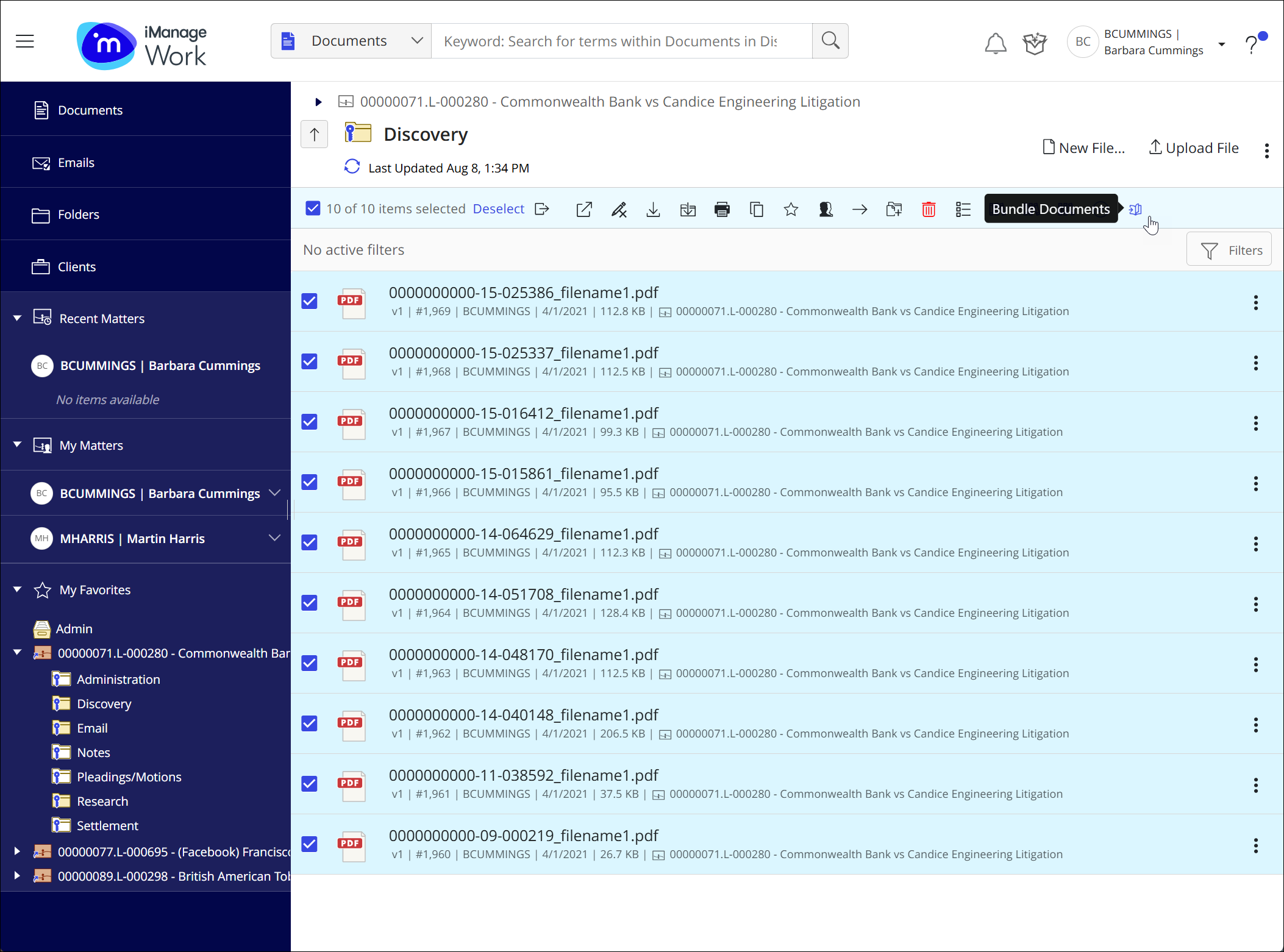
Select the documents. You can select documents from a folder or a list of search results.
Alternatively, you can copy document shortcuts into a single folder.
NOTES:
Documents can’t be selected from within a search folder.
Only .docx, .doc, and .pdf files can be converted to a PDF bundle.
When you select a document shortcut, the workspace and folder of the target document are used.
Send the documents to Bundle Builder in one of the following ways:
Right-click any selected document and then select Bundle Documents.
Select the
 Bundle Builder icon on the toolbar.